How to use an AI video translator: translation, dubbing and lip sync in one pass
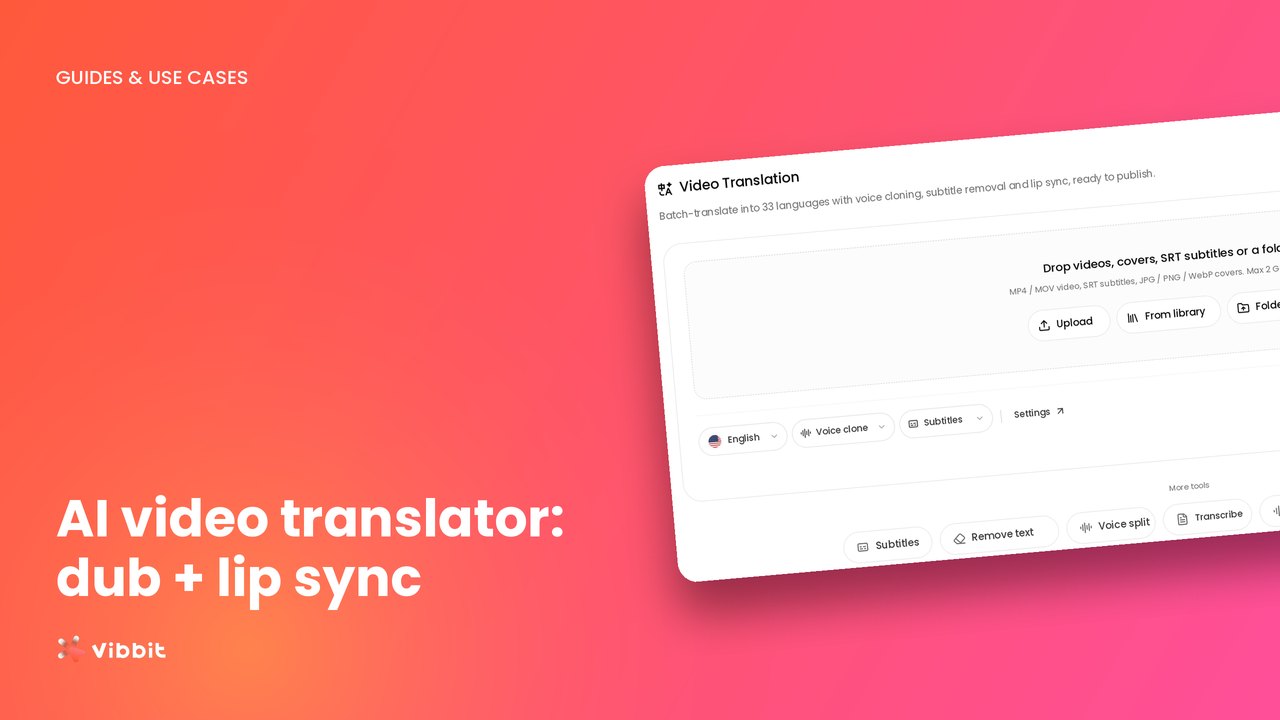
Translate, dub and lip-sync a video in one place with Vibbit’s AI video translator. Here’s every setting, walked through step by step.
Practical tutorials and workflows for creating, editing, and translating videos.

Translate, dub and lip-sync a video in one place with Vibbit’s AI video translator. Here’s every setting, walked through step by step.

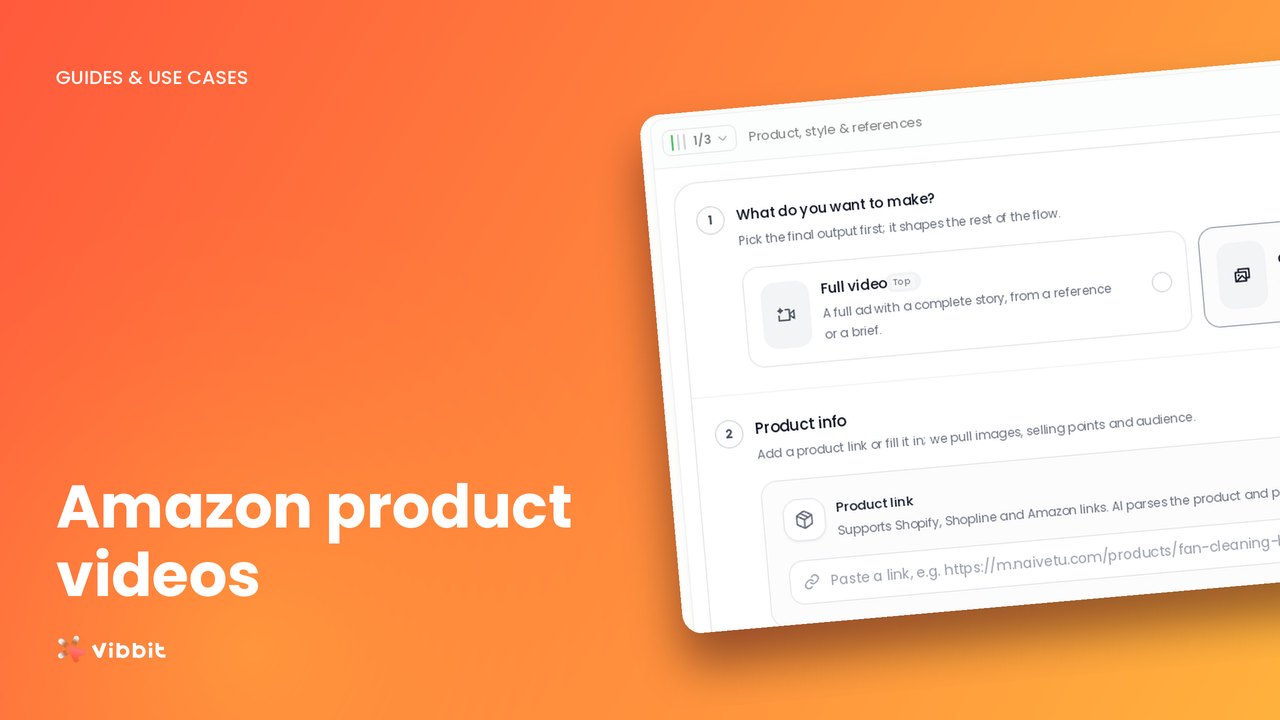
Paste an Amazon product link into Vibbit, let it pull the listing, and generate a product video in minutes. No filming, no editing software.

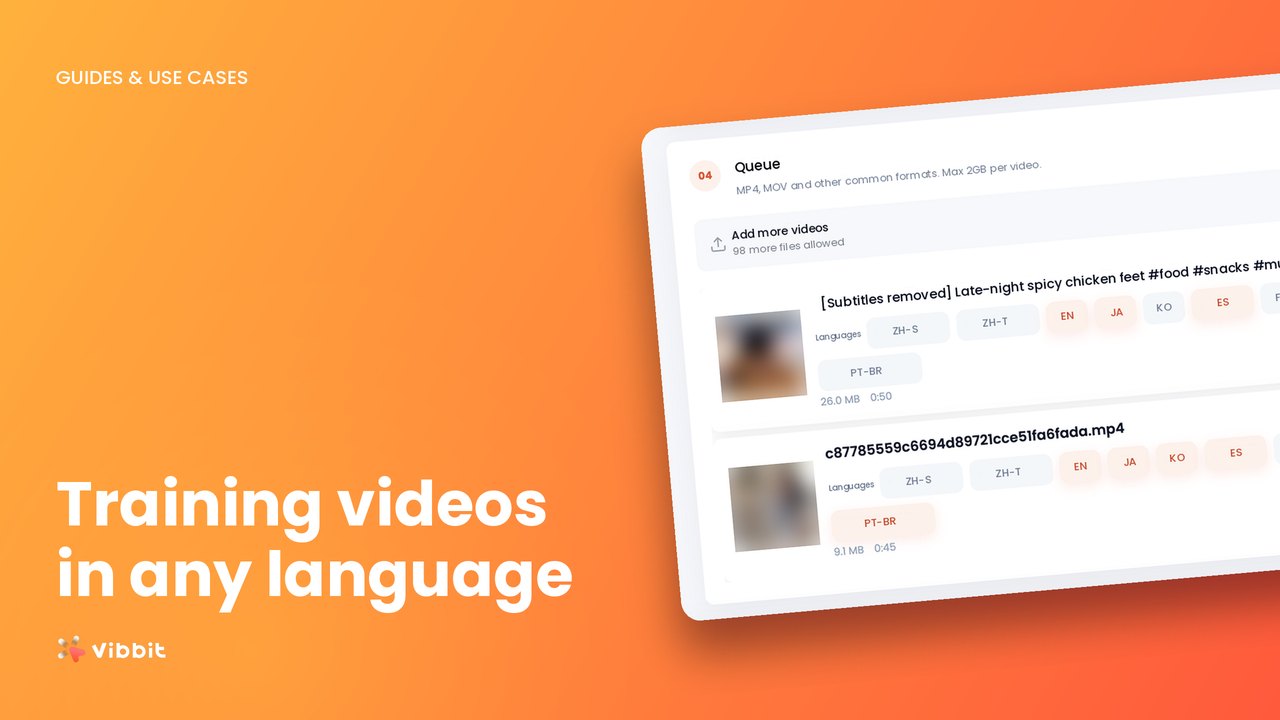
Translate corporate training videos into Spanish, Portuguese and French by batch-translating SRT files in Vibbit, then proofing terminology before you cut.

Translate any video into Brazilian Portuguese with cloned voice, lip sync and clean subtitles. Four steps inside Vibbit, no editor or voice actor needed.

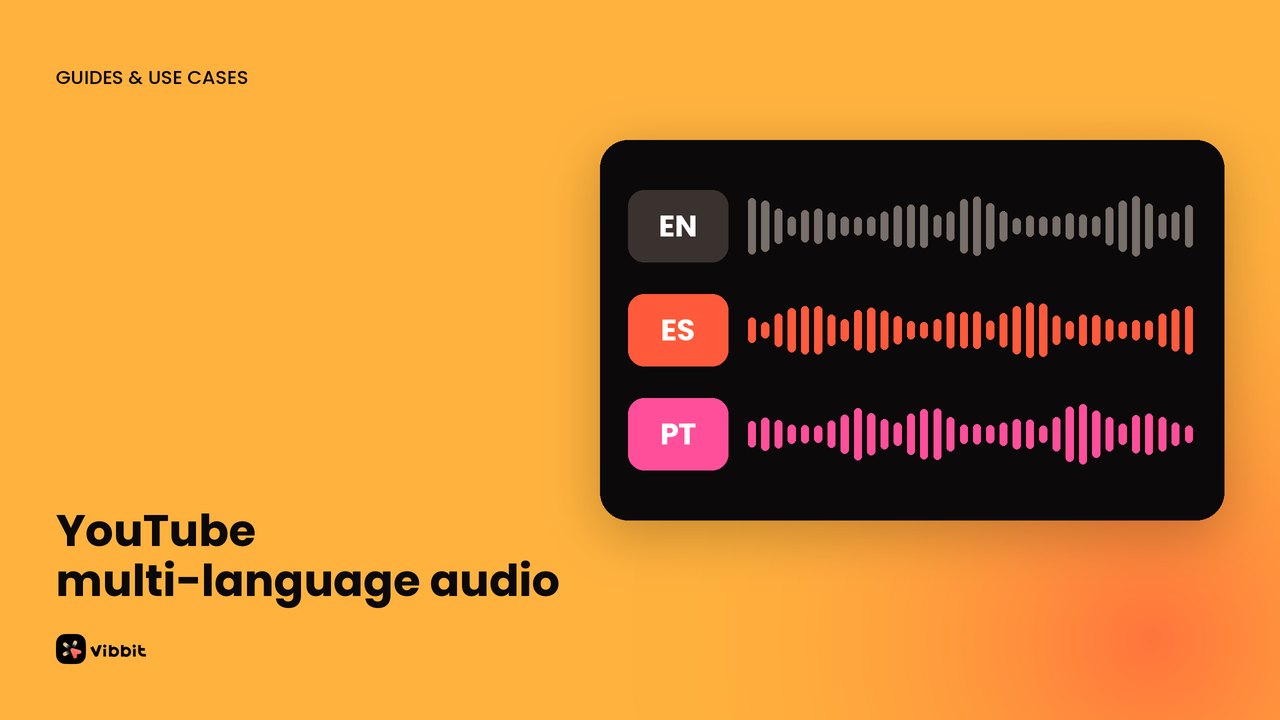
Add Spanish and Portuguese audio tracks to one YouTube video using AI dubbing. Generate the dub in Vibbit, then upload it in YouTube Studio.

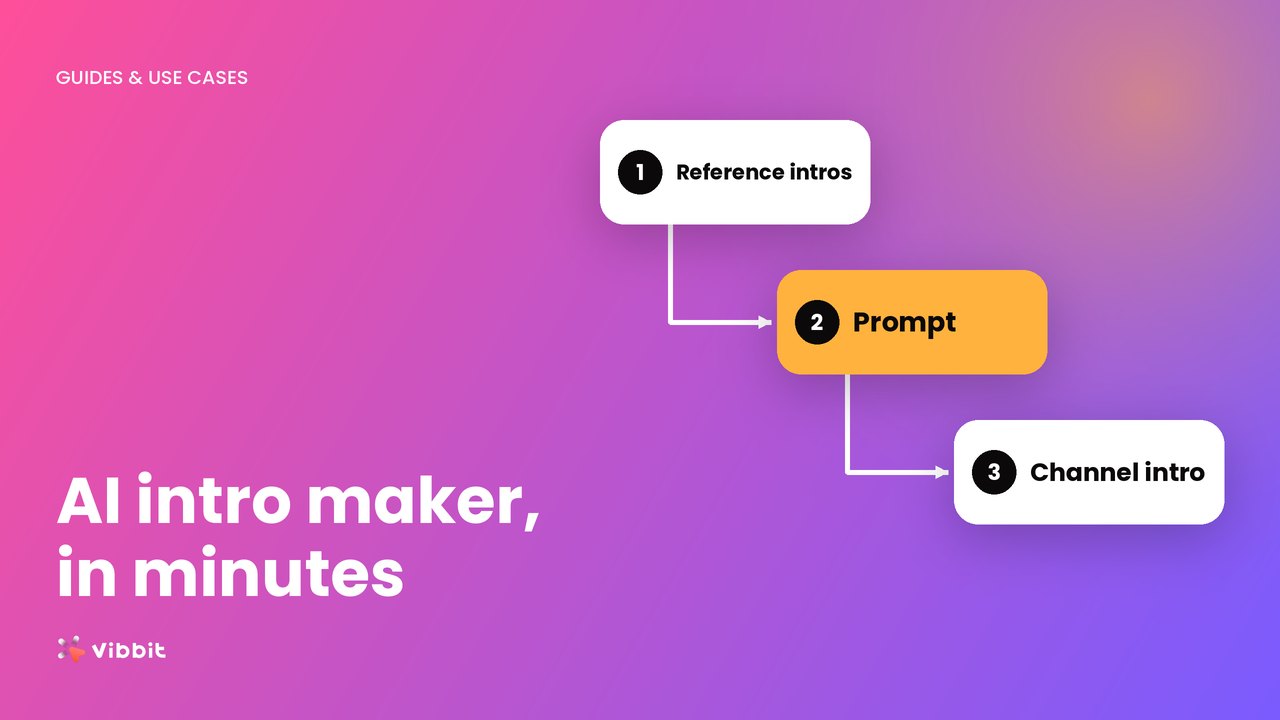
Use Vibbit as an AI intro maker: add 2–3 reference intros, write a clear prompt, set ratio and length, and generate your channel intro.

Set up characters and scenes in Vibbit, write a story, and AI builds the storyboard and renders the video. How to use an AI story video generator.

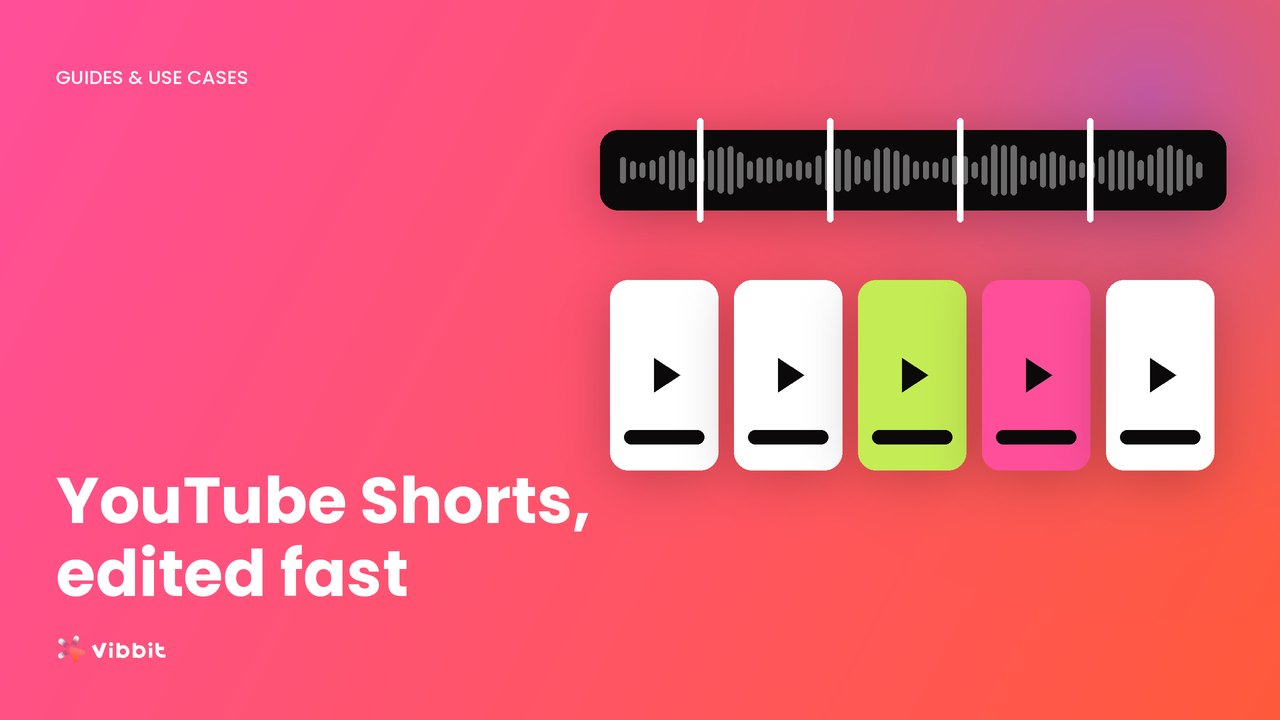
Edit YouTube Shorts with AI: remix clips or slice long videos, batch-package them in 9:16 with titles, then add captions. Full workflow in Vibbit.

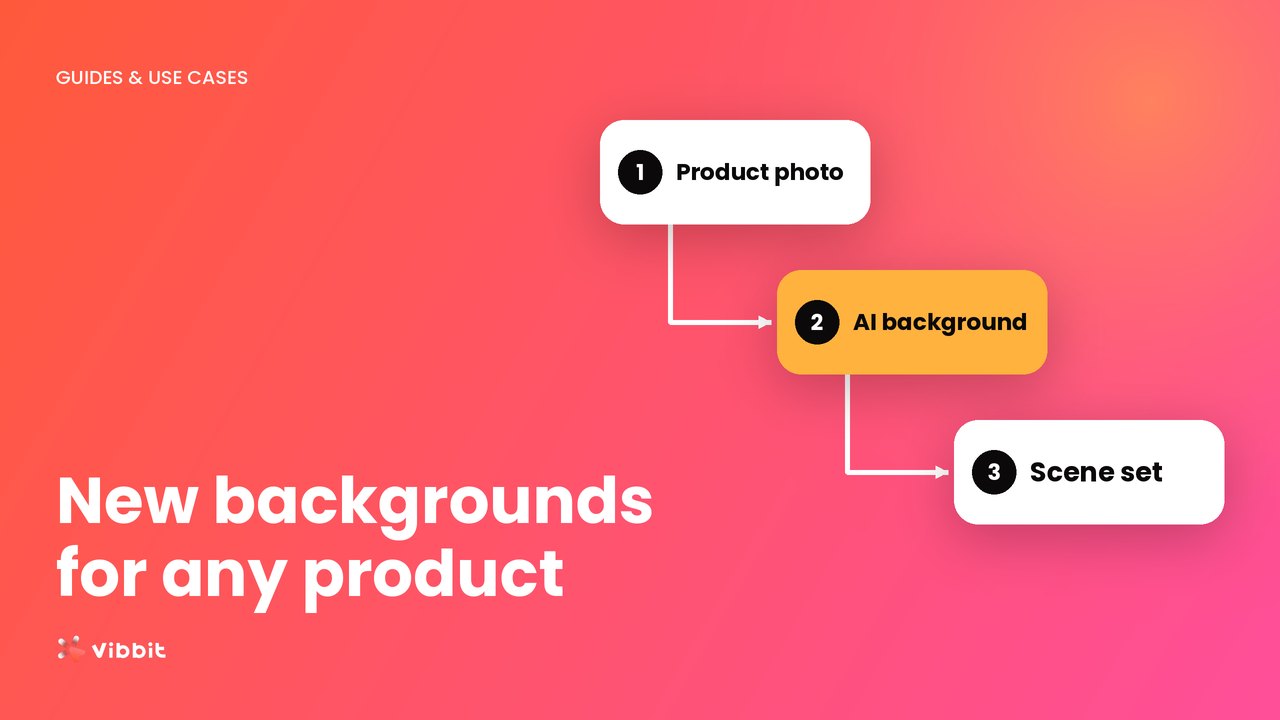
Import a product once and Vibbit's AI background generator creates main, lifestyle and detail images with your product in different scenes. 3 steps and FAQ.

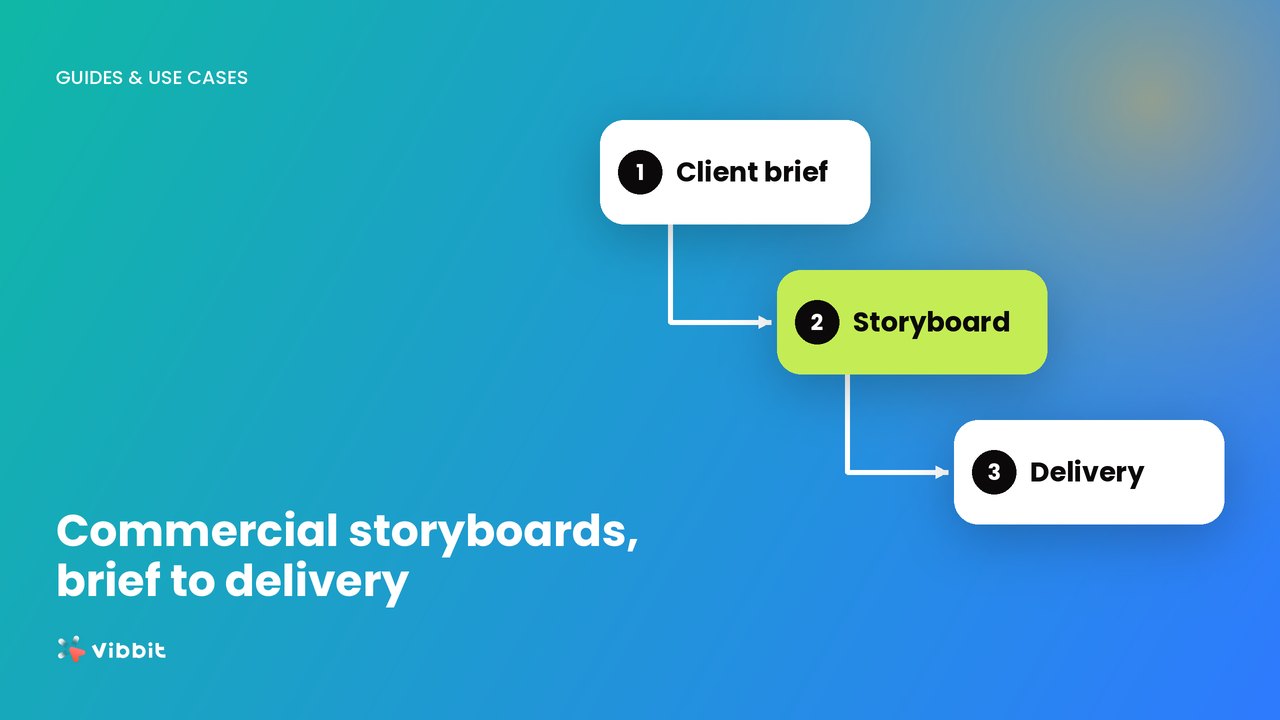
The full commercial storyboard workflow: brief, product info, shots, visuals and notes. Go from a product link to storyboard video with Vibbit.

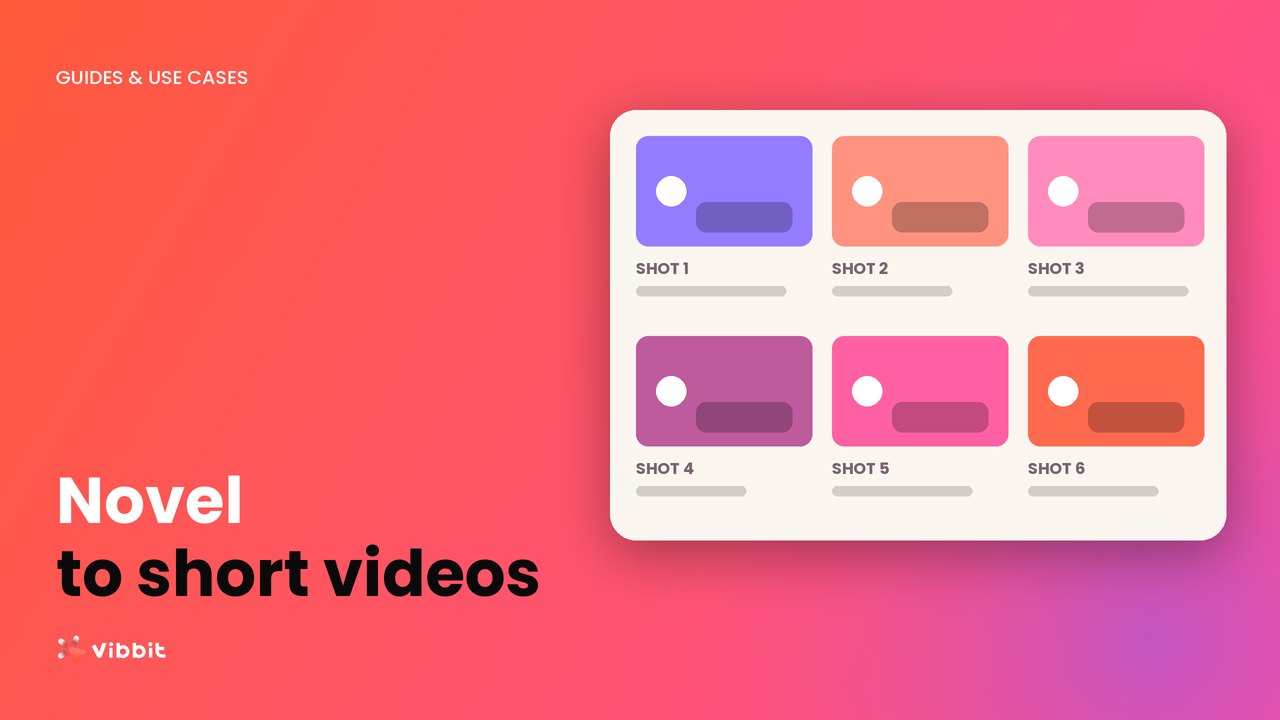
Import a novel excerpt into Vibbit, let AI find the characters and scenes and split it into shots, then generate a short video with voiceover and captions.

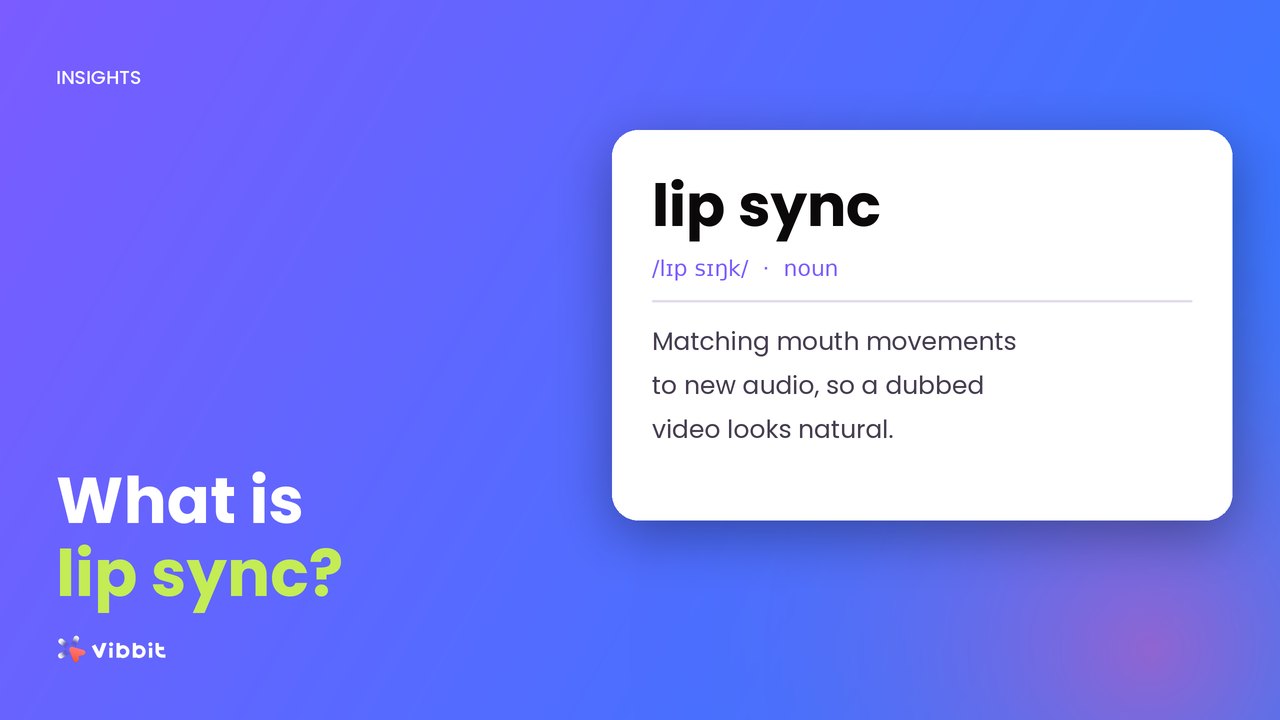
Make an AI lip sync video in Vibbit: upload, pick target languages, turn on Lip sync in Video Translation, then fine-tune line by line. Steps and tips.

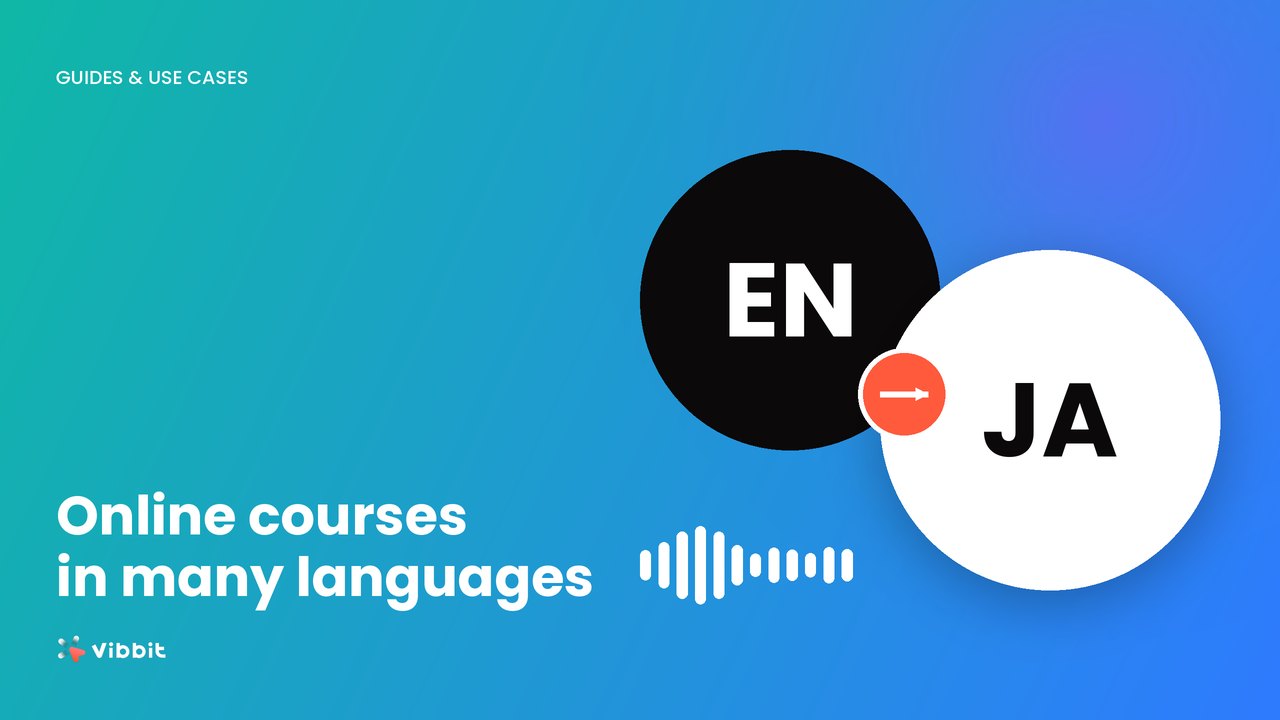
Course translation with Vibbit: upload your lesson videos, pick several languages at once, set your terminology, review subtitles, then generate dubbed videos.

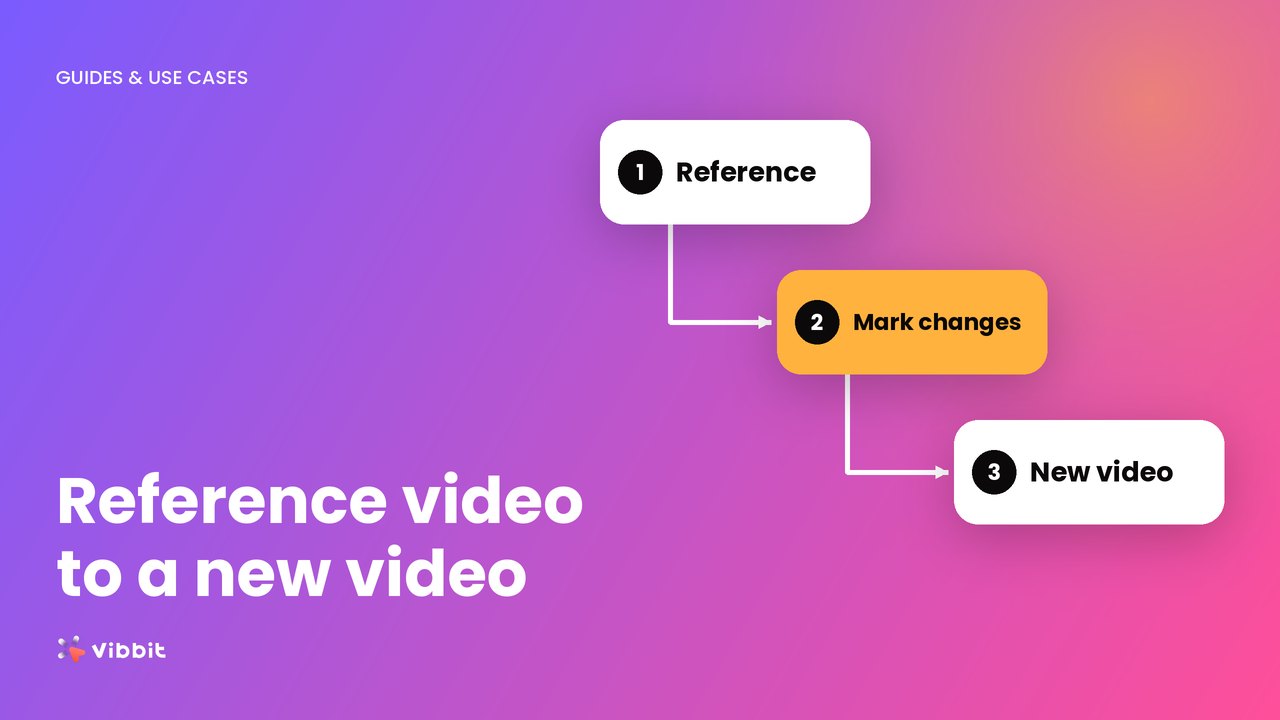
Make a new video with video to video AI: pick a reference, mark what to change, generate. Vibbit keeps shots and pacing and swaps products or people.

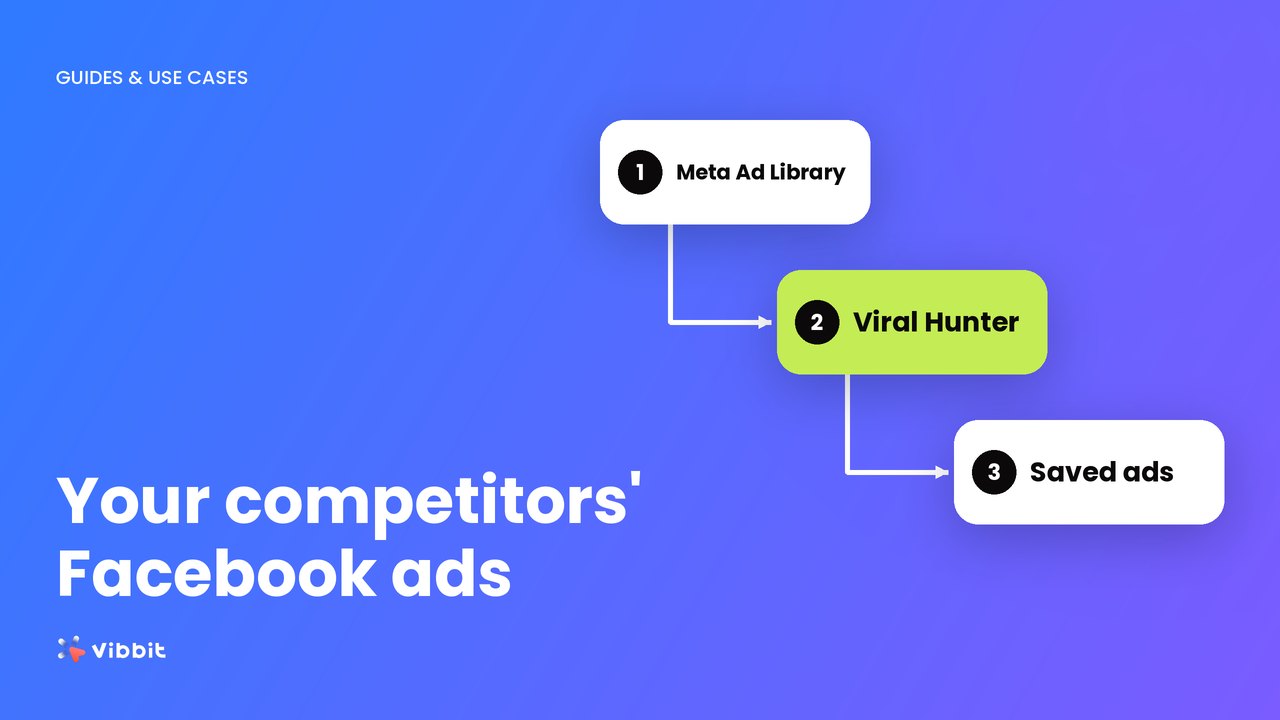
Use Meta Ad Library and the Vibbit Viral Hunter extension as a Facebook ad spy tool: find competitors' video ads and save them to your library in 3 steps.
Clone your own talking avatar and voice from a short selfie video, then turn any script into a talking-head video. 3 steps, tips and FAQ.

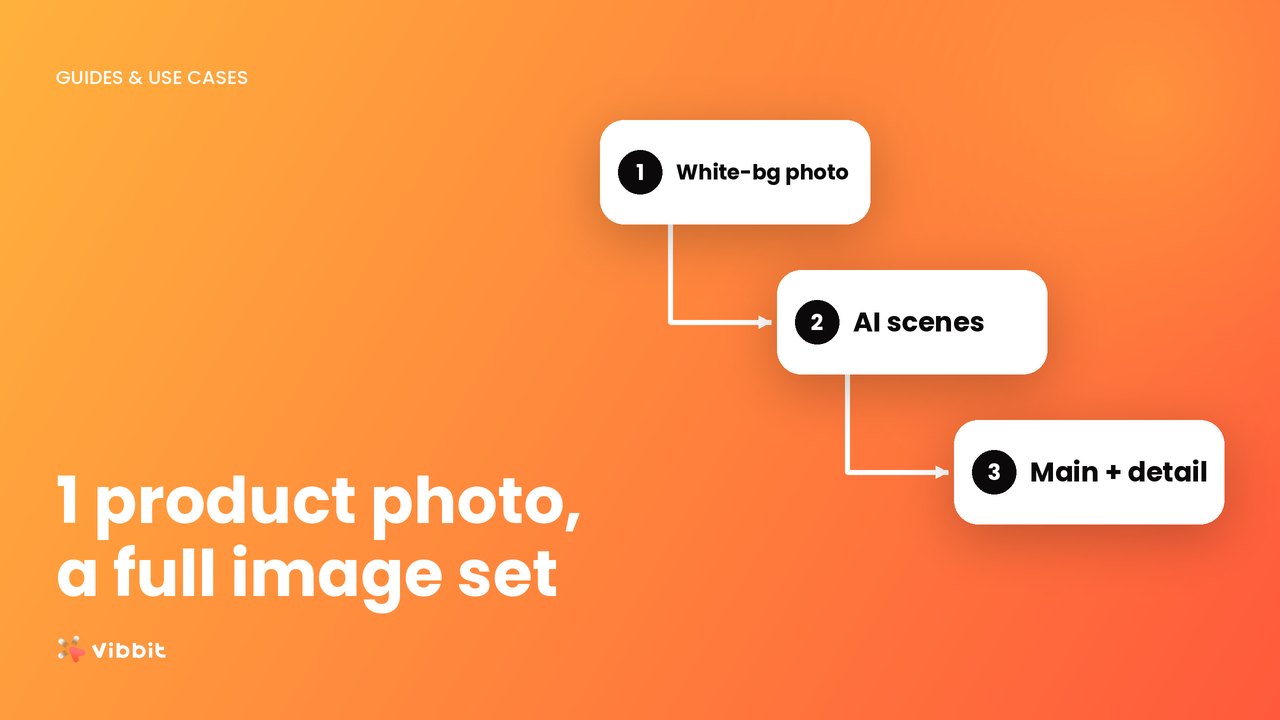
Turn a single white-background product photo into main images, lifestyle shots and detail images with Vibbit's AI product image generator. 3 steps and FAQ.

Pick an AI avatar, write the script and let AI handle voice and video. How to make UGC-style product videos with Vibbit in 3 steps, plus FAQ.

Remove a logo, text or burned-in subtitles from your own video in 3 steps. Vibbit detects and removes them automatically, no manual masking.

Turn one long video into multiple shorts for YouTube Shorts, TikTok and Reels. Upload, let Vibbit split it automatically, pick the best clips and export.

Make a short drama with an AI drama generator: import your story, build consistent shots, generate scenes, edit and export multilingual versions in Vibbit.

How to use an AI storyboard generator: import your script, generate shots from it, then adjust characters, scenes and timing in Vibbit.

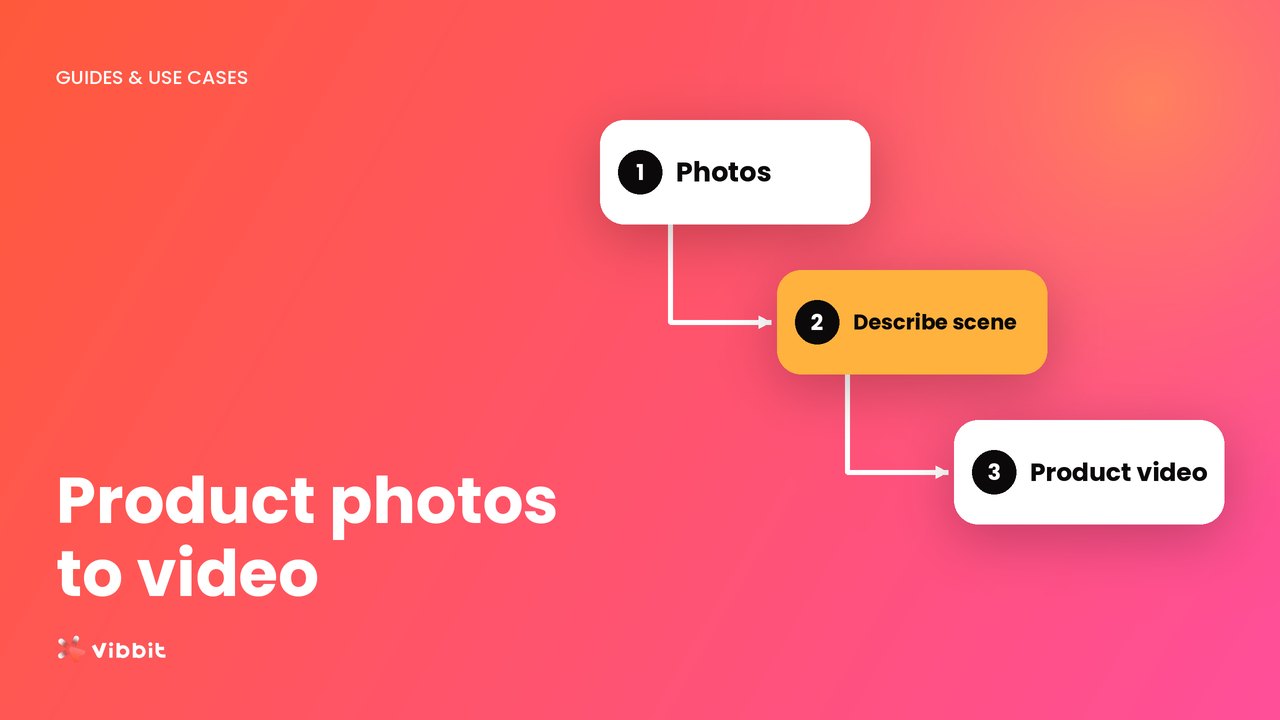
Turn a product photo into an AI product video for TikTok, YouTube or Shopify: upload, describe the scene, generate. Real steps and tips from Vibbit.

Add subtitles to any video automatically. Upload, let Vibbit's auto subtitle generator transcribe the speech, fix errors and pick a subtitle style.