How to translate training videos into multiple languages
Translate corporate training videos into Spanish, Portuguese and French by batch-translating SRT files in Vibbit, then proofing terminology before you cut.
If your company needs English training videos in Spanish, Portuguese, French and more, the reliable order is: batch-translate the SRT subtitle files in Vibbit, proof the terminology and the subtitle text, then use the approved subtitles in the edit to produce each language version.
This suits onboarding, product walkthroughs, internal process explainers and sales training. Compared with translating subtitles line by line, Vibbit lets you upload several SRT files at once, select several target languages at the same time, and keeps the original subtitle numbering and timecodes intact so the files drop straight back into editing.
Step 1: How do you prepare the subtitles?
Before translating, get the SRT file that matches each source video in order.
Corporate training videos carry a lot of specific information. An onboarding video might cover company policy, workflows and role responsibilities; a product training video might include model numbers, technical specs, feature names and step sequences.
If you translate everything without settling the terminology first, you end up with the same product name rendered three different ways across three videos.
So before you start, put together:
- The source subtitle files — the SRTs you need translated, matching the training video exactly.
- The target languages — based on where your employees are and what the training is for; Spanish, Portuguese and French, for example.
- A glossary — company name, product names, department names, technical terms and role-specific phrasing.
- Translation instructions — which words stay in English, which terms use a specified translation, and the overall register.
For example, a company running its online business on Shopify and producing product walkthrough training for staff in different regions would do well to settle feature names, back-office terminology and common business phrasing in advance.
With the files and the instructions ready, you can start the batch in Vibbit.
Step 2: How do you batch-translate the subtitles in Vibbit?
Vibbit takes several SRT files in one upload and several target languages in one job, which is what you want when there’s a lot of training content to get through.
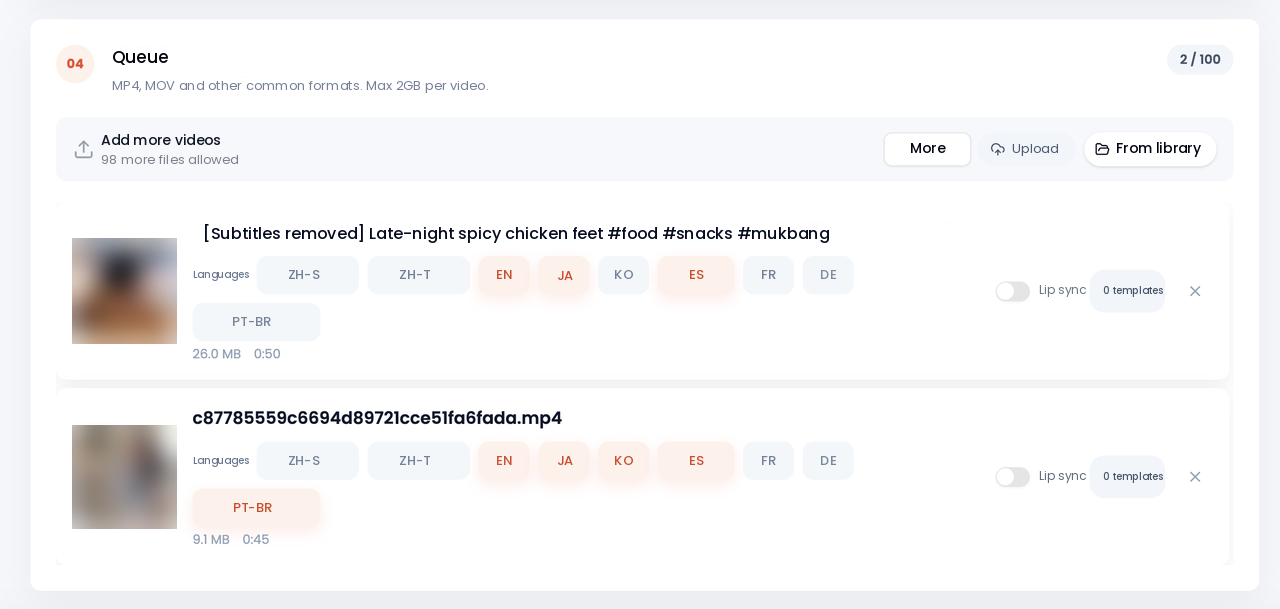
Upload several SRT files
Open Vibbit’s subtitle translation feature and upload the files you prepared.
A company may have product explainers, onboarding, equipment operation and customer-service training all going at once. Upload the whole set together rather than creating a separate job per file.
Pick the target languages and write the instructions
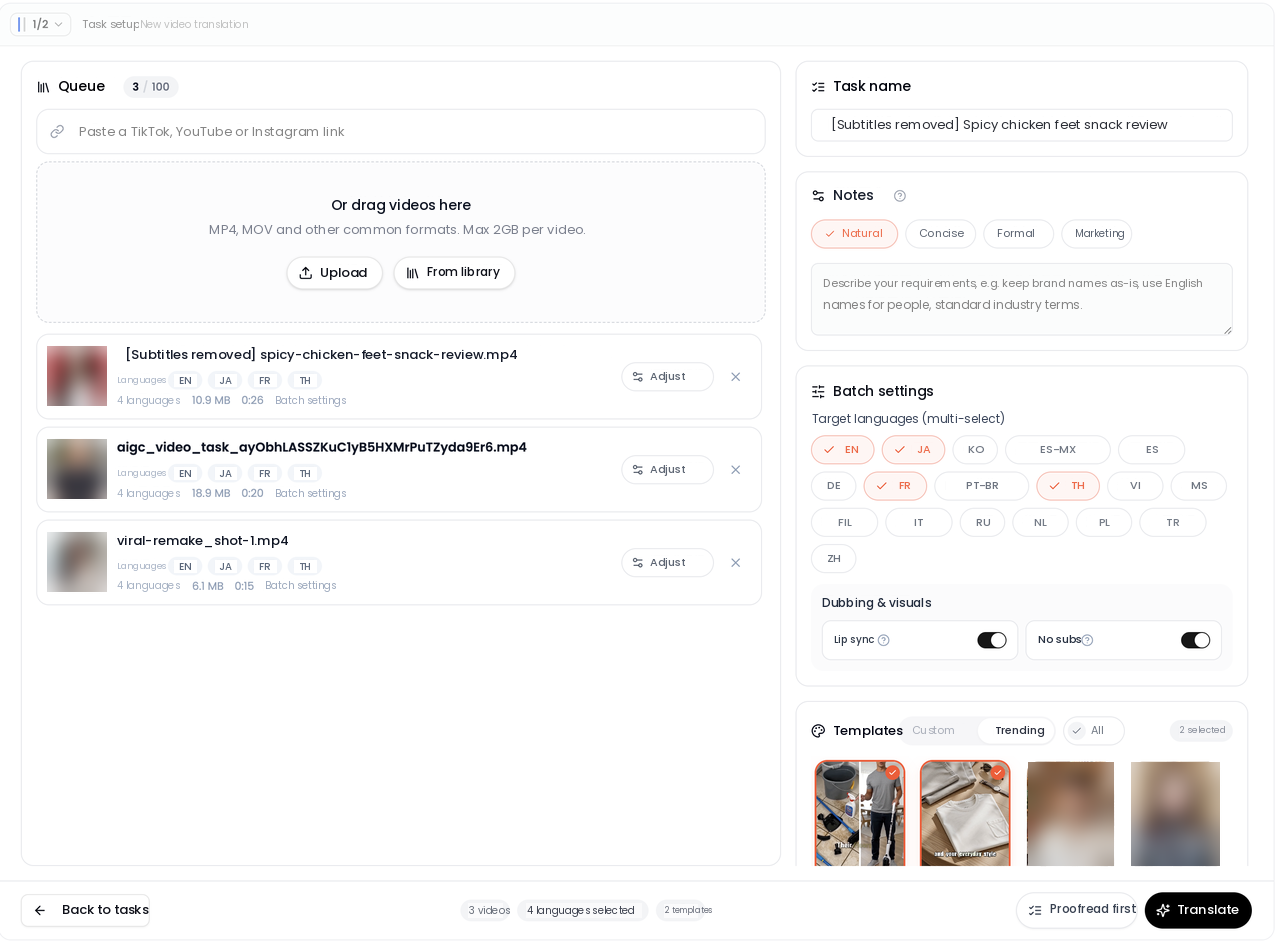
Once uploaded, choose target languages based on who’s being trained. The same batch of English training subtitles can go to Spanish, Portuguese and French simultaneously. Then add your terminology and conventions under Translation instructions.
Be specific. For example:
- Keep product names in English; do not translate them.
- Translate technical terms according to the company glossary.
- Use the specified translations for department and role names.
- Preserve step sequences, numbers and units exactly as written.
- Use clear, natural phrasing so staff from different language backgrounds can follow it.
Instructions like these cut down on inconsistent terminology and keep the language versions aligned with each other.
Submit and watch the progress
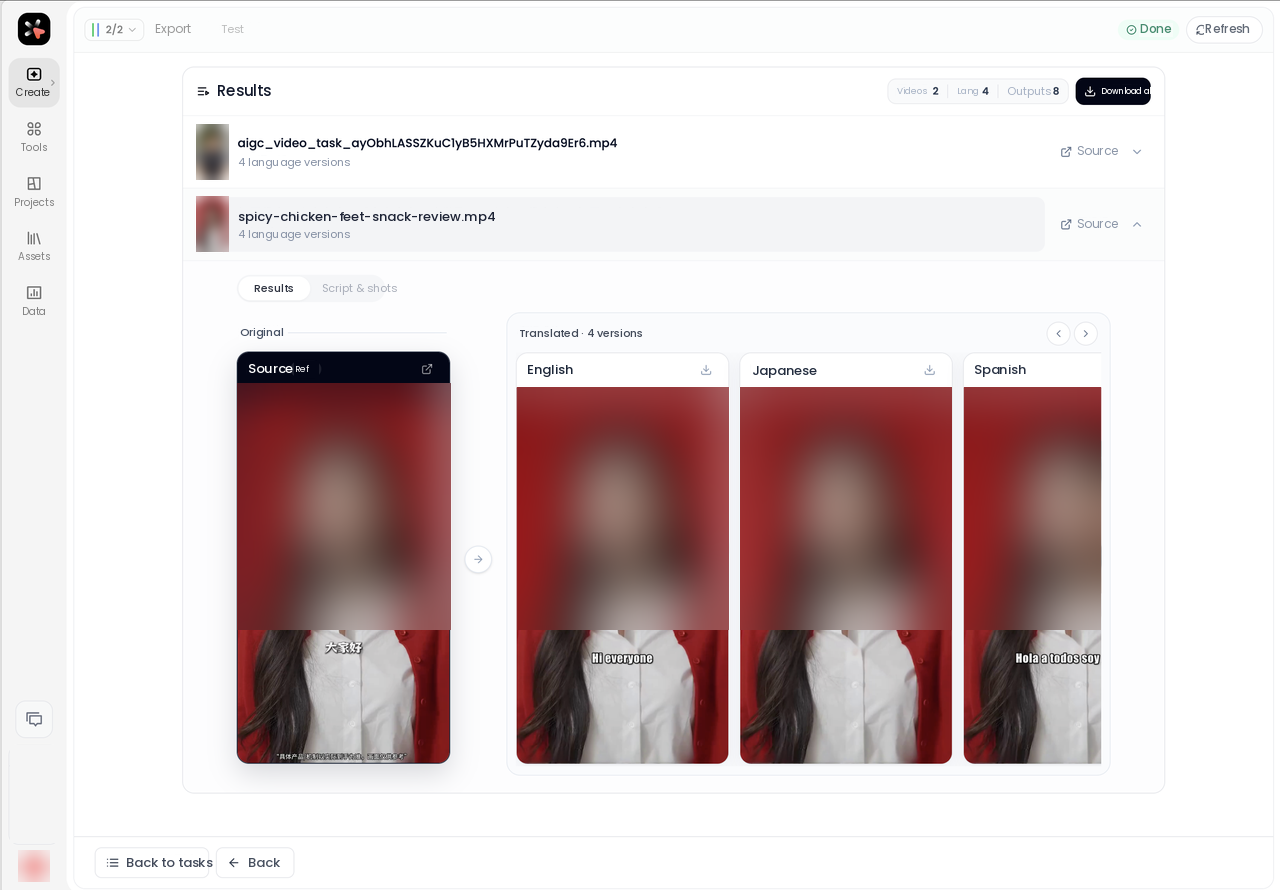
Submit the job. Vibbit groups progress by source file, showing where each language is. As each translation finishes you can download that subtitle file right away — you don’t wait for every language to complete. If one translation fails, you can retry just that item.
This works particularly well when training material keeps changing. Every time the product team ships a feature update, the product training subtitles usually need adjusting in every language. Keeping the files and the progress in one place makes it much easier to track what’s done.
Step 3: Why proof the subtitles before you cut the video?
Training videos aren’t entertainment. A translation error changes how an employee understands a product feature, a workflow or a safety requirement.
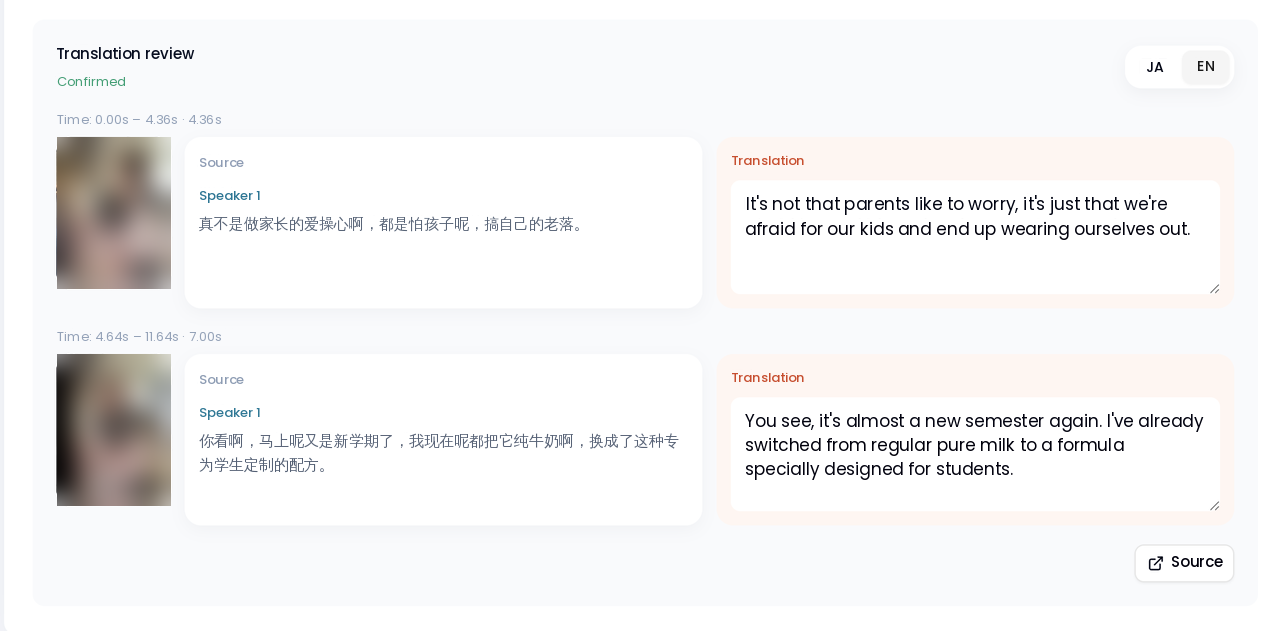
So check the translated SRT and confirm it’s accurate before the subtitles go into the final edit. Vibbit keeps the original numbering and timecodes, so you can read the translation against the source video line by line.
Three things to focus on:
1. Is the terminology consistent? If a feature name appears repeatedly in a product training video, confirm the Spanish and Portuguese versions use the same translation every time. If you have a glossary, check against the glossary rather than just asking whether each sentence reads well on its own.
2. Are the steps and the numbers right? For equipment tutorials, software training and workflow videos, check button names, step order, product specs and figures closely. If the source tells staff to finish account setup before opening the product management page, the translation has to keep that order.
3. Do the subtitles still line up with the picture? People follow training videos by watching, so a subtitle has to appear when the matching explanation happens. Vibbit preserves the original numbering and timecodes, which makes finding the right line straightforward even in a long video with a lot of cuts.
Once every language is clean, bring the SRTs into the edit, add subtitles for each language version and finish production.
That order means you don’t discover a wrong term or a reversed step after the subtitles are already burned in, with the whole video to redo.
Tips for more accurate training video translation
Training material gets used for a long time, so consistency across the whole library matters as much as accuracy in one file.
- Build one company glossary. Put product names, feature names, department names and role terminology into a fixed document, and reuse the same translation instructions on every new training video.
- Don’t only check the first file. The same term shows up across several videos. After a batch finishes, spot-check the same phrase in different files to confirm the language versions agree.
- Proof the high-stakes content first. Onboarding, product safety procedures, equipment handling rules and workflow explanations go first — especially subtitles involving numbers, units and specific requirements. Don’t rely on automatic output for those.
- Keep the source SRT. Save the original and the translated subtitles separately, so it’s easy to revise the content later or add another target language.
- Adjust register to the use case. Product training needs to explain features precisely; an onboarding video needs a new hire to understand company policy and expectations. Translate for the situation rather than word for word.
FAQ
How do I translate corporate training videos into Spanish and Portuguese?
Prepare the SRT subtitle files for each training video, upload them to Vibbit and select Spanish and Portuguese at the same time. Once translated and proofed, download the subtitle file for each language and use it in production.
Can Vibbit translate several training videos at once?
Yes. The batch SRT translation feature takes several subtitle files in one upload and several target languages at once, which suits handling product training, onboarding and internal tutorials together.
How do I keep technical terms accurate?
Supply your company glossary up front in the translation instructions, specifying how product names, technical terms and role names should be translated. After the job finishes, read through and confirm the key terms are consistent.
Does Vibbit change the original timecodes?
Batch SRT translation keeps the original subtitle numbering and timecodes so the files go straight back into editing. Even so, check the subtitles against the actual video once translated.
Can I download just one finished language?
Yes. Vibbit groups the progress of each language under the source file, and finished subtitles can be downloaded individually or as a bundle — you don’t have to wait for every job to finish.
Translating training videos isn’t only converting one language into another; the terminology, the step sequences and the subtitle timing all have to line up. With Vibbit’s batch SRT translation you handle several training files at once, generate every language version together, proof them line by line, and then move into production. If you’re preparing product or onboarding training for staff in different regions, translate one SRT in Vibbit and see the whole path from batch translation to delivered multi-language subtitles.