How to translate a podcast video into other languages
Translate a two-host podcast video with voice cloning and multi-language subtitles. And why lip sync should stay off when several people are in frame.
If you want to turn an English podcast video into Spanish, Portuguese or another language, Vibbit handles the dubbing and the subtitles. For a two-person conversation, use voice cloning so each speaker keeps their own vocal character, and generate subtitles in the target language at the same time. Once the translation is proofed, the dub and the subtitles go into production.
A podcast isn’t a single-presenter video. Two people take turns, and often several people are in frame at once. So translating one means thinking about which voice belongs to whom, not just whether the words are right. In particular, when several people share the frame, leave lip sync off — otherwise you get mouths moving that don’t match who’s actually speaking.
Step 1: How do you prepare the podcast video?
Get the source video and its subtitle file in order first.
Take an English interview podcast on YouTube, where a host and a guest talk through a product, a business topic or a personal story. To make it understandable to Spanish or Portuguese viewers, you need to handle both the dialogue dubbing and the subtitles.
Before you start, confirm:
- The source video — the podcast you want translated, with the audio intact.
- The subtitle file — if you already have an SRT, have it ready for translation.
- The target languages — Spanish, Portuguese or whatever matches where your audience is.
- The speakers — know which lines are the host’s and which are the guest’s, so the dubbed voices don’t get crossed.
For a two-person conversation, the distinction between host and guest matters most. One asks, the other answers; the translated dub should preserve that difference between the two voices.
Step 2: How do you translate it in Vibbit and keep the original voices?
Combine voice cloning with multi-language subtitles so the translated version keeps the vocal character of the original.
For a two-person podcast, focus on the mapping between each dubbed voice and the original speaker.
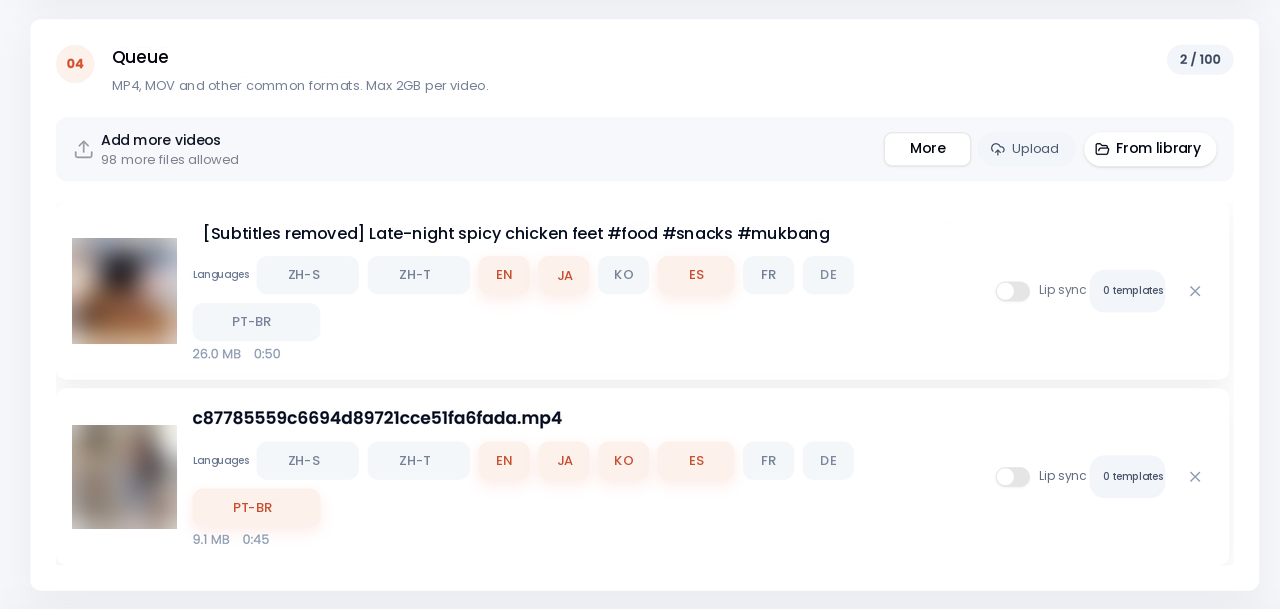
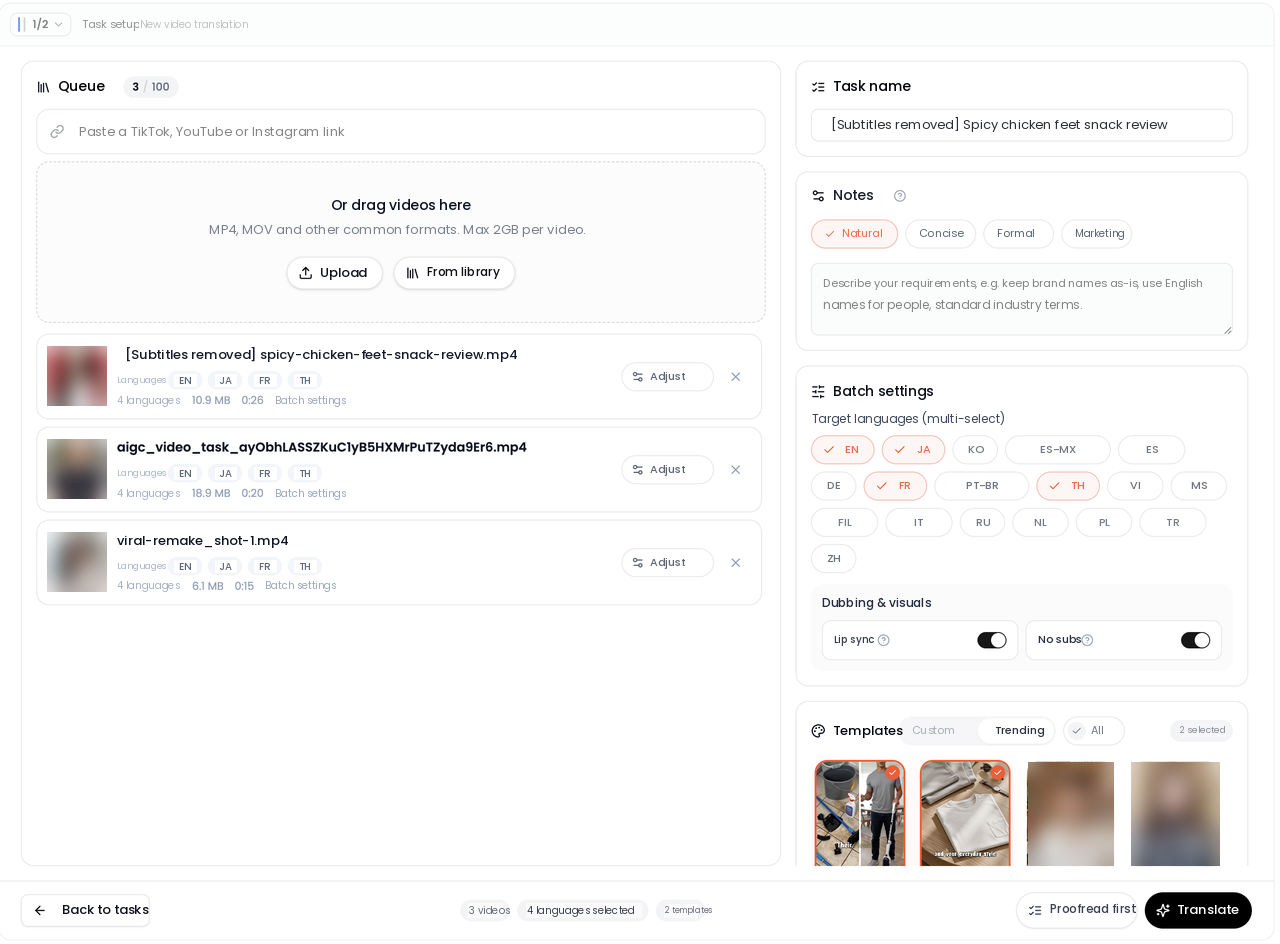
Pick the target languages
Choose based on your audience — Spanish or Portuguese, for example. If you have several episodes to handle, Vibbit’s batch SRT translation takes several subtitle files in one upload and several target languages at once.
Use voice cloning
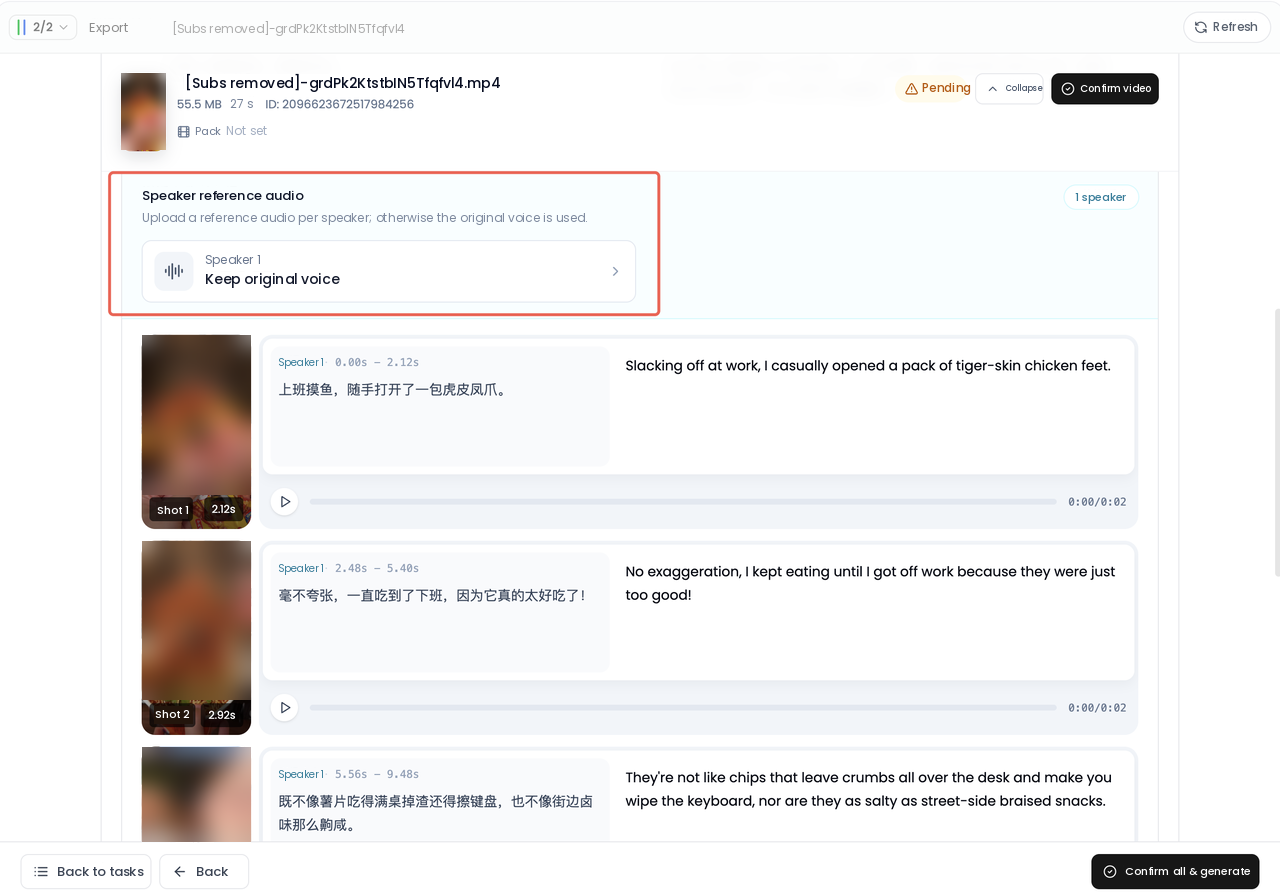
For a two-person podcast, voice cloning keeps each speaker’s vocal character.
An English podcast host and guest have distinct voices. Translated into Spanish, that distinction has to survive. Otherwise the viewer hears one identical voice reading both halves of the conversation and loses track of who’s talking.
In Vibbit you configure each speaker separately — assign a reference audio per speaker, or keep the original audio — and preview line by line.
Generate and check the subtitles
Subtitles matter as much as the dub in a podcast.
Vibbit’s batch SRT translation takes several subtitle files at once and several target languages. The translated subtitles keep the original numbering and timecodes, so they drop straight back into editing. The same English episode can produce Spanish and Portuguese subtitles for viewers in each language.
Step 3: Why should lip sync stay off when several people are in frame?
With several people in frame, turn lip sync off and put the effort into accurate dubbing and subtitles.
This is the key difference between a podcast and a single-presenter video.
In a single-presenter video, there’s one main speaker on camera, and lip sync makes the mouth match the new dub more closely.
Podcasts are shot as two-person interviews, roundtables or group conversations. Several people may be in the same shot while the person actually speaking keeps changing.
Turn lip sync on in that situation and you get:
- The current speaker’s mouth not quite matching the dub.
- Other people in the frame getting unnatural mouth movement too.
- The relationship between picture and sound getting harder to hold as speakers alternate.
So for podcast video with several people in frame, leave lip sync off and concentrate on voice cloning and subtitle translation.
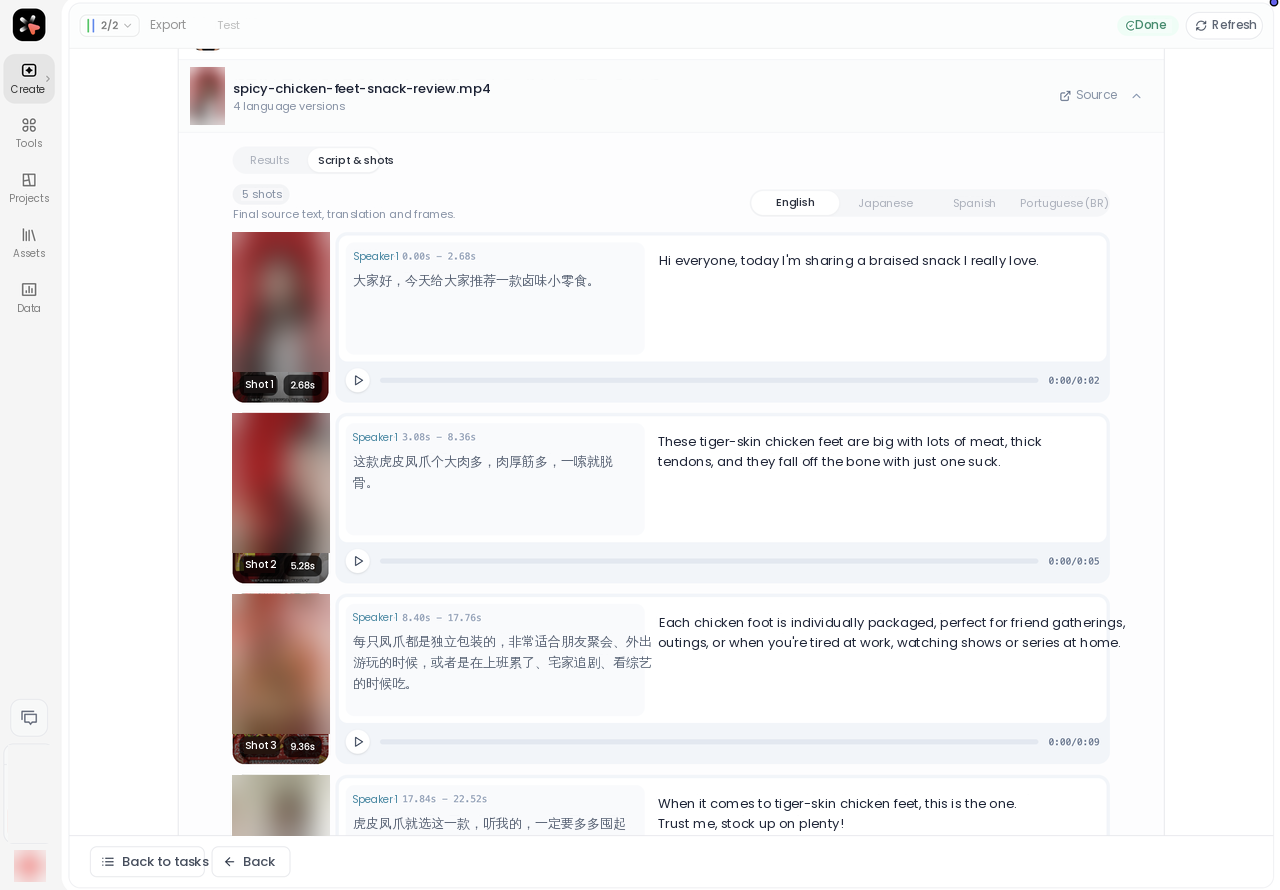
Once the dub and the subtitles are done, check the result — particularly the order of who speaks, which dubbed voice belongs to whom, and the subtitle timing. For a long episode, Vibbit lets you browse, locate and edit a large number of subtitles and shots smoothly enough to go line by line.
Tips for translating podcast video
Podcasts are long stretches of continuous conversation, so context and the exchange between people matter more than usual.
- Don’t ignore context. A line in a podcast relates to the question before it or the answer after it. Read the surrounding exchange, not just the sentence, to get the real meaning.
- Keep the speakers sounding different. Use voice cloning on a two-person conversation so the host and the guest stay distinguishable and don’t blur into one voice.
- Lip sync off when several people are in frame. If two or more people are on screen together, don’t turn it on. Prioritize having the dub match the actual speaking order.
- Watch the subtitle timing. Podcasts run long and carry a lot of subtitles. Vibbit’s SRT translation keeps the original numbering and timecodes, which makes locating and editing a line straightforward.
- Download each finished language as it lands. Vibbit groups the progress of each language under the source file. Finished subtitles download individually or as a bundle, and if one translation fails you can retry just that item.
FAQ
How do I translate an English podcast video to Spanish?
Use Vibbit to handle the dubbing and the subtitles with Spanish as the target language. After voice cloning and SRT translation, check that each dubbed voice matches the right speaker, then produce the Spanish version.
Can a two-person conversation use AI voice cloning?
Yes. Voice cloning on a two-person podcast keeps the host’s and the guest’s vocal character, so the translated conversation still has a clear distinction between the people in it.
Can I turn on AI lip sync when several people are in the podcast frame?
Not recommended. With several people in frame and speakers alternating, lip sync easily produces mouth movement on the wrong person, so leave it off.
Can Vibbit batch-translate subtitles for several podcasts?
Yes. It takes several SRT files in one upload and several target languages at once, and keeps the original subtitle numbering and timecodes for editing afterwards.
Podcasts are long and have a lot of subtitles — how should I proof them?
Use Vibbit’s long-video subtitle editing to browse, locate and change the translation line by line. Focus on the order of speakers, the technical terms and the context, so the subtitles don’t drift from the actual conversation.
Translating a podcast isn’t only translating the dialogue — it’s keeping the original speakers’ voices recognizable and keeping the dub and the subtitles in step. With Vibbit you combine voice cloning with multi-language SRT translation to make a version for viewers in another language. For interview footage with several people in frame, remember to leave lip sync off and prioritize matching the dub to who’s actually speaking.
If you run a YouTube podcast channel, or you want to publish interview content to TikTok and Instagram, run one episode through Vibbit.