75+ ChatGPT Image Prompts — Ready to Use
Hand-picked GPT Image 2 prompts for portraits, posters, character design, and more. Copy, customize, and generate stunning AI images instantly.
Press Enter to generate with Vibbit, or browse prompts below
Featured Prompts
Browse All Prompts →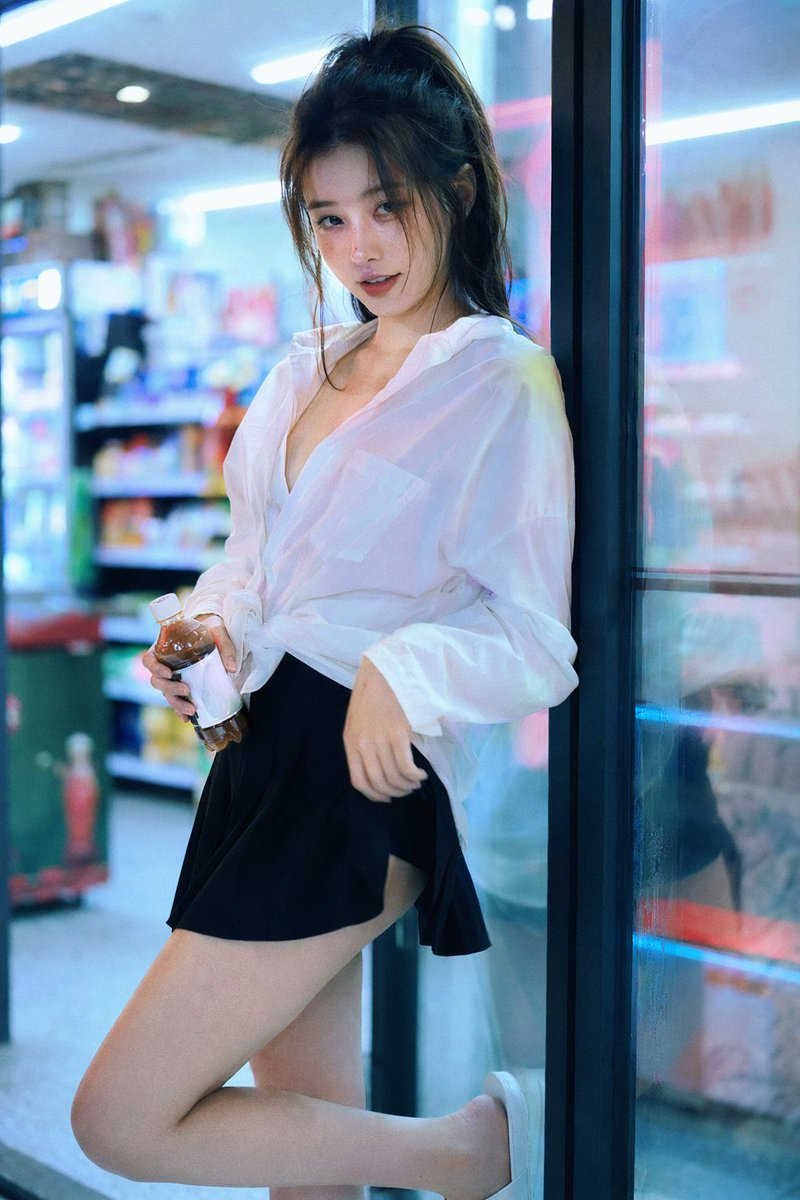
Convenience Store Neon Portrait
GPT Image 2 prompt for Convenience Store Neon Portrait by @BubbleBrain
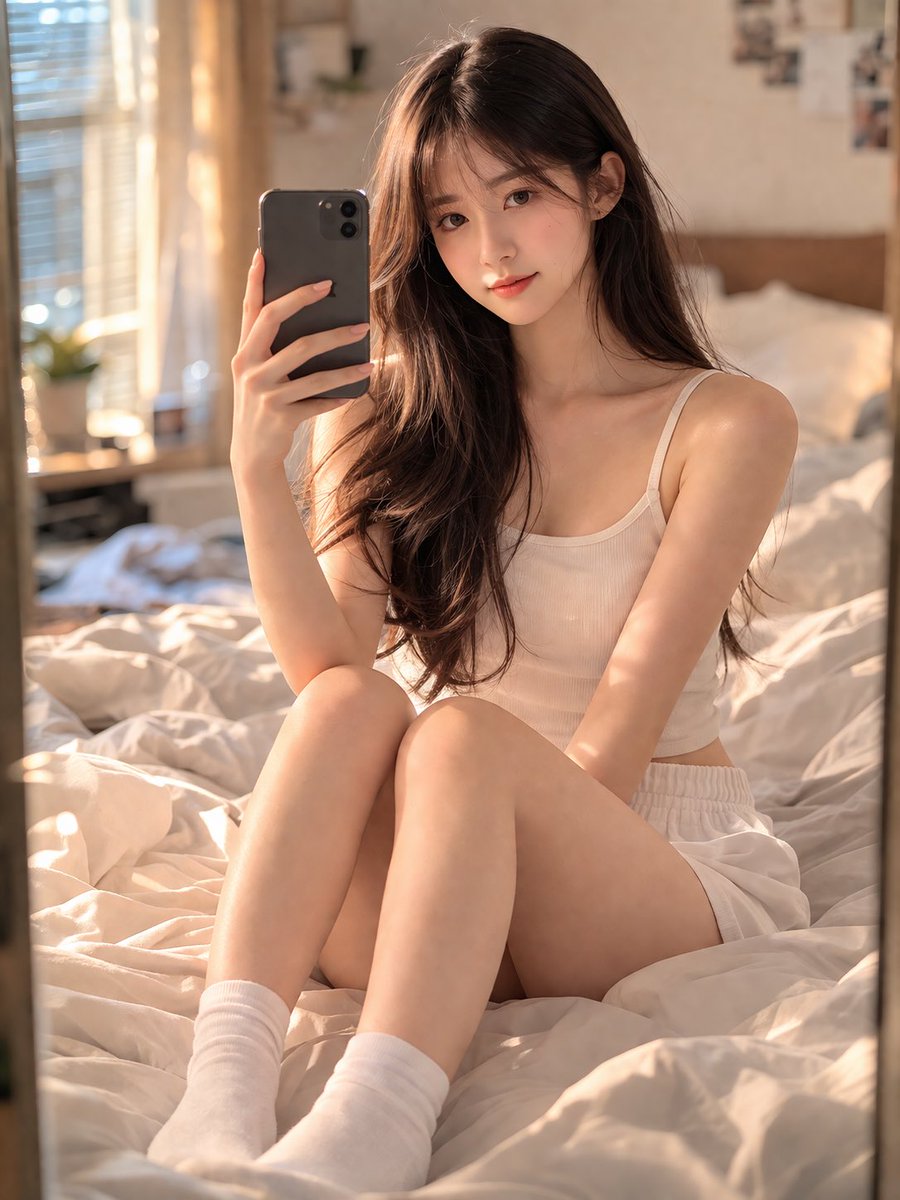
Mirror Selfie Bedroom Portrait
GPT Image 2 prompt for Mirror Selfie Bedroom Portrait by @Shinning1010
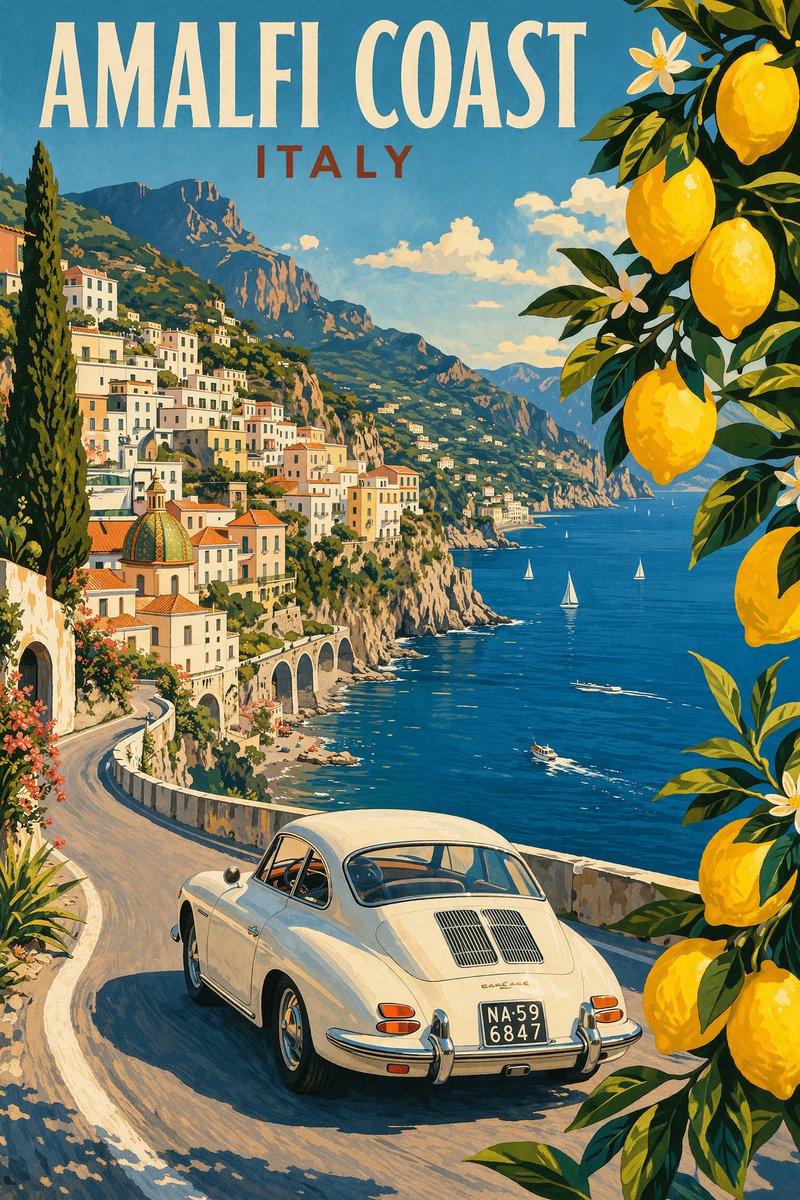
Vintage Amalfi Travel Poster
GPT Image 2 prompt for Vintage Amalfi Travel Poster by @WolfRiccardo
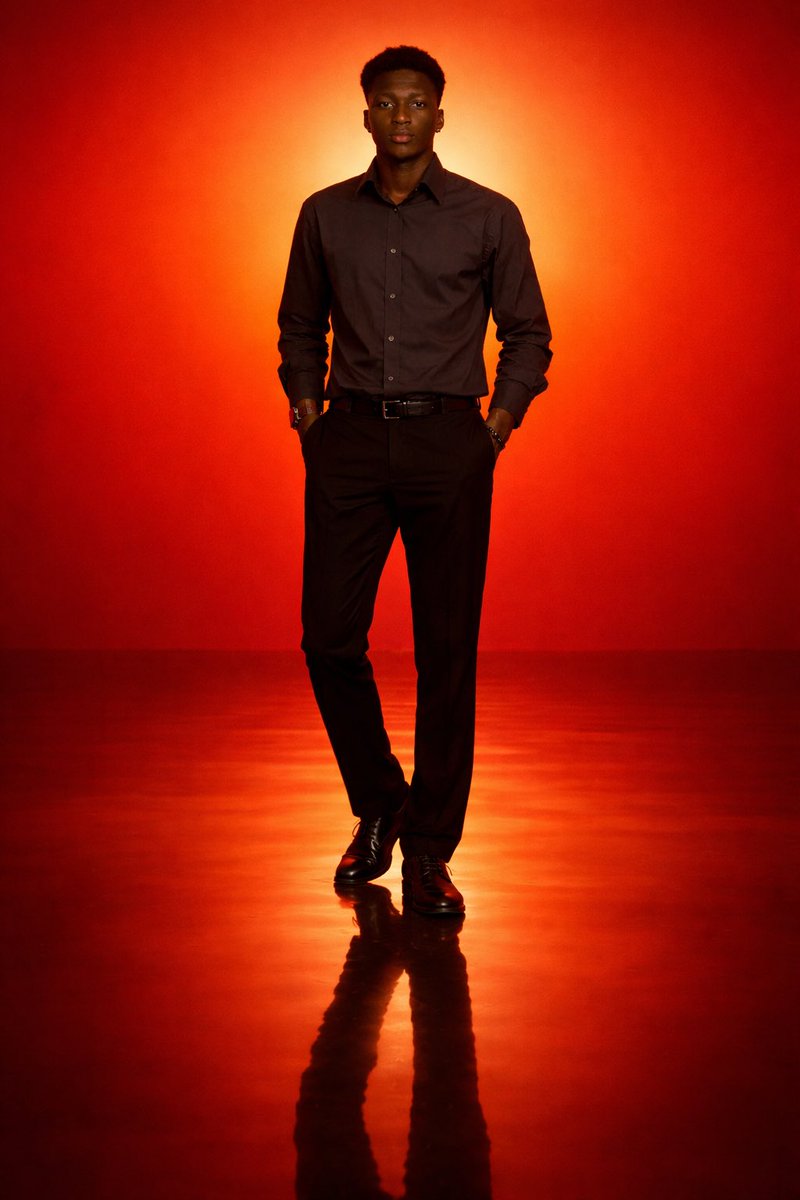
Cinematic Minimal Portrait
GPT Image 2 prompt for Cinematic Minimal Portrait by @iam_miharbi
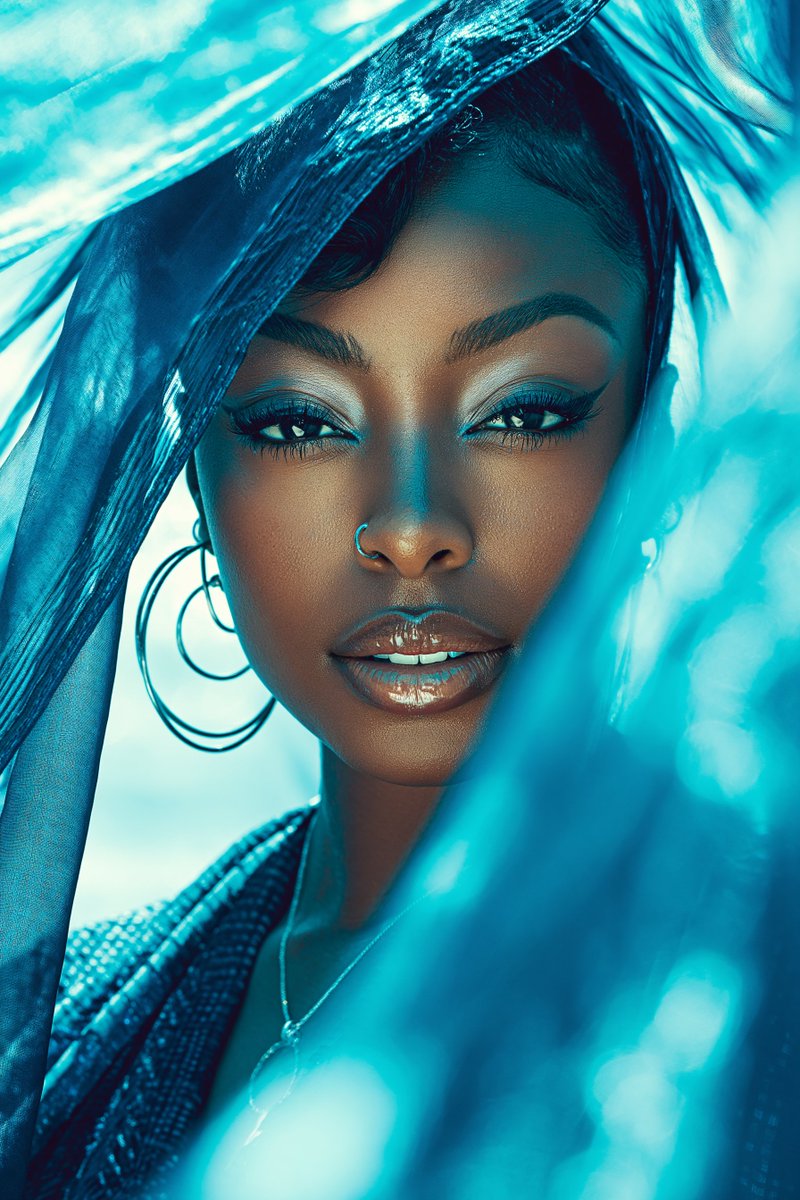
Luxury Glam Beauty Portrait
GPT Image 2 prompt for Luxury Glam Beauty Portrait by @patrickassale
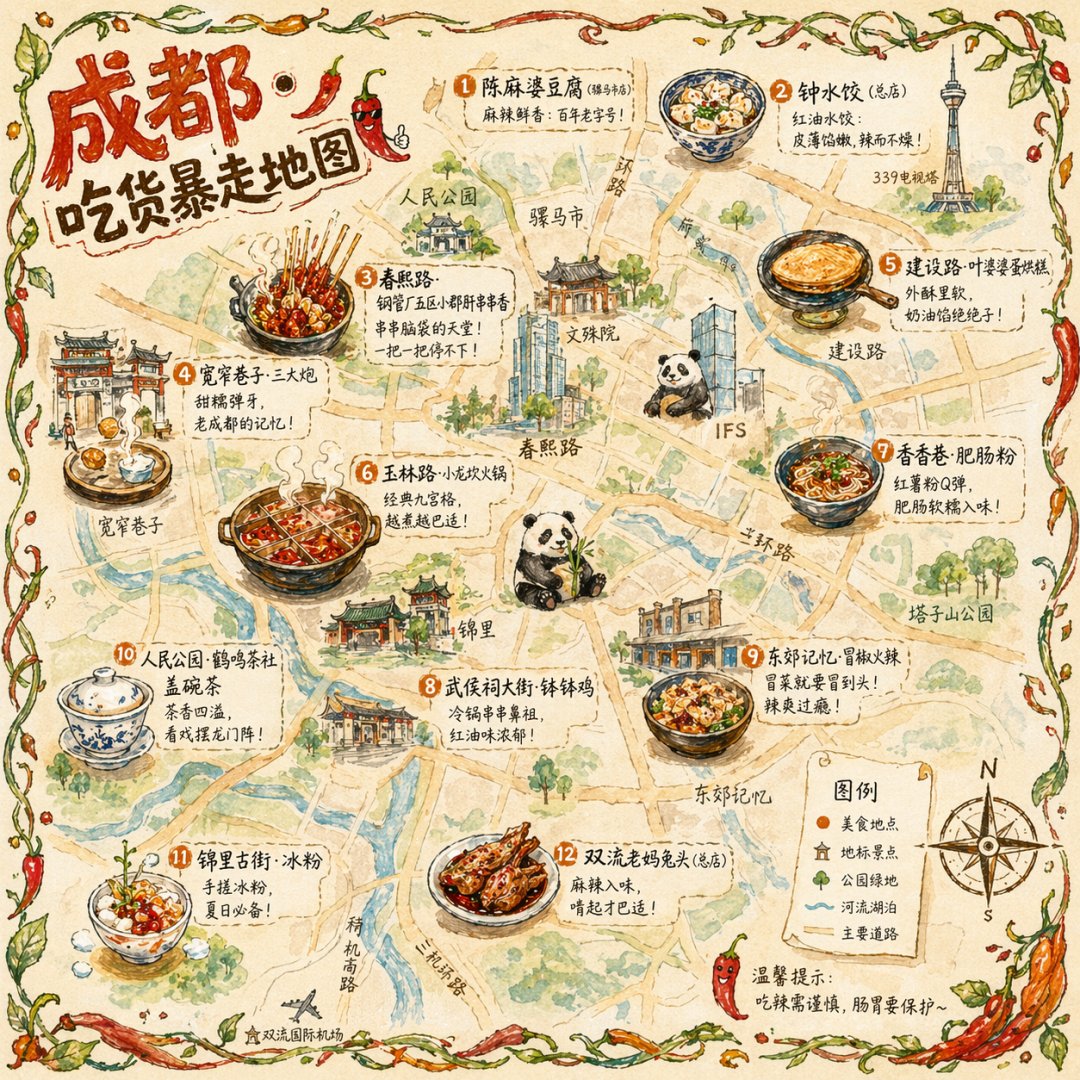
Chengdu Food Map Illustration
GPT Image 2 prompt for Chengdu Food Map Illustration by @Panda20230902
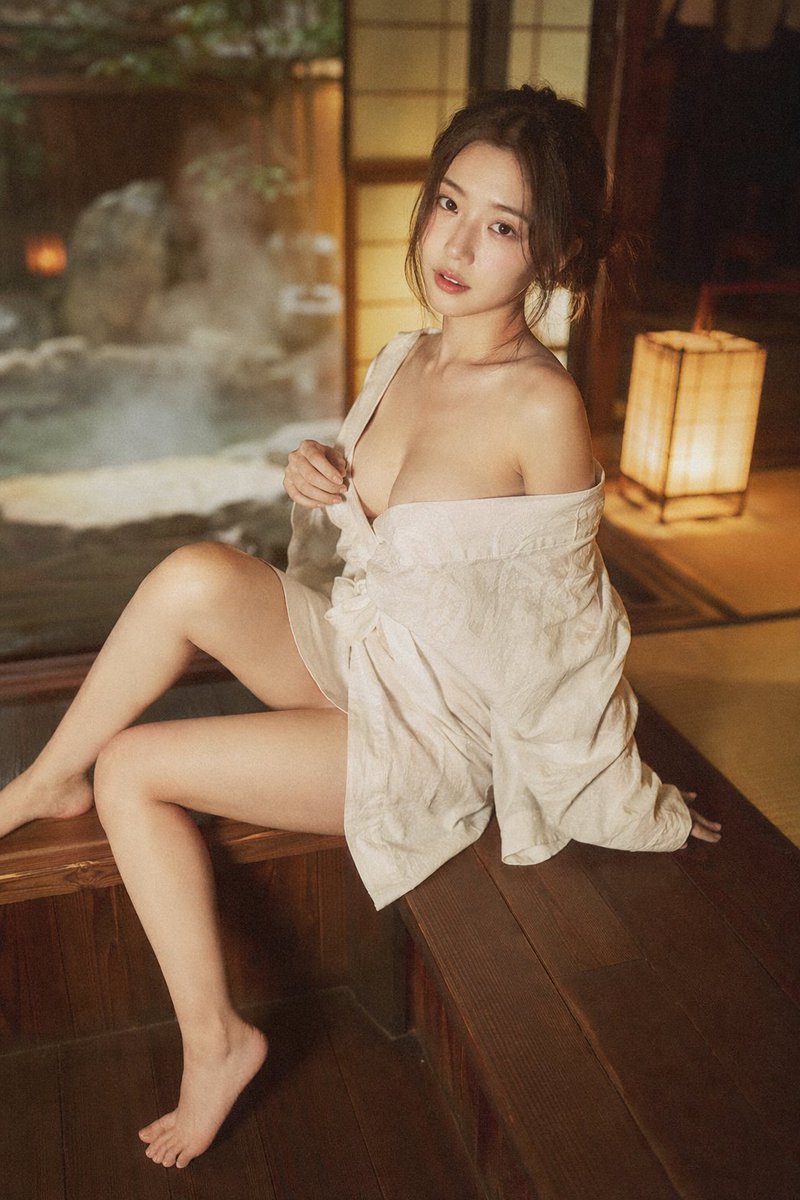
Japanese Onsen Ryokan Portrait
GPT Image 2 prompt for Japanese Onsen Ryokan Portrait by @BubbleBrain
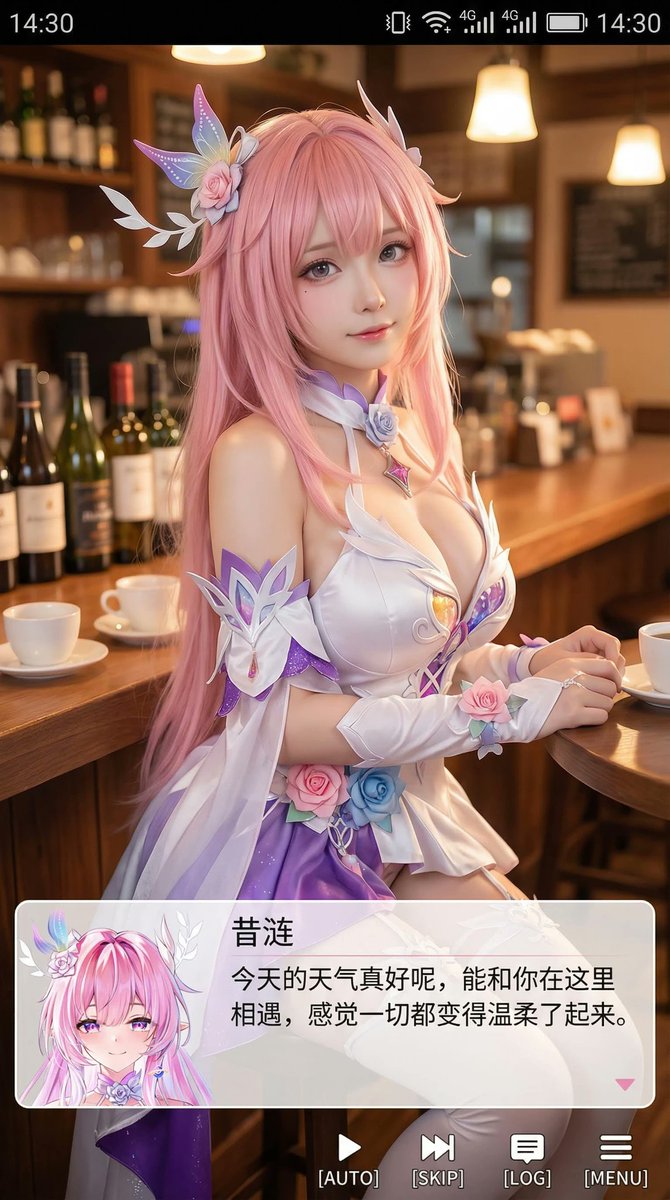
9:16 Cosplayer Portrait Screenshot
GPT Image 2 prompt for 9:16 Cosplayer Portrait Screenshot by @Zoulinshen
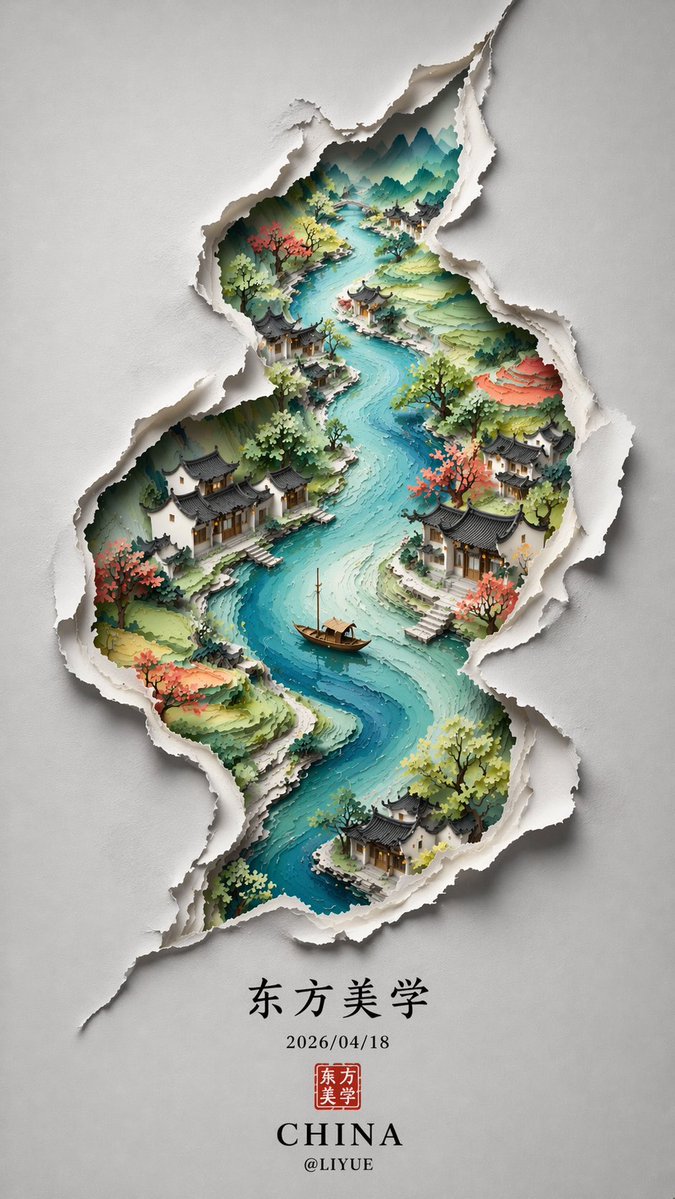
Chinese Minimalist S-Shaped Poster
GPT Image 2 prompt for Chinese Minimalist S-Shaped Poster by @liyue_ai
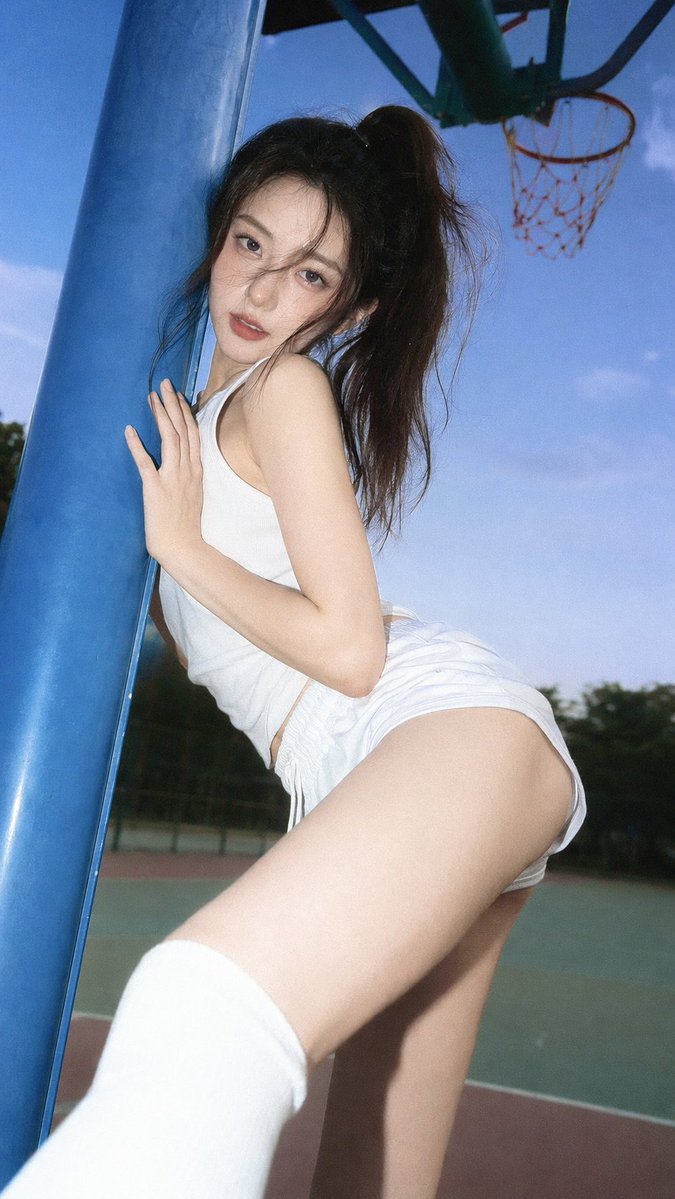
35mm Flash Editorial Portrait
GPT Image 2 prompt for 35mm Flash Editorial Portrait by @BubbleBrain
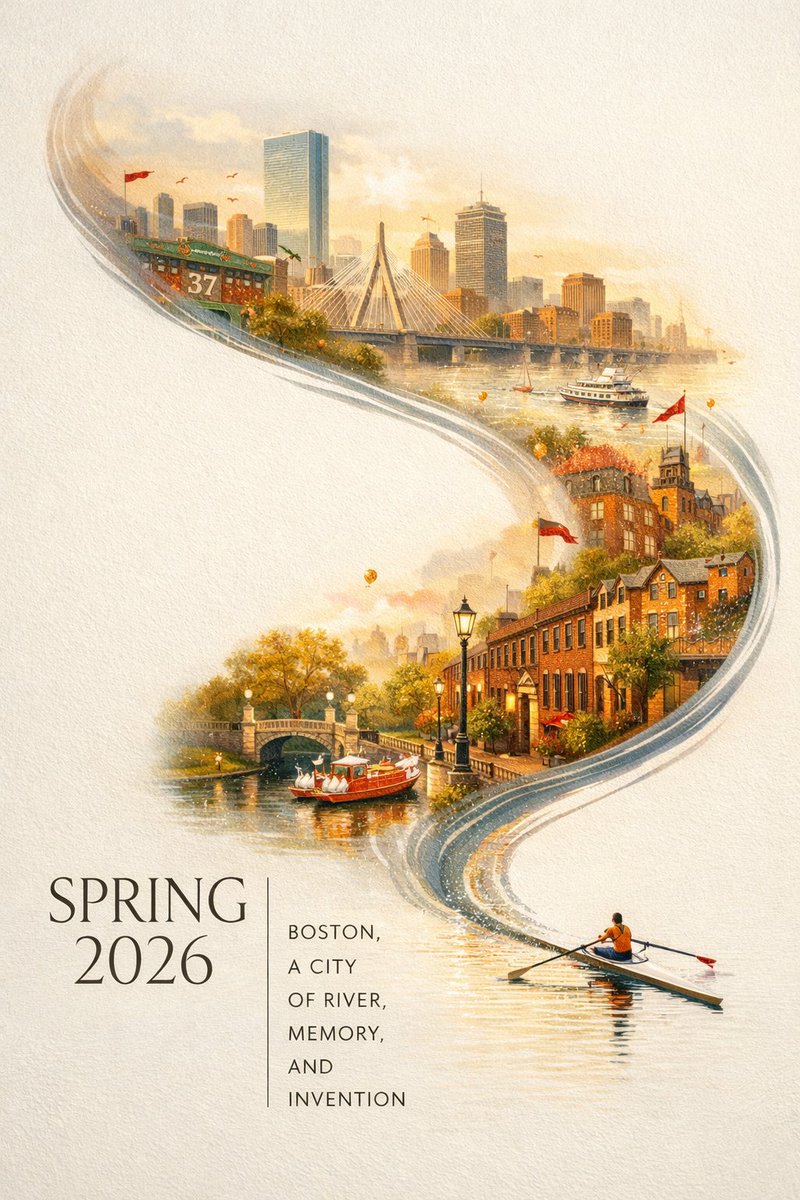
Boston Spring 2026 City Poster
GPT Image 2 prompt for Boston Spring 2026 City Poster by @BubbleBrain
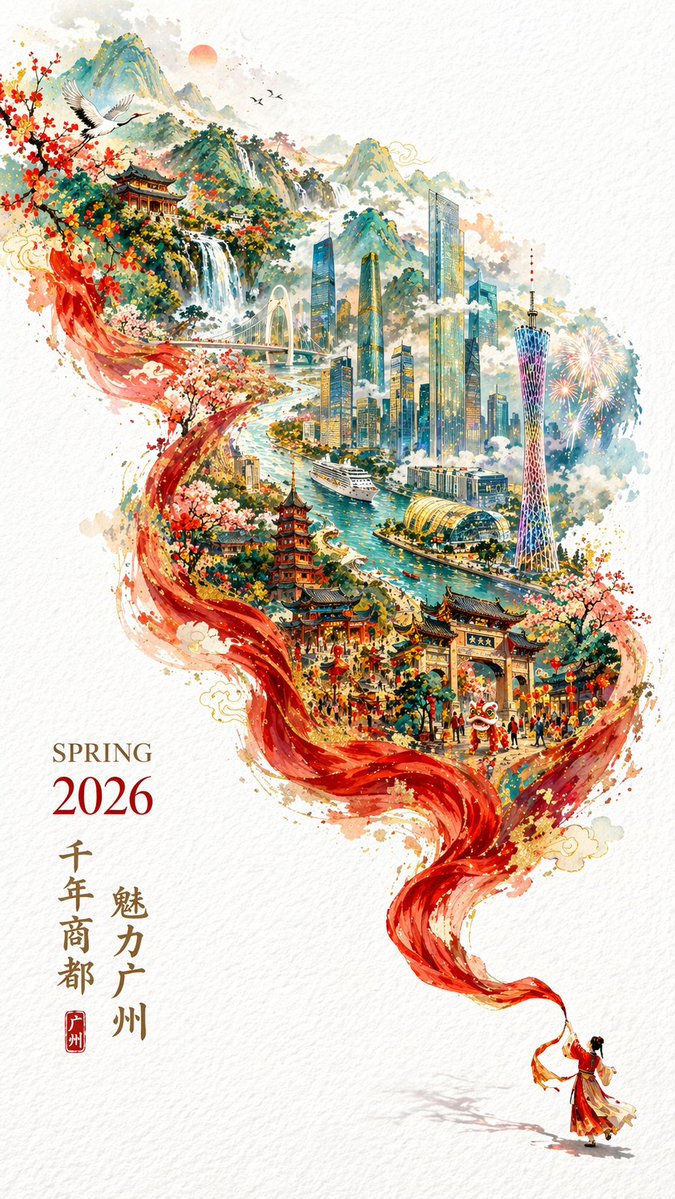
2026 Spring Guangzhou City Poster
GPT Image 2 prompt for 2026 Spring Guangzhou City Poster by @liyue_ai
Explore by Category
GPT Image 2 excels at a wide range of visual styles. Whether you need realistic portraits, bold poster designs, or detailed character sheets — we have prompts ready for you.
Portrait & Photography
Photorealistic portraits, fashion photography, cinematic headshots, and creative lighting setups.
Poster & Illustration
Movie posters, event flyers, editorial illustrations, and bold graphic design compositions.
Character Design
Character reference sheets, three-view designs, expression charts, and costume breakdowns.
UI & Social Mockup
App UI screenshots, social media post mockups, website hero sections, and digital interface designs.
Comparison & Community
Community-shared examples, model comparisons, creative experiments, and trending prompt styles.
Frequently Asked Questions
What is GPT Image 2?
GPT Image 2 is OpenAI's latest AI image generation model. It excels at creating photorealistic images, illustrations, and design assets from text prompts. It is especially strong at rendering text within images, following complex instructions, and producing diverse visual styles with minimal prompt engineering.
How do I use these prompts?
Browse or search for a prompt that matches your needs, click 'Copy Prompt' to copy it to your clipboard, then paste it into Vibbit or any GPT Image 2-compatible tool. You can also click 'Generate Image' to try it directly on Vibbit with the prompt pre-filled.
Is the prompt gallery free to use?
Yes! Our entire prompt gallery is completely free to browse, search, and copy. You can use any prompt for personal or commercial projects. Vibbit also offers free image generation credits to get you started.
What categories of prompts are available?
We offer prompts across 5 categories: Portrait & Photography, Poster & Illustration, Character Design, UI & Social Mockup, and Comparison & Community examples. The collection is curated from top creators and community contributions.
How can I get better results from GPT Image 2?
GPT Image 2 is highly responsive to natural language. 1) Describe your subject clearly and specifically. 2) Include style references (e.g., 'cinematic', 'watercolor', 'flat design'). 3) Specify text content directly in the prompt — GPT Image 2 renders text accurately. 4) Mention composition, lighting, and mood. 5) Keep prompts concise but detailed.
What image quality can I expect?
GPT Image 2 generates high-quality images suitable for professional use. It is particularly strong at photorealistic rendering, accurate text generation within images, and following complex multi-element compositions. Output is typically 1024x1024 or higher resolution.