✦ Seedance 2.0 by ByteDance
Create Stunning AI Videos with Seedance 2.0
ByteDance's most powerful AI video generation model. Text-to-video, image-to-video, video editing, and native audio sync — try it free on Vibbit.
Enter a prompt and generate your video with Vibbit AI
From Imagination to Reality
See how Seedance transforms multiple references into breathtaking cinematic videos.
Reference
Video
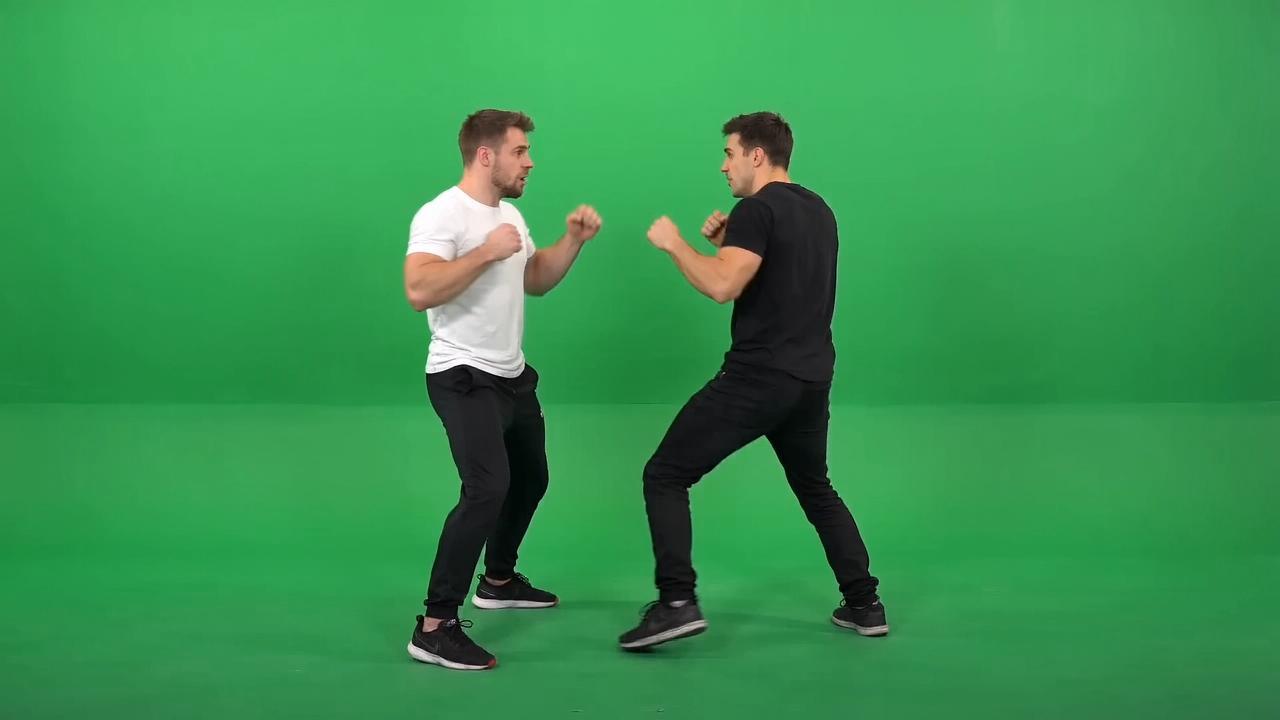
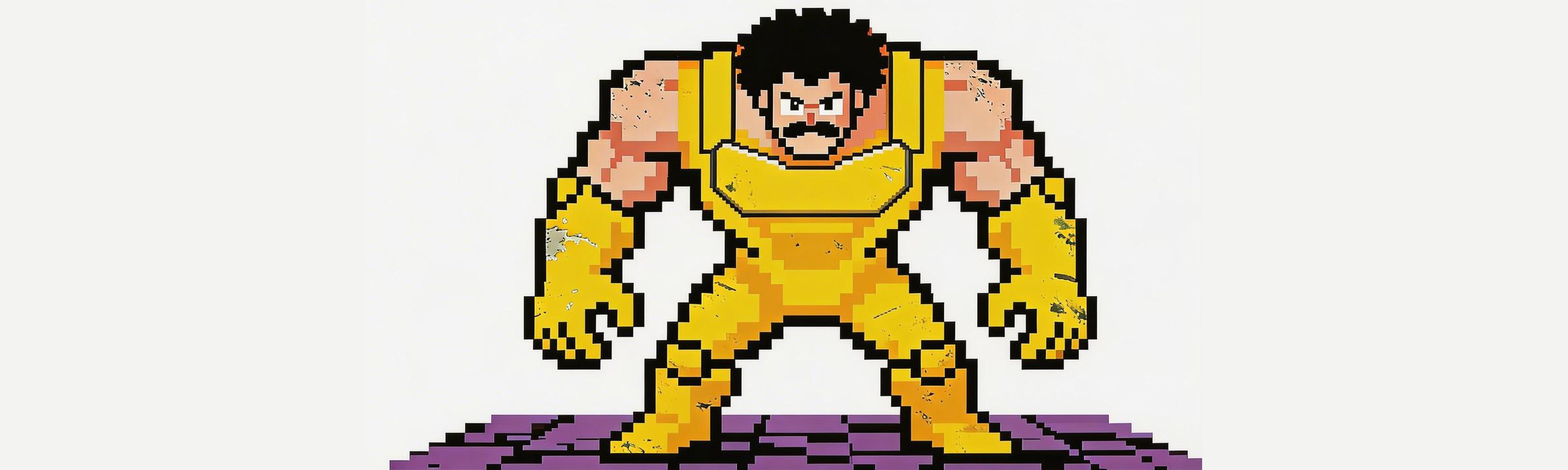
Image × 3
Audio
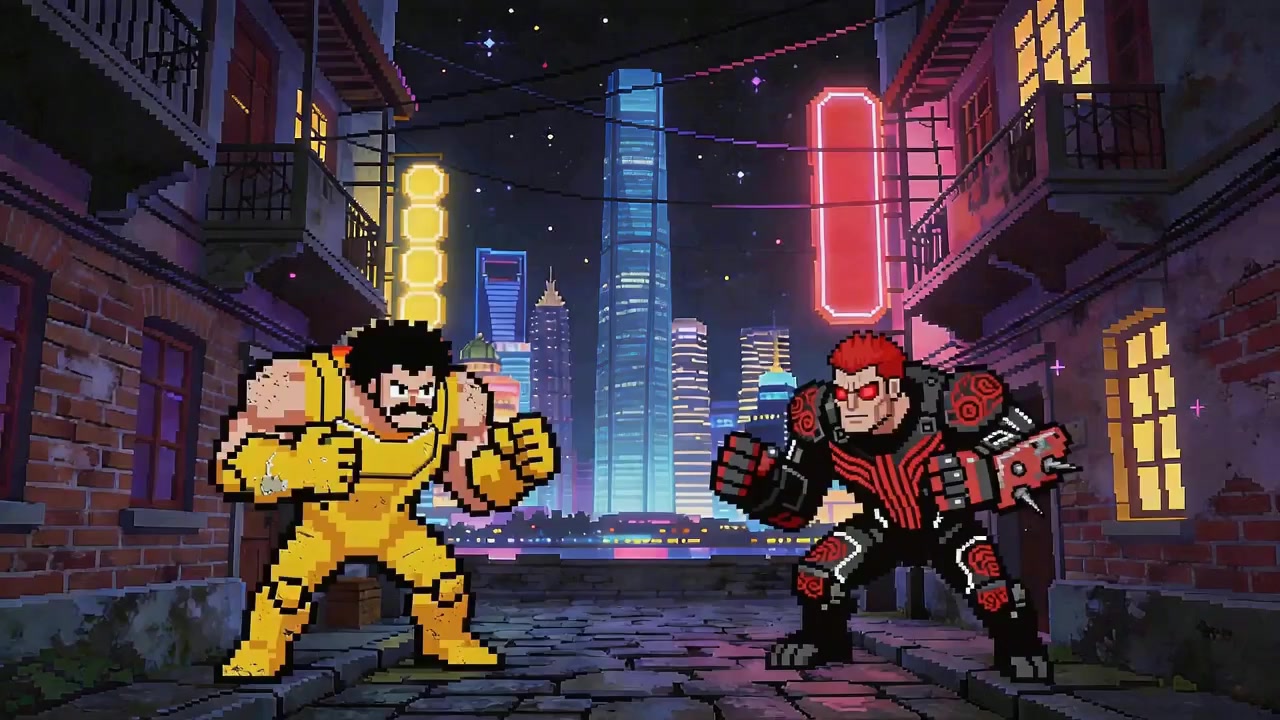
Generated Result
Prompt:
Reference the character movements and camera language from @Video 1, generate a fighting scene between @Image 1 and 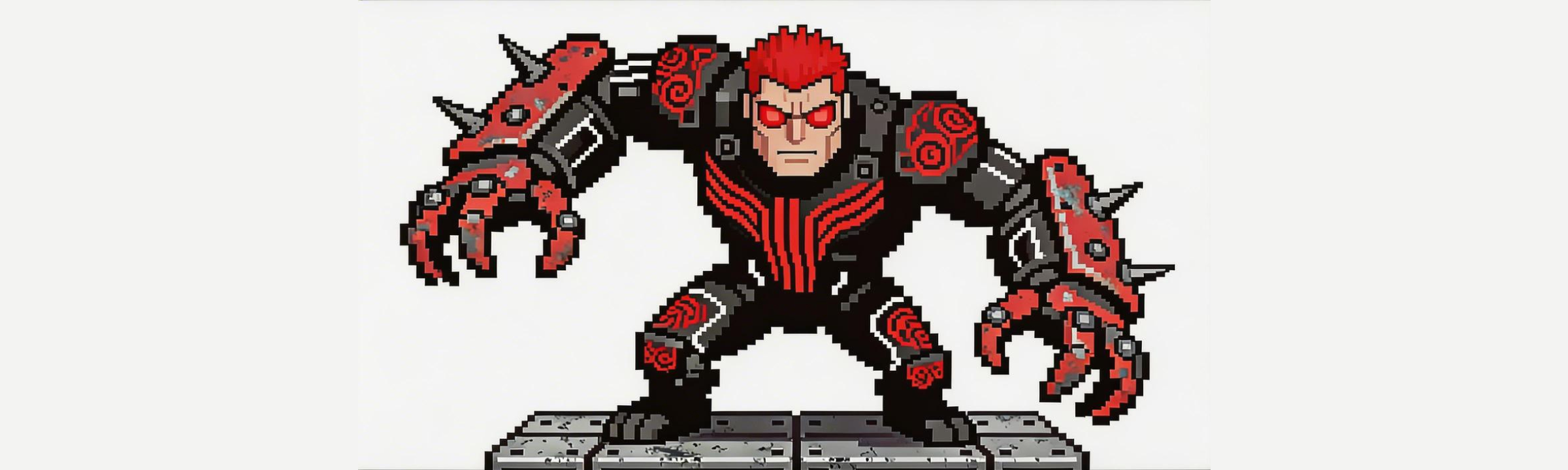 @Image 2, with
 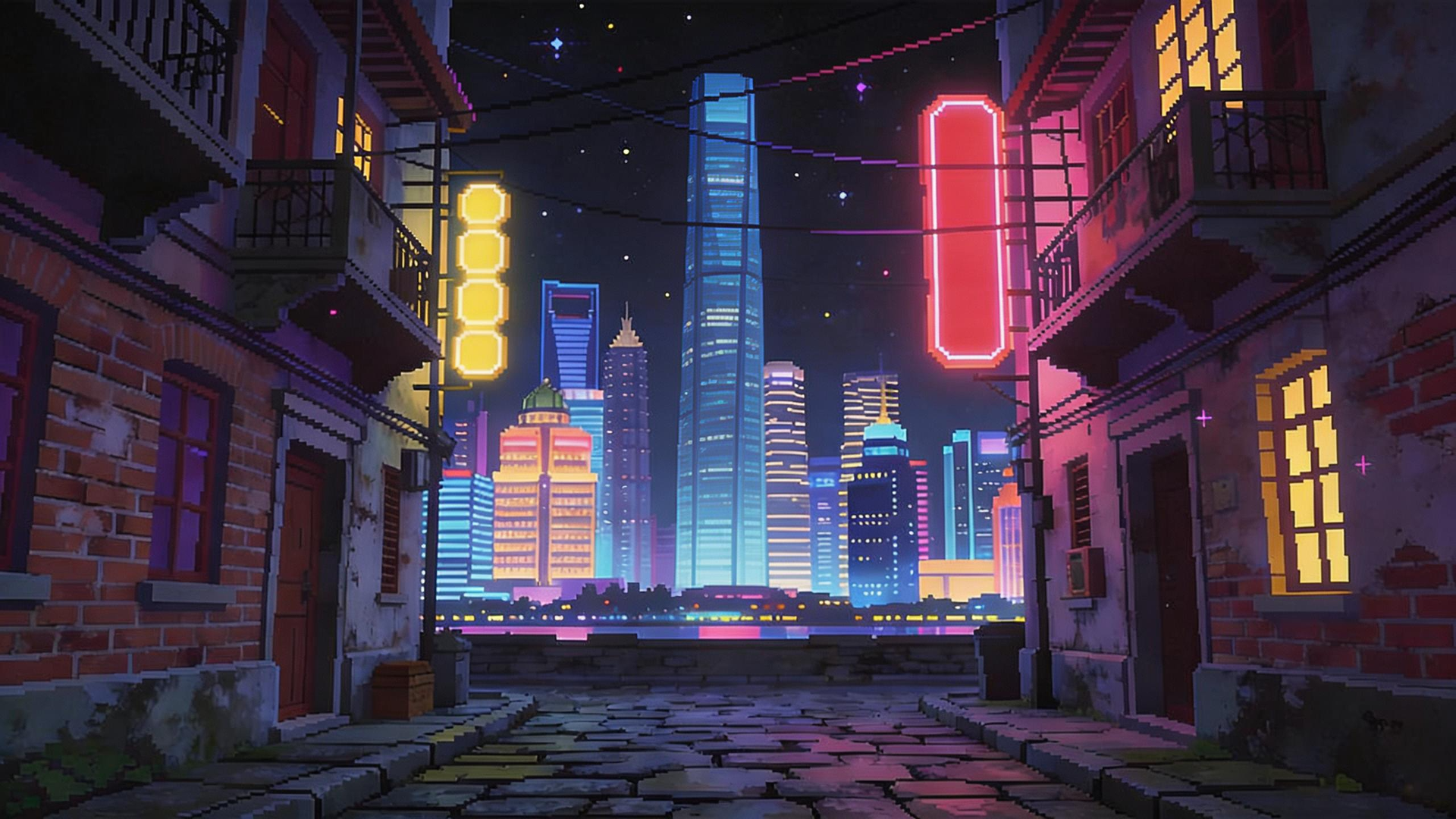 @Image 3 as the fighting background. The fighting process mimics a pixel game style, with @Audio 1 as the background music. Include fighting sound effects synchronized with the combat actions.
Featured Creations
Browse All Prompts →

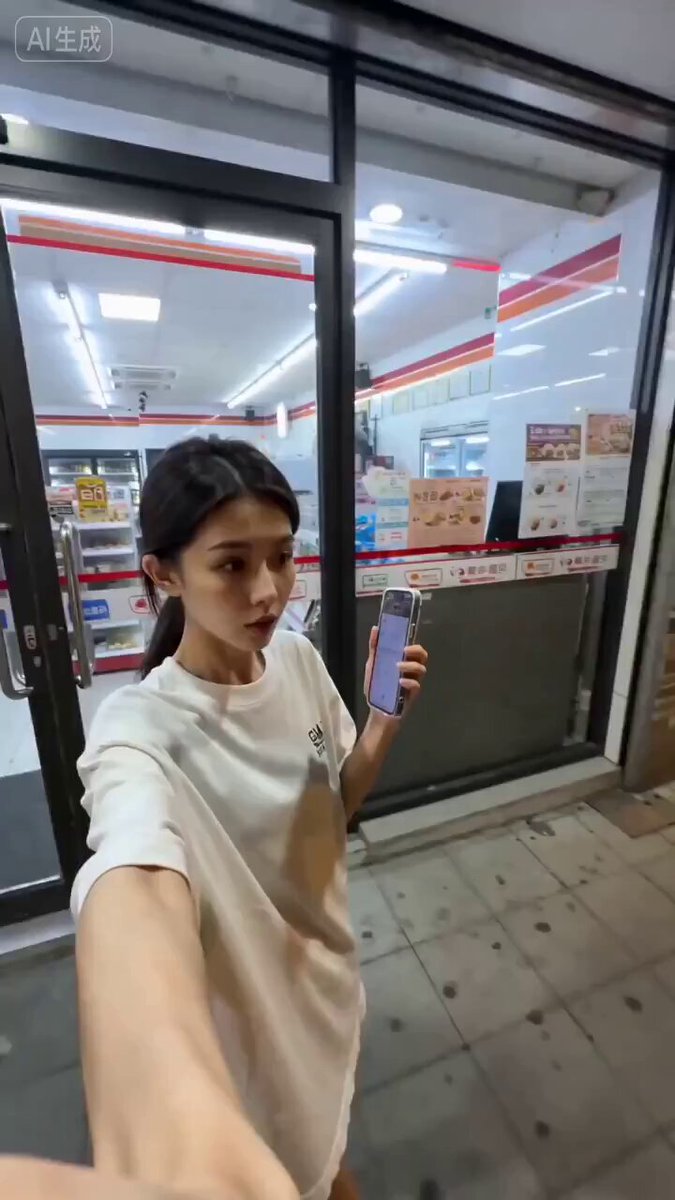
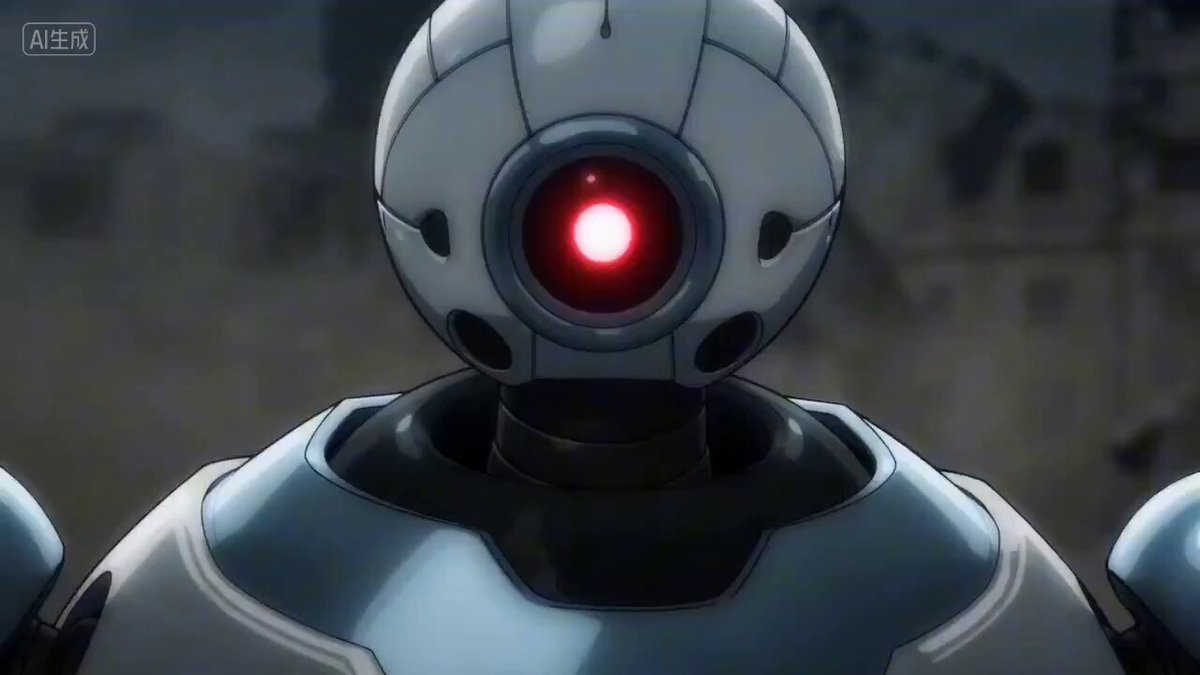
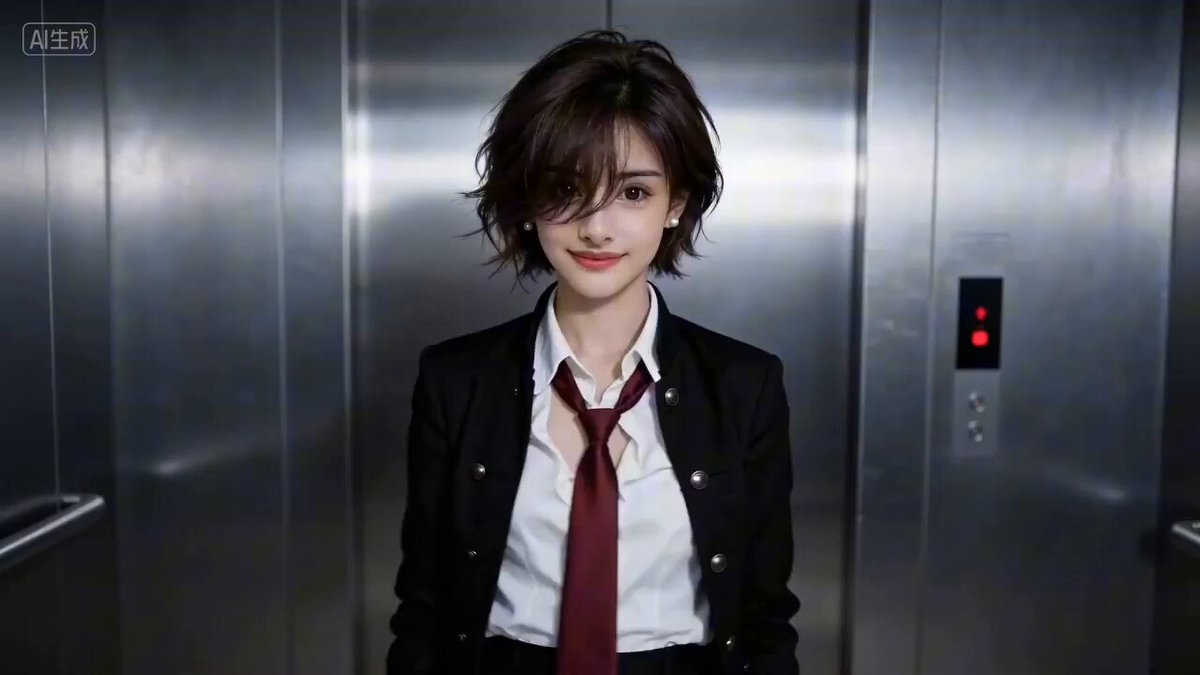
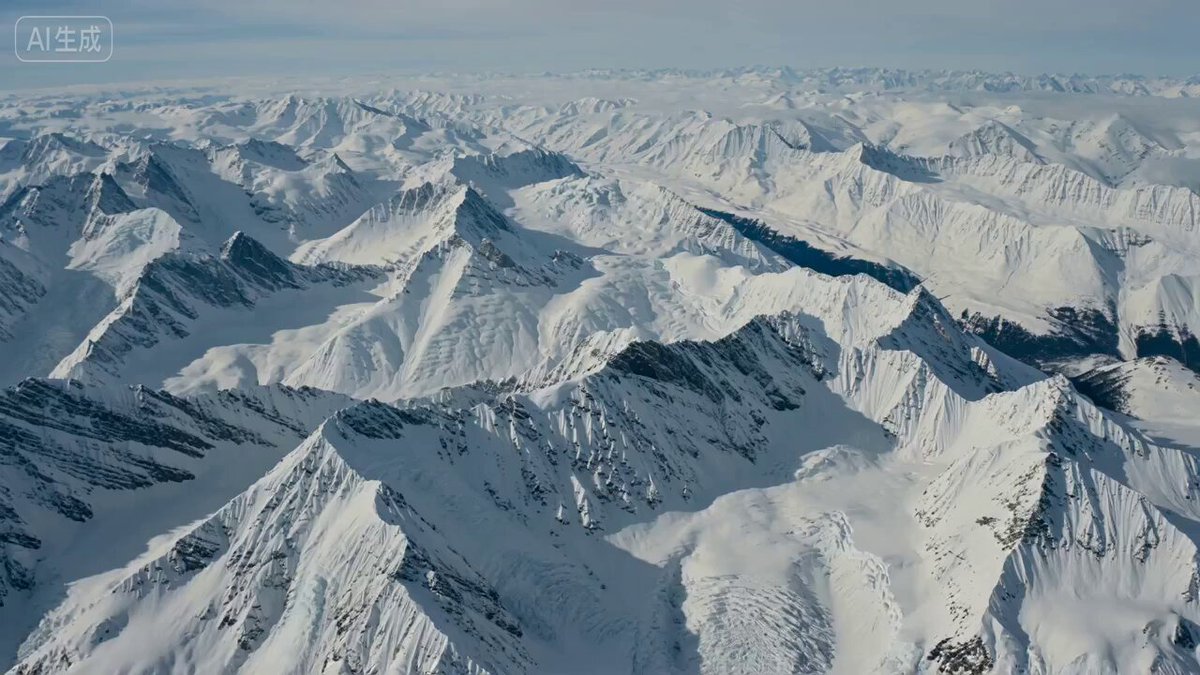

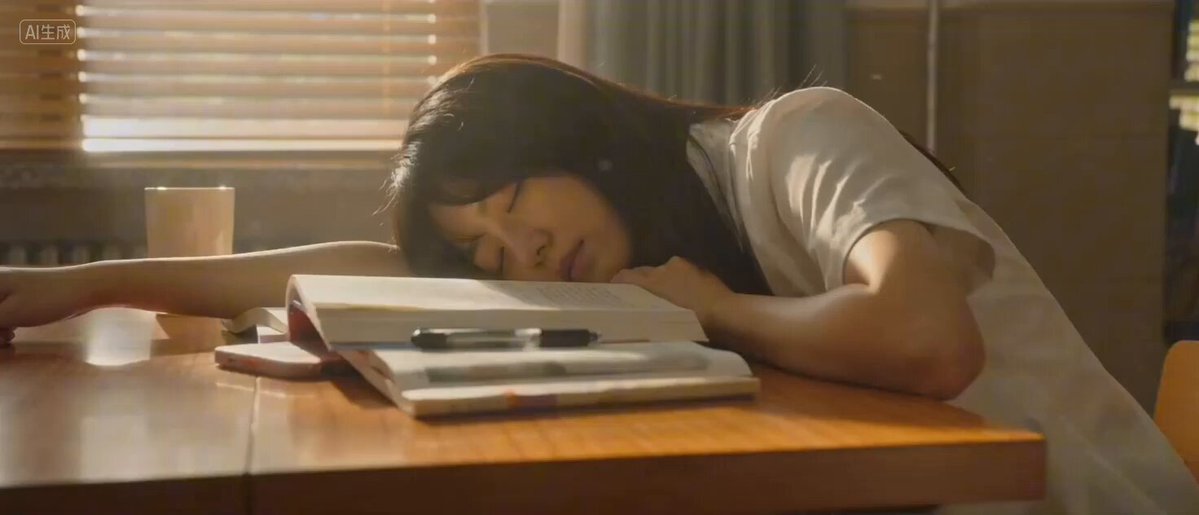
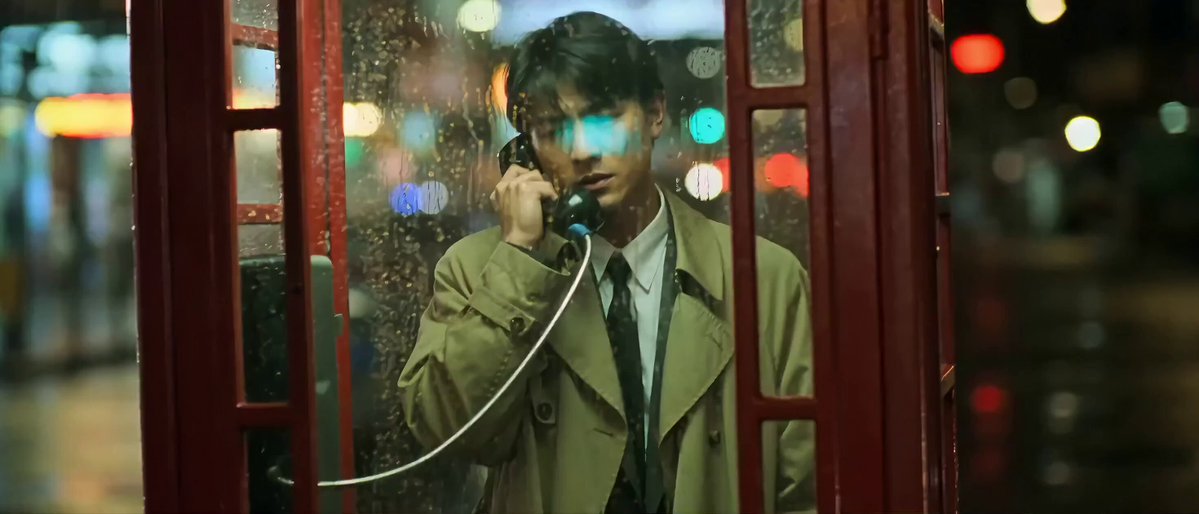
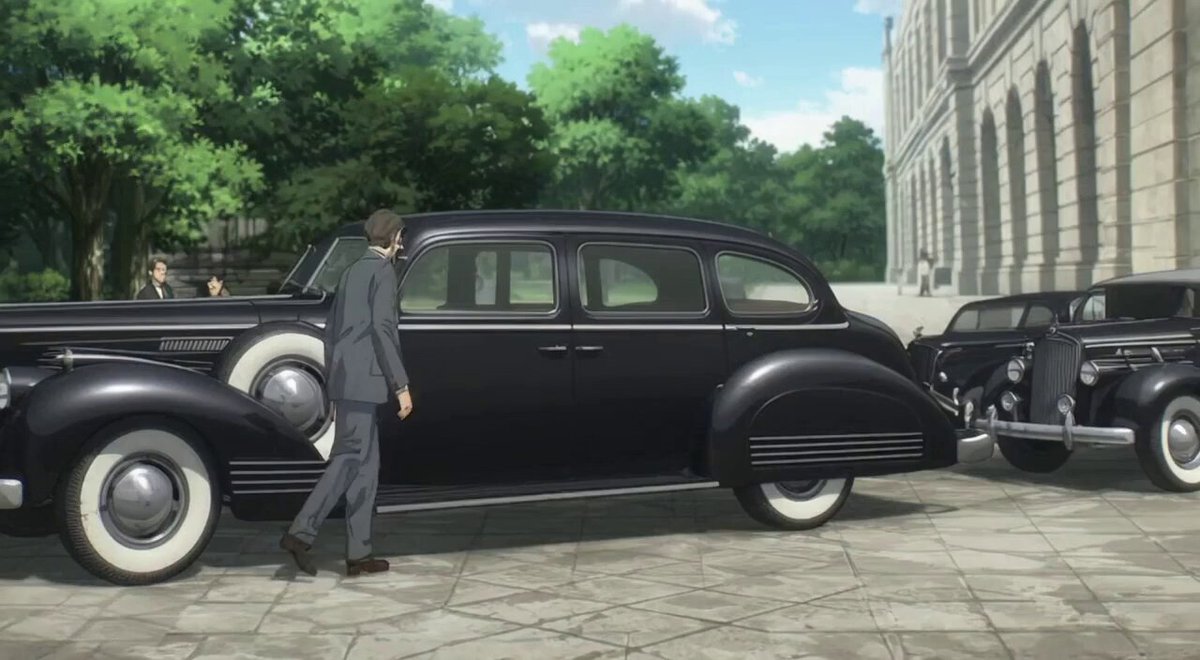
See Seedance 2.0 in Action
See How It Works →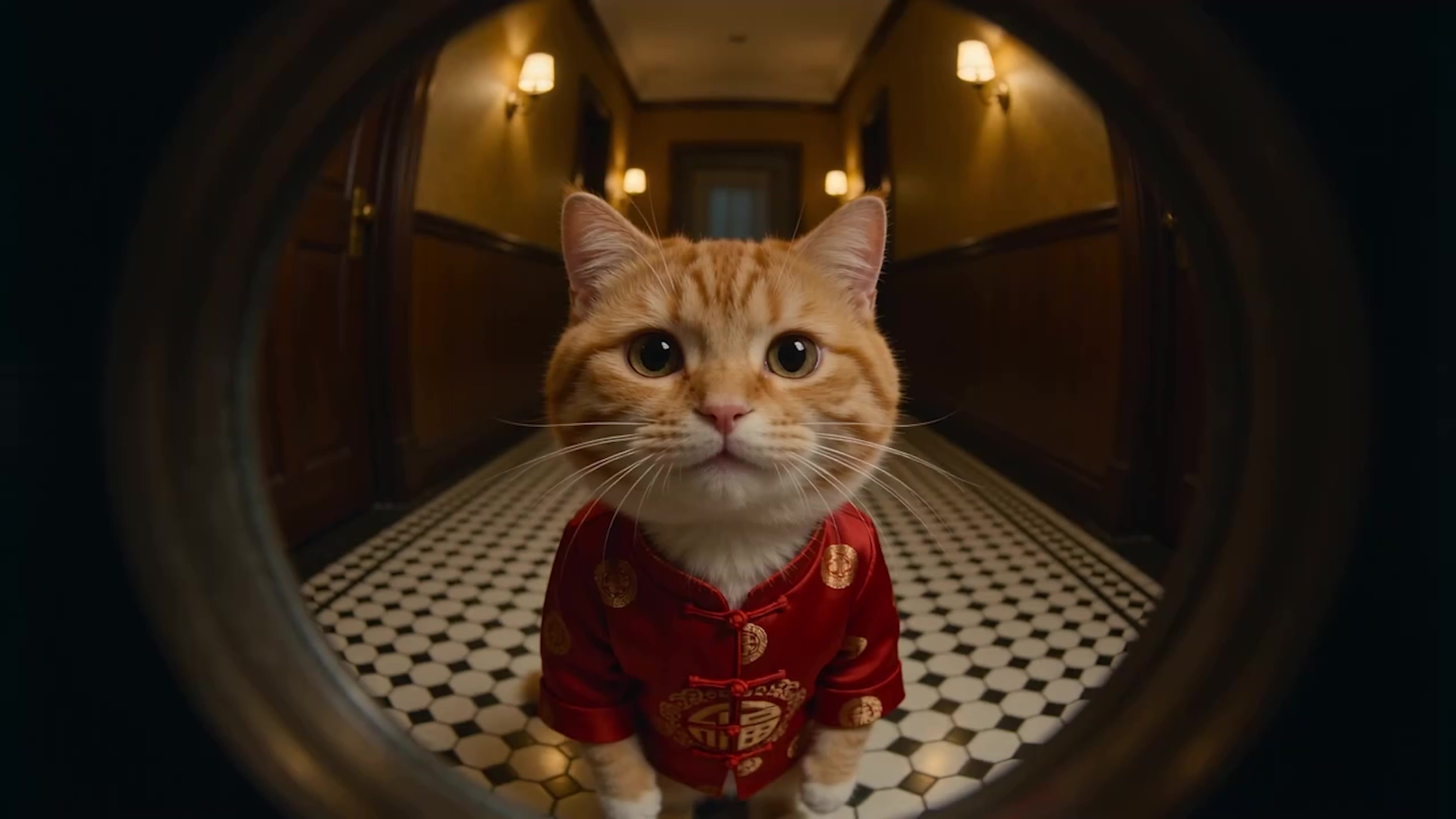
Multi-Modal Reference
Fine-Grained Feature Preservation
Video
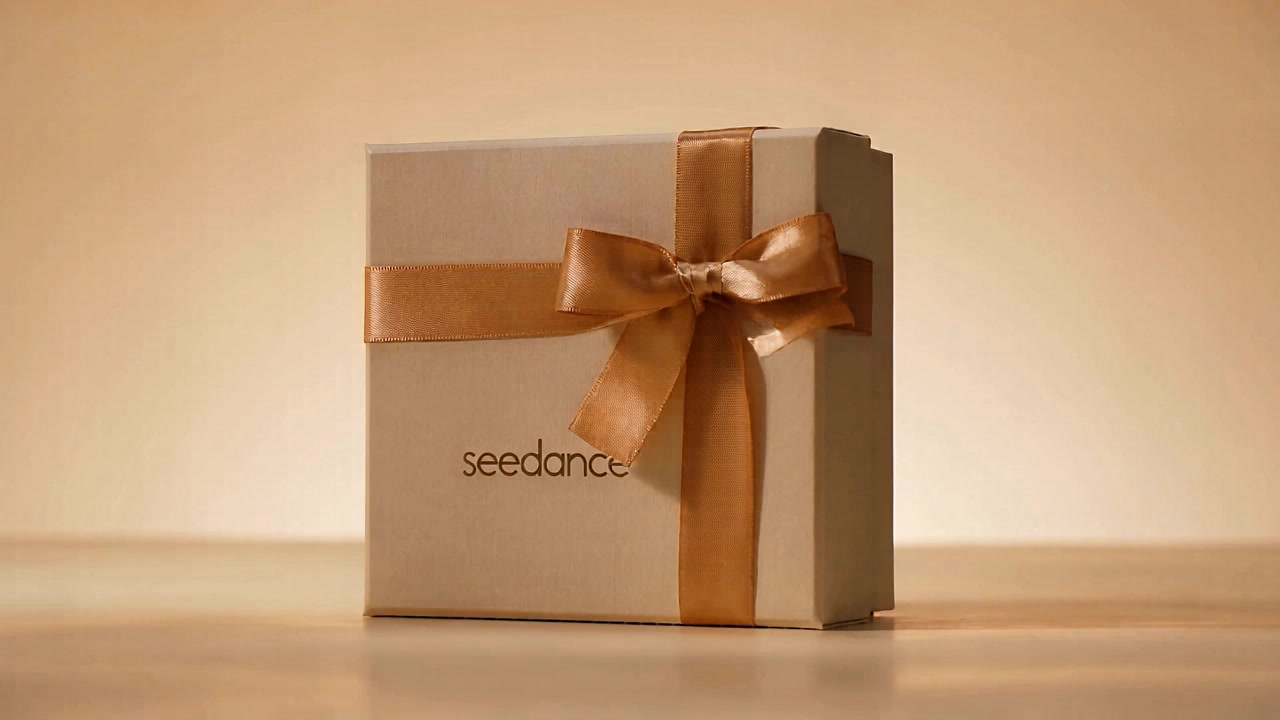
Video Editing
Precise Targeted Modification
VideoImage
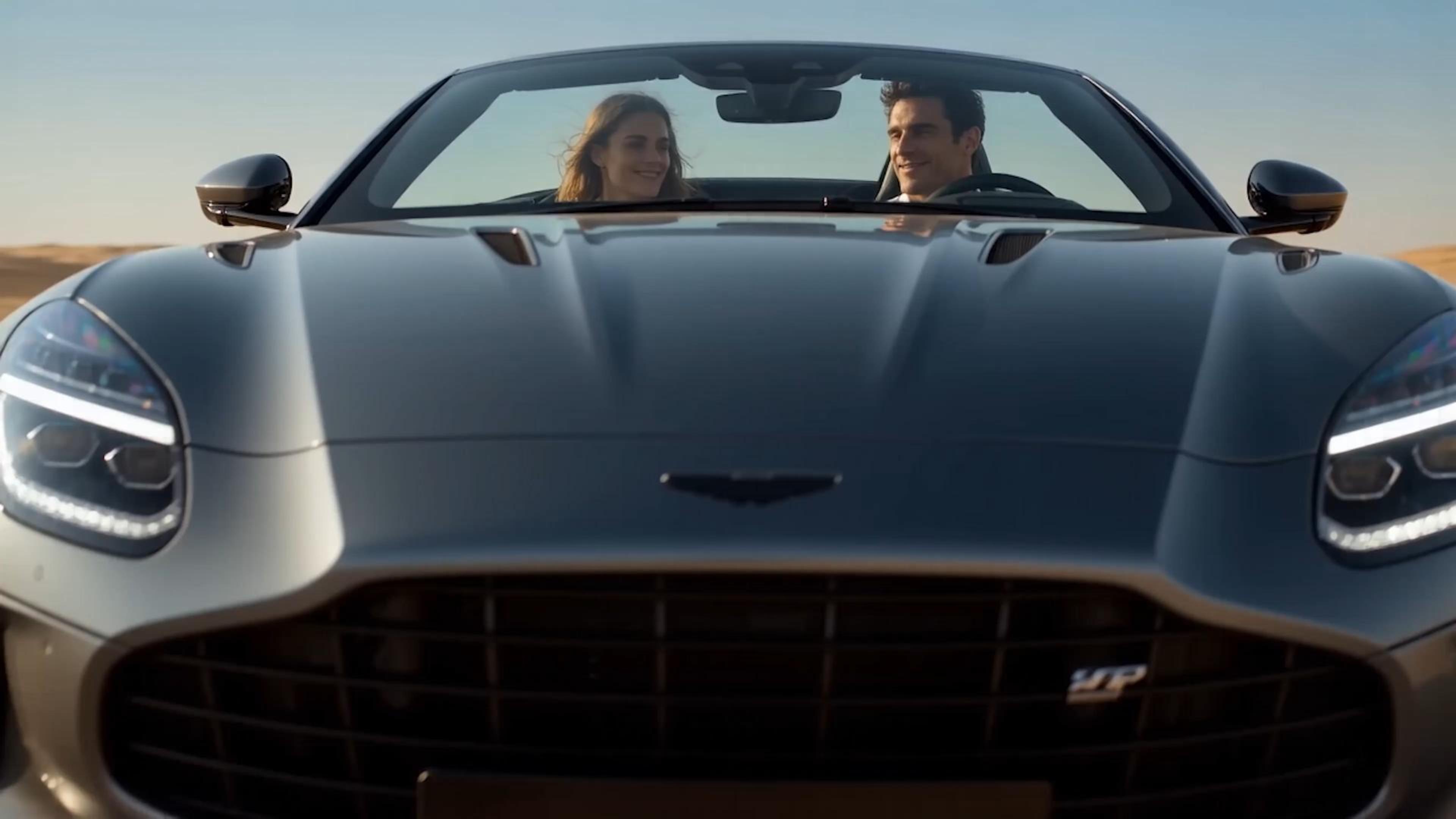
Video Extension
Seamless Continuous Storytelling
VideoAudio
How to Write Effective Seedance 2.0 Prompts
Writing great prompts is the key to getting stunning results from Seedance 2.0. Follow this proven 5-step formula used by top creators in our gallery.
The 5-Step Prompt Formula
1. Subject
Start with your main subject — who or what is in the video. Be specific about appearance, clothing, and expressions.
A young woman in a flowing red dress, long black hair blowing in the wind
2. Action & Motion
Describe what the subject is doing. Use vivid action verbs and specify the quality of movement — slow, fluid, explosive, graceful.
slowly turning to face the camera, her dress rippling with each step
3. Camera Movement
Specify the camera angle and movement to set the cinematic tone. Common options: dolly in, orbit shot, tracking shot, crane shot, handheld, slow zoom.
smooth dolly-in from medium shot to close-up, shallow depth of field
4. Scene & Environment
Set the stage with location, time of day, weather, and atmospheric details. These details dramatically impact mood and visual quality.
on a cliff overlooking the ocean at golden hour, warm sunlight, distant waves
5. Visual Style
Define the overall aesthetic — cinematic, anime, documentary, fashion film, etc. Add technical details like film grain, color grading, or aspect ratio.
cinematic color grading, anamorphic lens flare, 2.35:1 aspect ratio, film grain
Pro Tips for Better Results
- Be specific, not vague — "a golden retriever puppy chasing a butterfly in a sunlit meadow" works much better than "a dog in a field."
- Include motion keywords — Words like "flowing," "swirling," "exploding," "drifting" help Seedance 2.0 understand the dynamics you want.
- Reference real cinematography — Mention directors ("Wong Kar-wai style"), film techniques ("rack focus"), or specific looks ("Kodak Portra 400 color palette").
- Layer your details — Start with the most important elements and add secondary details. Seedance 2.0 prioritizes earlier parts of the prompt.
- Study what works — Browse our gallery of 714+ prompts, filter by category, and study the patterns in top-rated prompts.
Explore Prompt Categories
Our collection of 714+ prompts spans 9 distinct categories. Each category has its own techniques and creative approaches. Explore below to find the perfect starting point for your next video.
Cinematic
Movie-quality shots with professional camera work, dramatic lighting, and film-grade color grading. Think Hollywood blockbusters and arthouse films. Use keywords like "anamorphic," "dolly shot," "film grain," "color grading," and reference directors like Nolan, Kubrick, or Wong Kar-wai for specific visual styles. Perfect for short films, trailers, and dramatic storytelling.
Narrative
Story-driven scenes with characters, dialogue contexts, and plot progression. These prompts focus on emotional beats, character interactions, and visual storytelling techniques. Great for creating POV sequences, selfie-style videos, character introductions, and dramatic moments. Use specific scene descriptions, character emotions, and narrative context for best results.
Dance
Choreography, movement, and rhythm-driven videos. From classical ballet to hip-hop, breakdancing to traditional cultural dances. Seedance 2.0 excels at capturing fluid body movement and beat-synchronized motion. Include dance style, tempo, specific moves, and performance setting for the most dynamic results.
Fashion
Runway walks, outfit showcases, editorial-style videos, and style transformations. Ideal for fashion content, lookbooks, and trend videos. Describe garments in detail — fabric texture, cut, color, movement — and specify the setting (studio, runway, street). Transformation prompts where outfits change mid-shot are especially popular.
Animation & VFX
Animated styles including anime, cartoon, pixel art, claymation, and 3D renders, plus visual effects like particle systems, magical elements, and impossible physics. Perfect for creative and fantastical content that goes beyond photorealism. Specify the exact animation style and reference well-known works for consistent results.
Morphing
Morphing, transitions, before-and-after sequences, and metamorphosis effects. These prompts leverage Seedance 2.0's ability to smoothly transition between states — seasons changing, day to night, aging effects, material transformations. Use clear "from X to Y" descriptions and specify the transition speed and style.
Nature
Landscapes, wildlife, ocean scenes, weather phenomena, and natural wonders. From sweeping aerial mountain views to intimate macro shots of flowers blooming. Seedance 2.0 creates stunning natural environments with realistic lighting and atmospheric effects. Include time of day, season, weather conditions, and specific natural features.
Character
Portraits, close-ups, character studies, and persona showcases. Focus on facial expressions, emotional nuance, and character presence. Great for creating avatars, character introductions, and dramatic portraits. Describe physical features in detail, specify the emotion or mood, and use professional lighting terms like "Rembrandt lighting" or "rim light."
Other
Unique and experimental prompts that push Seedance 2.0's creative boundaries. Includes surreal compositions, abstract concepts, cross-genre mashups, and innovative techniques that don't fit traditional categories. Browse this section for unexpected inspiration and creative approaches.
Frequently Asked Questions
What is Seedance 2.0?
Seedance 2.0 is ByteDance's next-generation professional-grade multi-modal video creation model. It supports images, videos, audio, and text as reference inputs to generate cinematic-quality videos. Key capabilities include multi-modal video generation, AI video editing (subject replacement, object manipulation), video extension, first-and-last-frame generation, and native synchronized audio-video output with multi-language speech support.
Is Seedance 2.0 free?
Yes, Seedance 2.0 can be used for free. On Vibbit, you get free trial credits to generate videos — no credit card required. The official Volcano Engine API also offers a free tier for developers. For professional or high-volume usage, paid plans provide priority generation, higher quotas, and API access.
How do I use these prompts?
Simply browse or search for a prompt you like, click 'Copy Prompt' to copy the full text, then paste it into Seedance 2.0 or click 'Make My Own' to generate a video directly with Vibbit AI. You can also modify the prompt to match your creative vision.
Are these prompts free to use?
Yes, all prompts in this gallery are shared by the community and free to use. Each prompt links back to the original creator on X (Twitter) so you can credit them or discover more of their work.
Can I create my own video with these prompts?
Absolutely! Click the 'Make My Own' button on any prompt card or in the detail view to open Vibbit AI with the prompt pre-filled. You can generate your own version of the video or modify the prompt to create something entirely new.
What types of video prompts are available?
Our collection spans 9 categories: Cinematic (movie-style shots), Narrative (story-driven scenes), Dance (choreography and movement), Fashion (styling and runway), Animation & VFX (animated and effects-heavy), Transformation (morphing and transitions), Nature (landscapes and wildlife), Character (portraits and personas), and more.
What's the best prompt formula for Seedance 2.0?
The most effective formula follows 5 steps: Subject (who/what), Action (movement and dynamics), Camera (angle and movement), Scene (environment and lighting), and Style (visual aesthetic). For example: 'A dancer in white silk performs a slow spin (subject + action), tracked by a smooth orbit camera (camera), in a foggy forest at dawn (scene), with ethereal cinematic color grading (style).'
How do camera movements affect Seedance 2.0 videos?
Camera movement keywords dramatically change the feel of your video. Use 'dolly in' for dramatic reveals, 'orbit shot' for 360-degree showcases, 'crane shot' for sweeping overviews, 'handheld' for documentary realism, 'tracking shot' for following action, and 'slow zoom' for building tension. Combining movement with speed (slow, fast) gives even more control.
Can I use images as input for Seedance 2.0?
Yes, Seedance 2.0 supports image-to-video generation. Upload a reference image and provide a text prompt describing the desired motion and camera work. The model will animate your image while preserving its visual style, composition, and character details.
How long can Seedance 2.0 videos be?
Seedance 2.0 currently generates video clips of 5-10 seconds per generation. For longer content, you can use Vibbit AI's video extension features to chain multiple clips together, or create multi-shot sequences by generating several related prompts and editing them together.
What's the difference between Seedance 1.0 and 2.0?
Seedance 2.0 is a major upgrade from 1.0. Key improvements include: multi-modal input (text + images + video + audio combined), AI video editing (subject replacement, object manipulation), video extension (forward/backward), native audio-video synchronization with lip-sync, 720P resolution (up from 480P), and significantly better character consistency and motion quality.
What is Seedance 3.0?
Seedance 3.0 is the next-generation model from ByteDance, currently in preview. It is expected to feature higher resolution output (1080P+), longer video duration, and further improvements in generation quality and creative control. For the latest updates, check our version comparison page.
How does Seedance 2.0 compare to Sora?
Seedance 2.0 and OpenAI's Sora are both leading AI video generation models. Seedance 2.0 stands out with its multi-modal input system (combining text, images, video, and audio in one prompt), native video editing capabilities, and audio-video synchronization. Both models produce high-quality cinematic results, but Seedance 2.0 is more accessible through platforms like Vibbit with free trial credits.
How do I access the Seedance 2.0 API?
The Seedance 2.0 API is available through ByteDance's Volcano Engine platform. You'll need to create an account, obtain an API key, and use the REST API endpoints for video generation. Vibbit is also working on providing the fastest Seedance 2.0 API integration. Check our API guide for code examples and documentation.
How do I maintain character consistency across clips?
For consistent characters across multiple clips, use detailed and identical character descriptions in each prompt — specify exact clothing, hair color, facial features, and body type. Using image-to-video mode with a reference image of your character helps maintain visual consistency. Some creators also use the @tag reference system for character persistence.
Does Seedance 2.0 support negative prompts?
While Seedance 2.0 doesn't have a dedicated negative prompt field like some image generators, you can guide the model away from unwanted elements by being more specific in your positive prompt. Instead of 'no blur,' try 'sharp focus, crisp details.' Focus on describing exactly what you want rather than what you don't want.
Why use Vibbit AI for Seedance 2.0?
Vibbit AI provides the easiest way to access Seedance 2.0 — no API keys, no installation, no complex setup. Simply type your prompt in the browser and generate. Plus, Vibbit offers additional tools like video editing, clip splitting, AI avatars, and multi-platform distribution to help you go from prompt to published content seamlessly.