How to Make a Talking Avatar With Vibbit
Clone your own talking avatar and voice from a short selfie video, then turn any script into a talking-head video. 3 steps, tips and FAQ.
You can make a talking avatar without setting up a camera, lights and a recording session every time. In Vibbit, you upload a short video of yourself facing the camera, clone your own avatar (your voice is cloned with it), and once it passes review, you type a script and get a talking-head video presented by your avatar.
If you post regularly on YouTube, TikTok or Instagram, that saves a lot of repeat filming. Even on days you can't be on camera, you can still publish.
What is a talking avatar, and what does it solve?
A talking avatar is a digital presenter that speaks whatever script you give it. You build it once from real footage of yourself, and after that every new video just needs new text.
It helps with:
Not wanting to film every time: you don't have to be on camera for each video.
High posting frequency: one avatar can cover many topics.
No filming setup: no need to prepare a space and gear for every shoot.
A consistent look: you look the same in every video.
In Vibbit, avatar videos sit alongside Long to Shorts, script-based remixing and B-roll as core tools for creator content.
Filming yourself vs. using a talking avatar
| Filming yourself | Vibbit talking avatar | |
|---|---|---|
| On camera | You, every time | Your cloned avatar |
| Preparation | Write and record | Type a script |
| Setup | Every shoot | Once, for the clone |
| New videos | Usually a re-shoot | Change the script |
| Best for | Live, on-camera content | Tutorials, product intros, explainers |
How to make a talking avatar in Vibbit: 3 steps
Step 1: Upload a front-facing video to clone your avatar
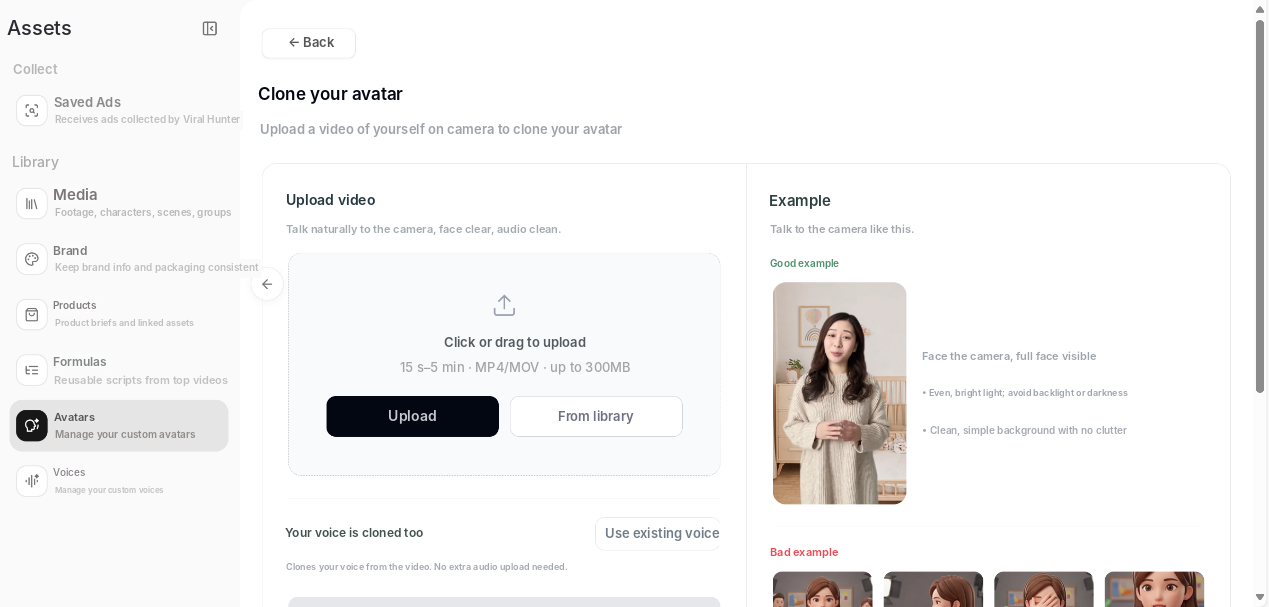
Go to Assets → Avatars → Clone your avatar and upload a video of yourself talking naturally to the camera. The page asks for 15 seconds to 5 minutes, MP4 or MOV, up to 300MB.
The example on the page lists what works best: face the camera with your whole face visible, use even, bright light without backlighting, and keep the background clean and uncluttered. Your voice is cloned from the same video, so there's no separate audio upload. You can also choose an existing voice instead.
Note that this uses a video, not a single photo. The clearer the footage, the better the avatar.
Step 2: Submit it for review
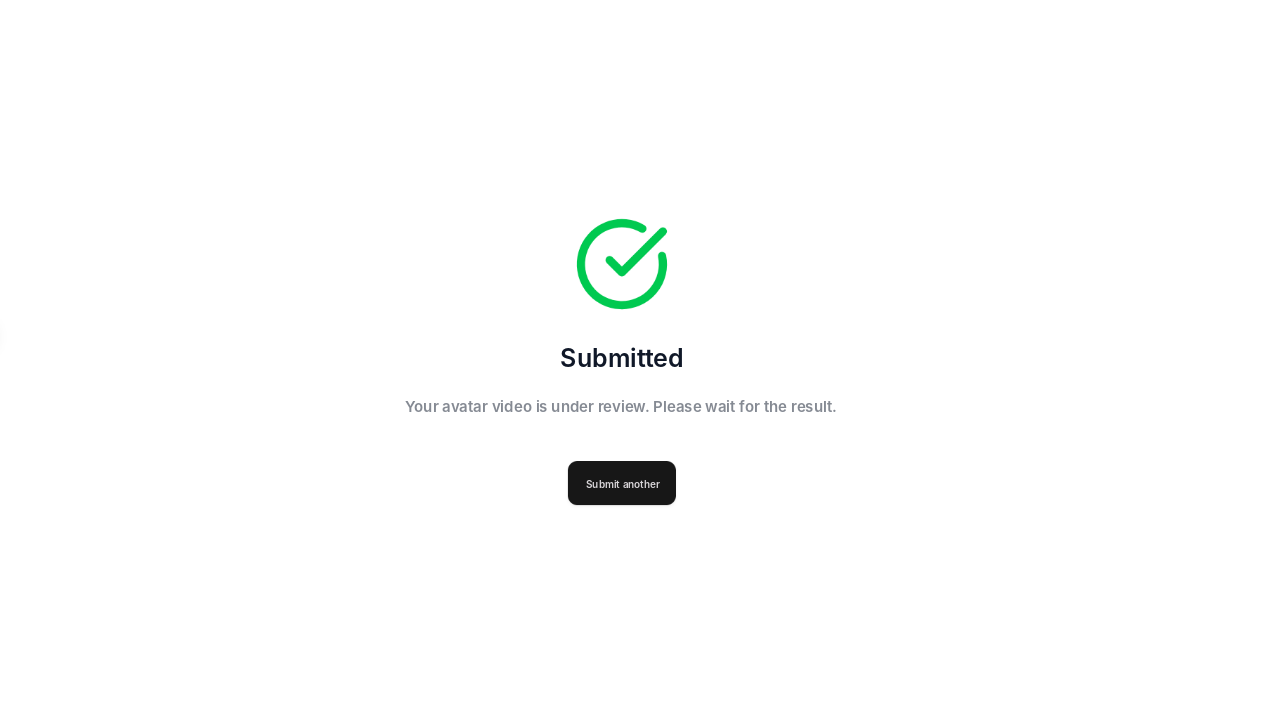
Submit the upload and wait for review. Once approved, the avatar is yours to reuse. You won't need to upload a video again for new content.
Step 3: Type a script and generate the video
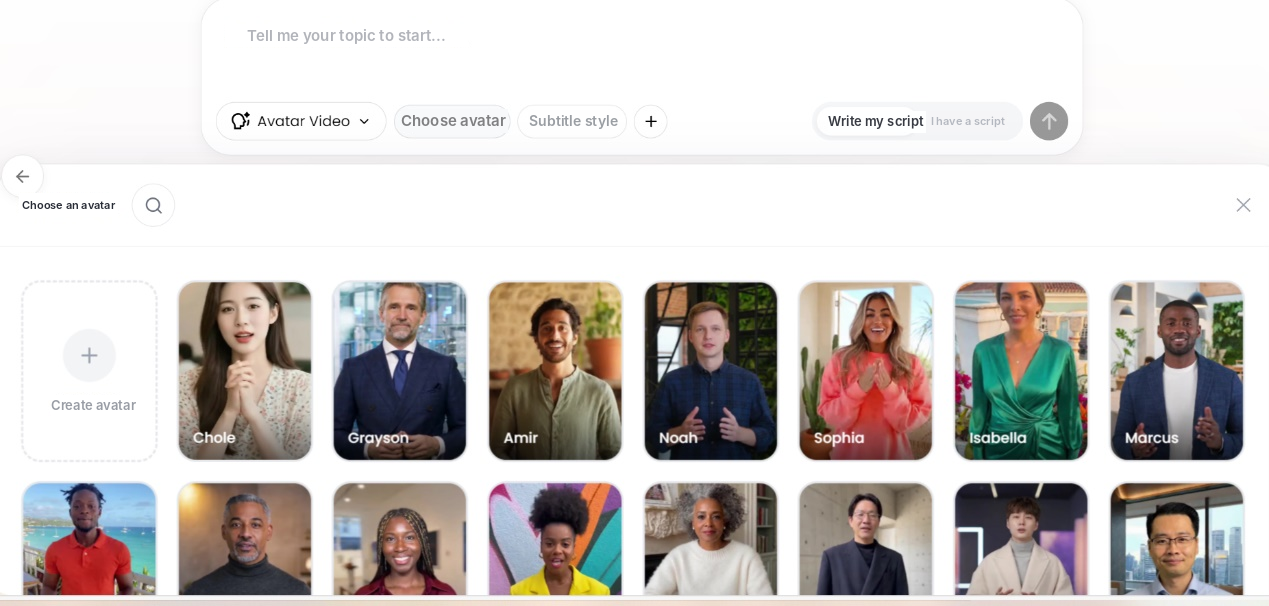
In the create box, switch to Avatar Video mode, click Choose avatar and pick the one you cloned (or one of Vibbit's stock avatars), then enter your script. If you're stuck, click Write script for me.
For example, a quick product intro:
"Welcome to our store! Today, I'm going to introduce one of our most popular products and show you what makes it special."
Submit, and Vibbit generates the video with your avatar presenting it.
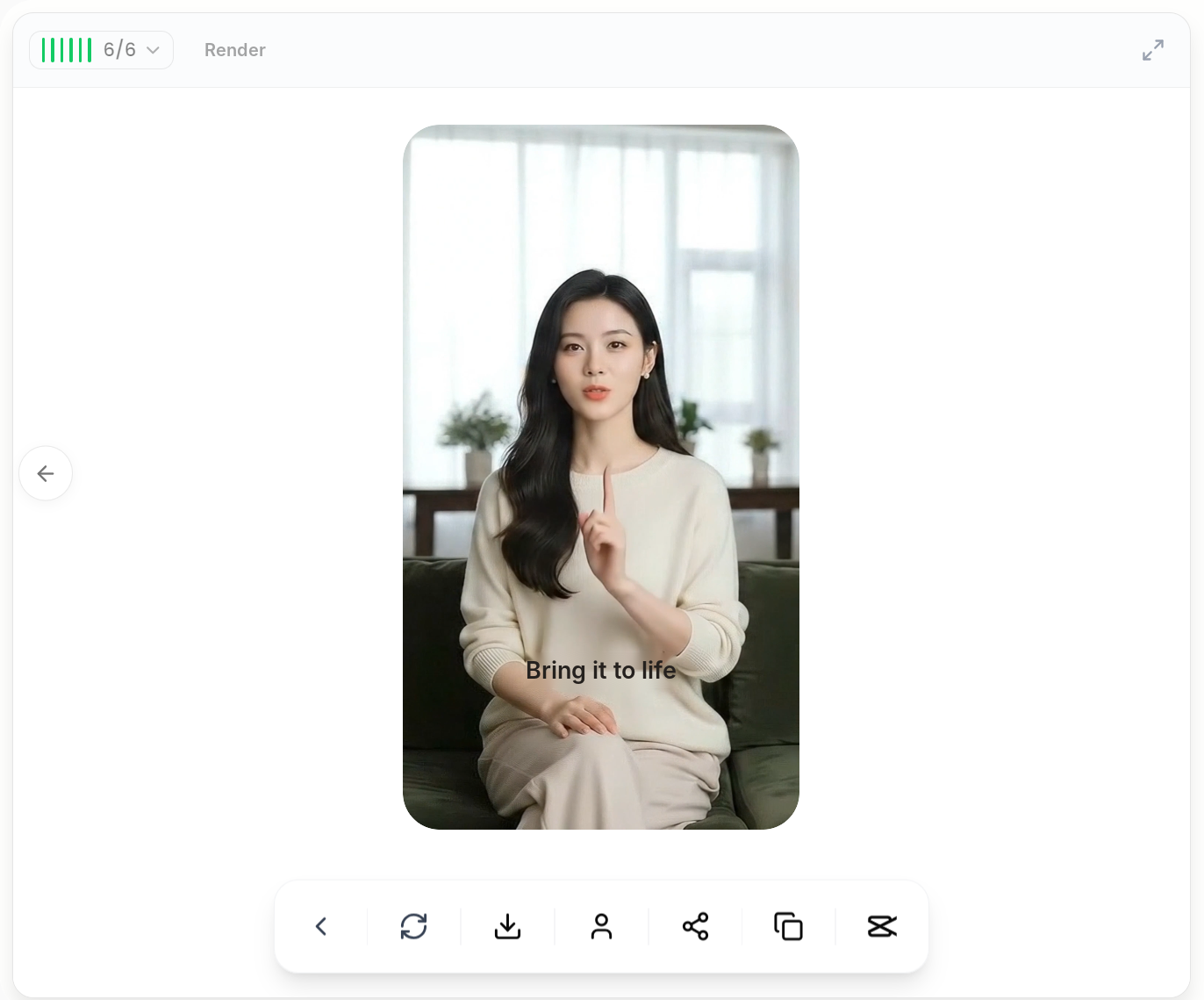
The first time, you prepare a video and pass review. After that, each new video is just pick the avatar and write the script.
Who is a talking avatar for?
YouTube creators making explainers, tutorials and product videos who want to film far less.
TikTok and Instagram creators who need to keep posting across lots of topics.
Shopify and Amazon sellers turning features, use cases and selling points into product explainer videos for social.
Online teachers who'd rather put their time into the lesson than into being on camera again.
FAQ
What do I need to make a talking avatar?
A front-facing video of 15 seconds to 5 minutes, with good light, a clear face and a clean background. Upload it and wait for review.
Can I make one from a single photo?
Vibbit's avatar cloning uses a video, not a single photo. Once your avatar is approved, you can use it for any script.
Do I have to upload a new video each time?
No. An approved avatar can be reused. For new videos, you only need a new script.
Do I need to record my voice separately?
No. Your voice is cloned from the same video. You can also choose an existing voice.
What kinds of videos work best?
Product intros, explainers, lessons, tutorials and social talking-head videos. For example, a YouTube explainer or a Shopify product intro.
Make your first talking-avatar video
Upload a front-facing video, clone your avatar, and once it's approved, turn any script into a video. Only clone yourself or someone who has given you permission.
Try it on Vibbit: vibbit.ai