How to See What Ads Your Competitors Run on Facebook
Use Meta Ad Library and the Vibbit Viral Hunter extension as a Facebook ad spy tool: find competitors' video ads and save them to your library in 3 steps.
Want to know what ads your competitors are running on Facebook? The fastest way is a Facebook ad spy tool that saves video ads straight from Meta Ad Library so you can study them. I use Vibbit's Viral Hunter browser extension: install it, search a competitor's page in the Ad Library, and when the extension detects a video ad, one click saves it to your library.
What is Facebook ad spy, and why watch competitors' ads?
Facebook ad spy simply means keeping an eye on which ads your competitors run on Facebook. The point isn't to copy them. It's to see which creatives keep running. Meta's Ad Library shows every active ad publicly, but scrolling through them one by one is slow.
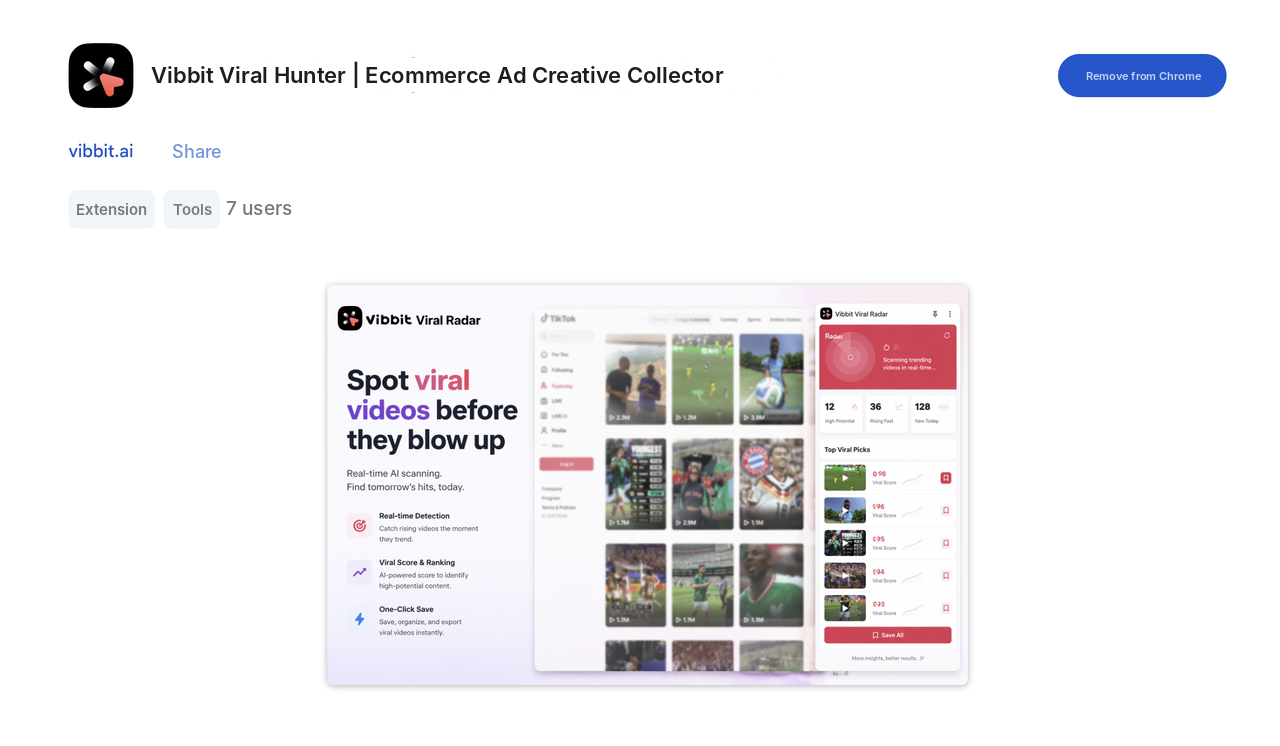
Vibbit Viral Hunter is a browser extension positioned as an ecommerce ad creative collector. It detects active ad creatives on the page and saves them to Vibbit in one click, ready for creative analysis and video production.
Here's how I use it: with the extension installed, I open the Ad Library and search for a competitor's page or a keyword. When a video ad appears, the extension detects it, I click Save to library, and the ad is saved along with the product it promotes. Compared with screen-recording on my phone and organizing everything by hand, it cuts out most of the busywork.
For example, when I researched a home goods store, I searched its page in the Ad Library and the extension flagged each active video ad. I saved the ones that had been running longest, since an advertiser who keeps paying for an ad is probably getting results. Then I looked at each ad's opening hook, the order of selling points and the call to action, and noted the structure as a reference for my own scripts.
How to check Facebook ads with Viral Hunter: 3 steps
Step 1: Install the extension
Search for Vibbit Viral Hunter in the Chrome Web Store and click Add to Chrome.
Step 2: Find competitors' ads in the Ad Library
Open Meta Ad Library, enter a competitor's page name or a keyword, and filter for active video ads. The extension marks the video ads it can detect, so you can see at a glance which ones a competitor is pushing right now.
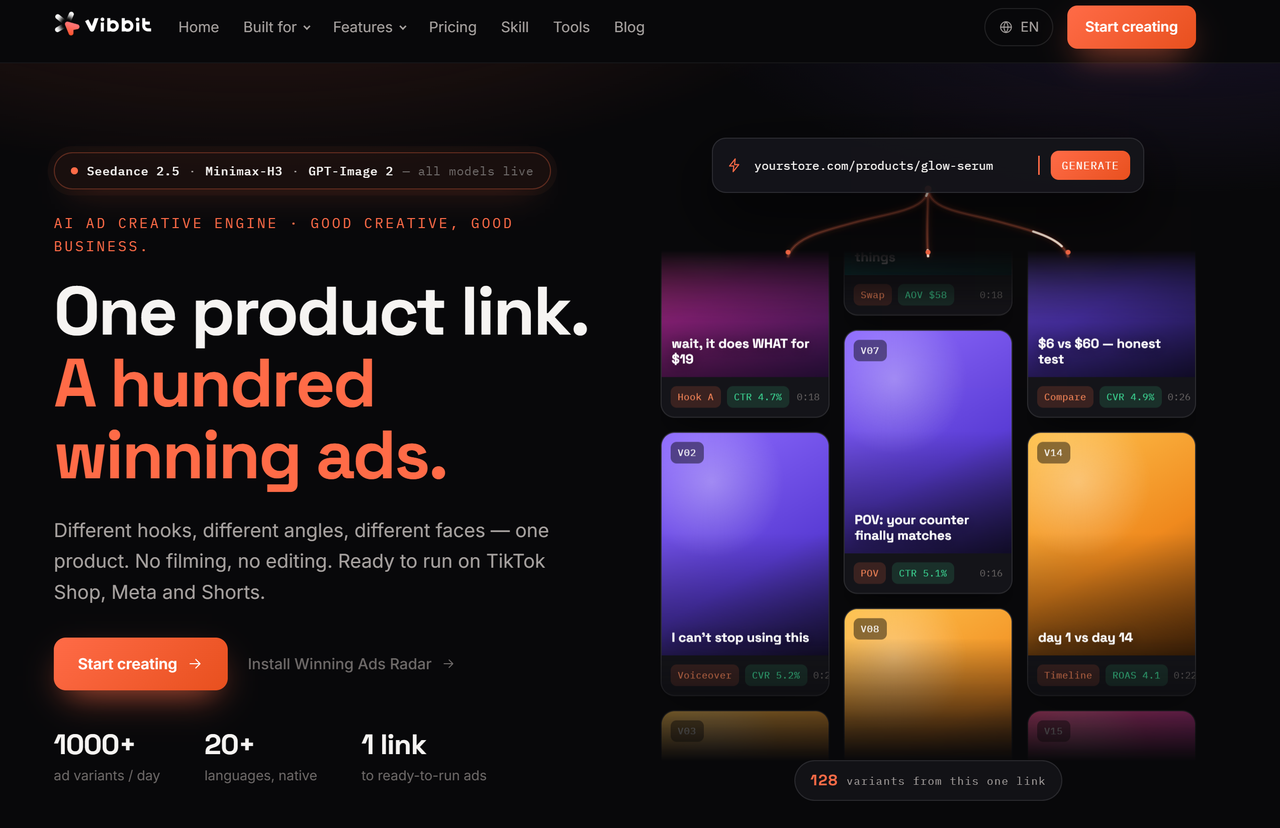
Step 3: Save the ad to your library
Click the save button on the extension to store the video ad and its product in your Vibbit library. Later, browse saved ads by product or platform and pull them up when you write scripts or make remixes, instead of hunting for the original again.
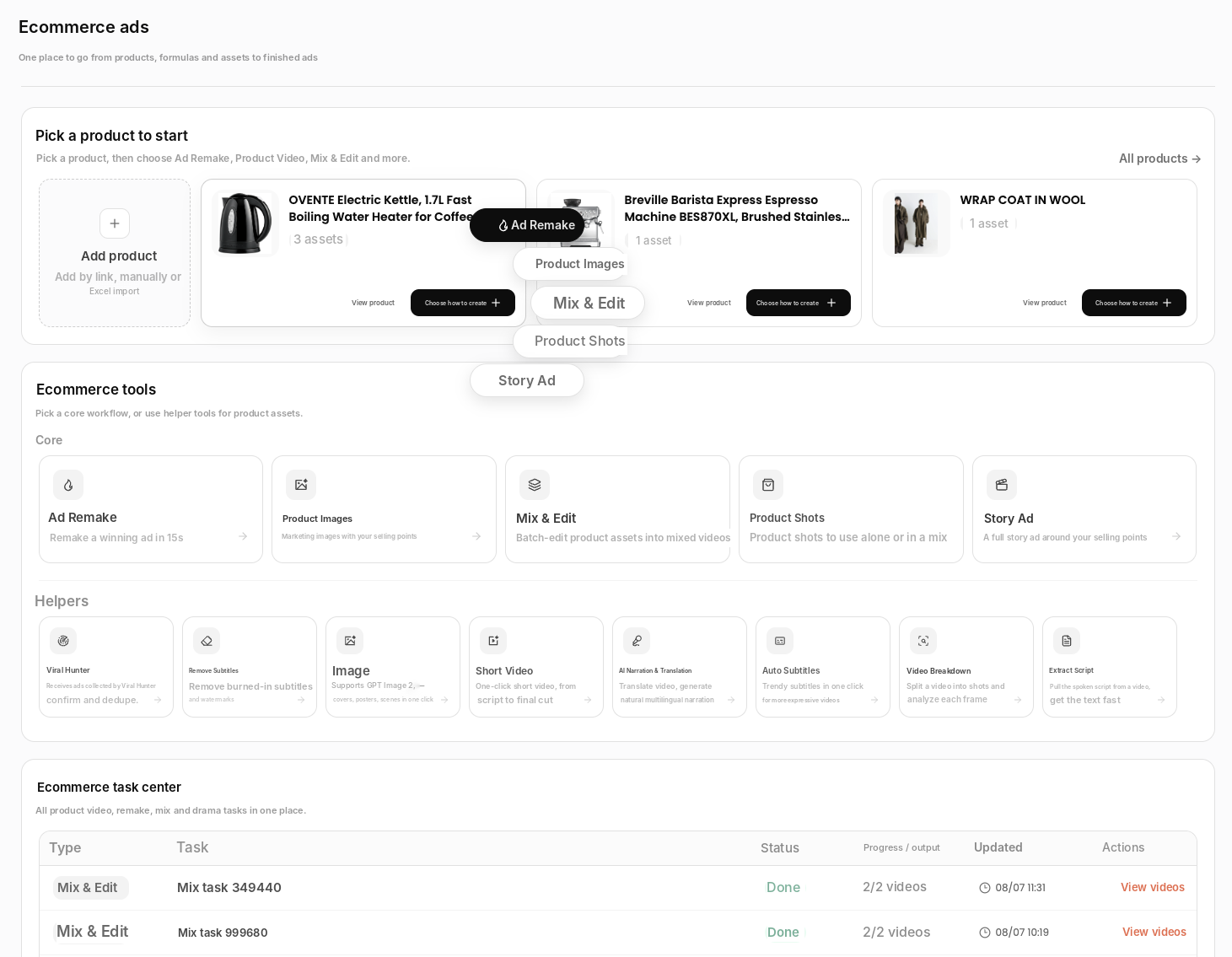
On Vibbit's Ecommerce Ads page, the Viral Hunter tool receives the ads the extension collects, where you can confirm, deduplicate and file them into your library.
Which platforms besides Facebook?
Viral Hunter also detects video ads and products on TikTok Shop, Instagram Reels and Amazon:
| Platform | What it does | Good for studying |
|---|---|---|
| Meta Ad Library | Detects video ads and saves them | Brands' main creatives, landing page ideas |
| TikTok Shop | Detects products and shoppable videos | Winning products, video structure |
| Instagram Reels | Detects short video ads | 3-second hooks, short-form formats |
| Amazon | Detects product pages | Selling points and main image copy |
I like to scan a category across several platforms, see where similar creatives are most active, and then decide which structure to study first.
Tips
Search competitors' pages rather than keywords. It's more precise and shows which ad a brand is pushing right now.
Group saved ads by product so you can pull them up when writing scripts or remixing.
Check how long an ad has been running. Long-running ads usually mean the advertiser keeps paying for them, so they're worth a closer look.
Save several competitors in the same category. Comparing openings and selling points side by side teaches you more than one ad alone.
Things to keep in mind
Two hard rules. First, ads in the Ad Library are public, so using them for research and reference is fine, but don't run someone else's creative as your own. That's infringement. Second, Viral Hunter only detects and saves. The creative work is still yours, and saved ads are for your own research.
FAQ
Do I have to pay to check Facebook ads with Vibbit?
The extension detects and saves ads. Analysis and video generation afterwards use credits, and you see the estimated cost before generating. Plans are at vibbit.ai/pricing.
Can a Facebook ad spy tool download other people's ad videos?
Viral Hunter saves detected ads to your own library for viewing and reference. It isn't for republishing other people's videos.
Do I need to code?
No. It's a browser extension. Install it and click a few buttons on the page.
Can I check TikTok and Amazon too?
Yes. Viral Hunter supports Meta Ad Library, TikTok Shop, Instagram Reels and Amazon.
Save the ads your competitors are running
Install Viral Hunter, open the Ad Library and save your competitors' active ads in one click, ready to inform your next ad.
Try it on Vibbit: vibbit.ai