How to Change Product Backgrounds and Scenes With an AI Background Generator
Import a product once and Vibbit's AI background generator creates main, lifestyle and detail images with your product in different scenes. 3 steps and FAQ.
What does an AI background generator solve for ecommerce sellers?
It turns "shoot the same product again for every set of images" into "import once, generate many."
If you run a Shopify store, an Amazon listing or TikTok content, you know the drill: the main image needs one setup, and lifestyle images mean building a new set, relighting and shooting again. Vibbit's AI background generator extracts the product, model and scene based on the product category, then generates a set of product images with different backgrounds, so you skip shooting each one.
For small teams, that means a full, consistent set of product visuals without booking a shoot for every sales channel. For visual categories like handmade goods, home and apparel, multi-scene images have a direct effect on clicks and conversions.
How different do product images look before and after?
You go from one photo with a fixed background to a full set of the same product in several scenes.
Before, you usually had a single product photo, and a new look meant another shoot. With Vibbit, the same product gets main, lifestyle and detail images, placed at home, outdoors, on a shelf and more.
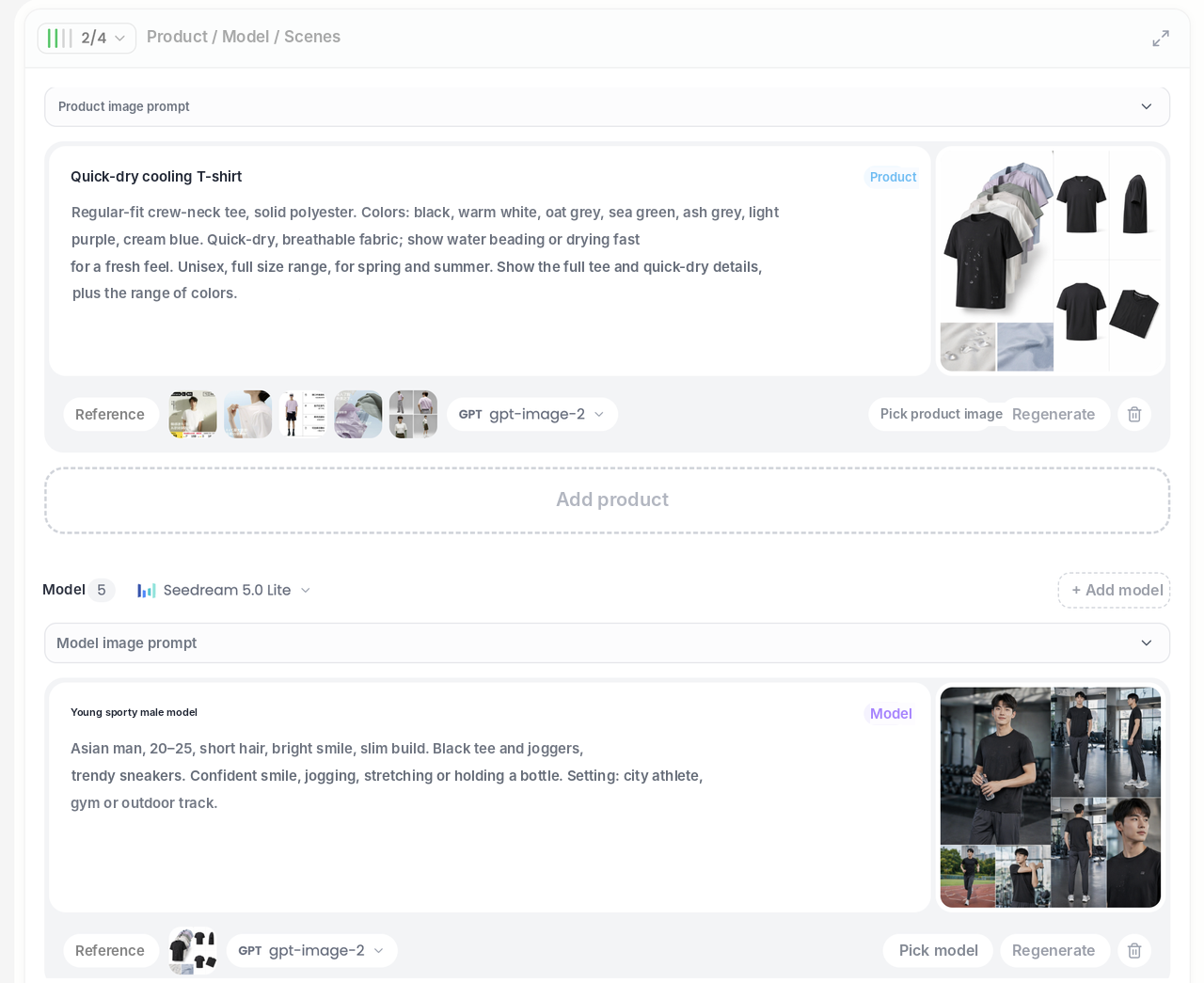
A mug, for example, can appear on a dining table, an office desk and at an outdoor picnic, without carrying it around for three shoots.
| Without the tool | With Vibbit's AI background generator | |
|---|---|---|
| Product images | One photo, fixed background | Main, lifestyle and detail images in several scenes |
| Adding scenes | Shoot again | Generated after extracting product, model and scene by category |
| Team reuse | Prepare assets again each time | Products saved to the library for the whole team |
Vibbit first decides whether the model and scene should reference the original product photo, then generates. That keeps the product's size, texture and lighting more consistent, so people and products don't look pasted together.
How to use the AI background generator: 3 steps
Step 1: Import the product
Paste a product link from Amazon, Shopify or another store and click Parse product. Vibbit pulls the product images, selling points and target audience and saves them to the product library. Or pick an existing product from the library.
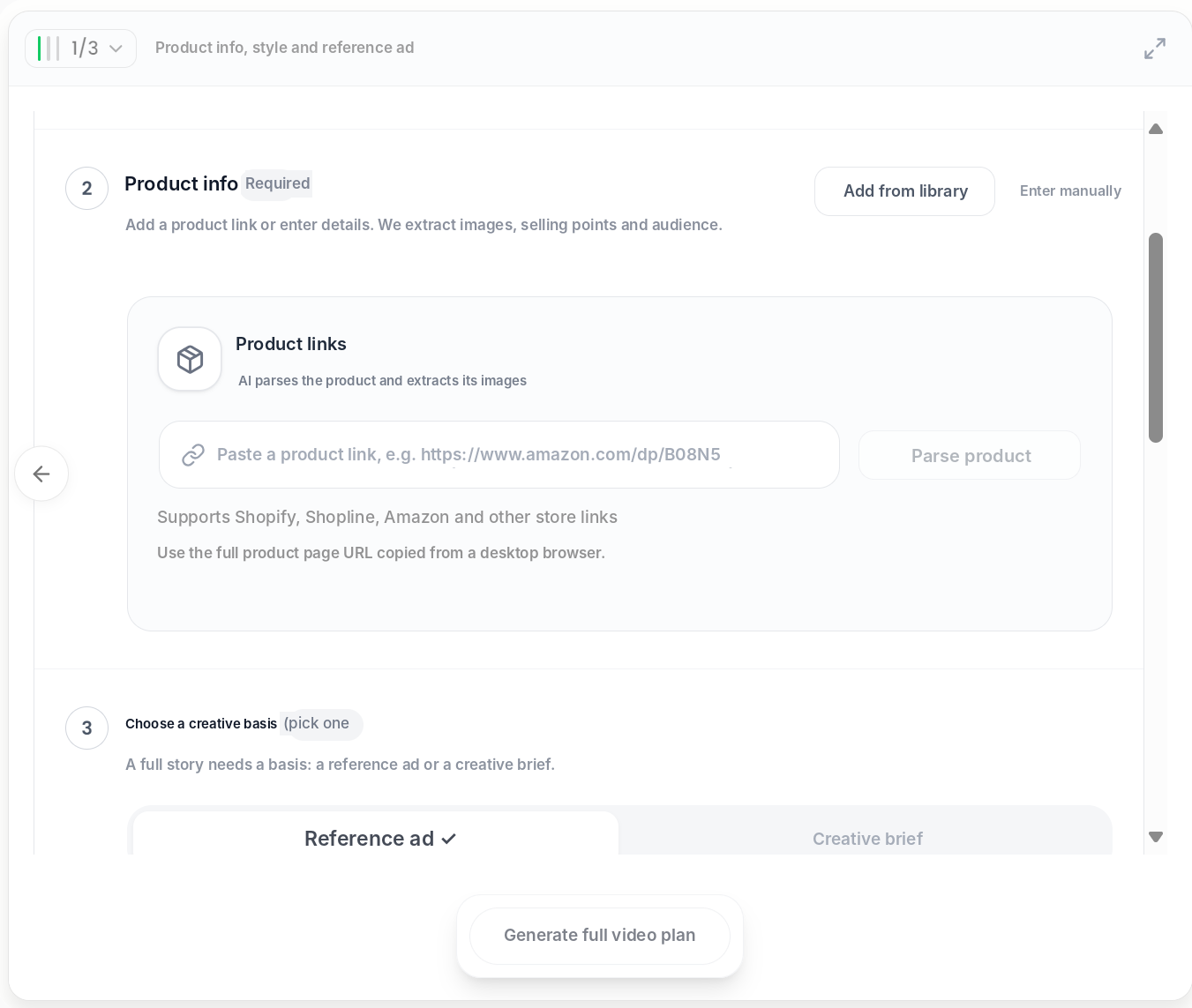
Step 2: Confirm the product, model and scenes
Vibbit identifies the product category and builds a product profile (use cases, selling points, visual highlights), then writes prompts for the product, model and scenes and decides whether they should reference the original photo. Edit the descriptions or upload reference images if you like.
Step 3: Generate the images
Click generate. Vibbit uses image models such as GPT Image 2 to create product, model and scene images, giving you several scene versions of the same product. Regenerate any single image you're not happy with.
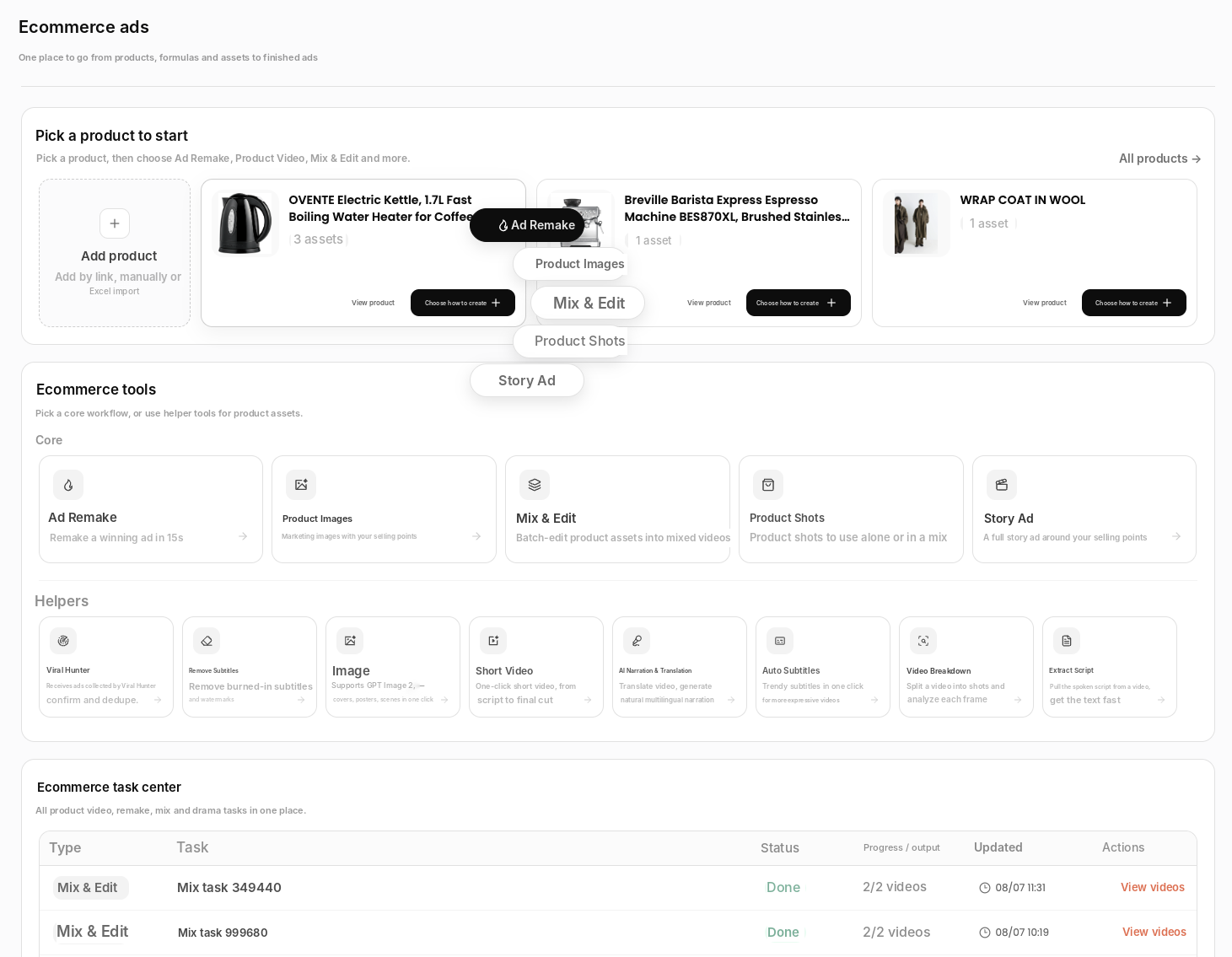
The more specific the scene description, the better. "A wooden dining table, morning light, an open book beside it" works better than "lifestyle scene."
Who and what it's best for
Any job where one product needs lots of images:
Amazon and Shopify sellers: one set covers main, lifestyle and detail images for listings and product pages.
TikTok and Instagram creators: place the same product in different everyday scenes for recommendation content.
Teams producing images at scale: once a product is in the library, anyone can use it without re-importing and re-analyzing.
| Who | Common scenes | Output |
|---|---|---|
| Amazon sellers | Shelf, in use | Main and lifestyle images |
| Shopify store owners | Home, outdoors | Lifestyle and detail images |
| Social creators | Everyday backgrounds | Lifestyle images |
FAQ
Which platforms can I import products from?
Vibbit parses product links from Amazon, Shopify, Shopline and other stores and saves them to the library. It then identifies the category and builds a product profile for reuse.
Will the images keep the product looking the same?
Vibbit extracts the product, model and scene by category and decides whether to reference the original photo before generating, which keeps product and lighting consistent. Still, check colors and details against the real product before listing.
What else can I create besides product images?
You can go on to generate ad videos for the same product, extending from still images to short-form ads.
How does a team reuse the same products?
Products stay in the product library, so team members can pick a product and reuse its images without importing and analyzing it again.
How much does it cost?
Vibbit uses credits, and you see the estimated cost before generating. Plans are at vibbit.ai/pricing.
Put your product in new scenes
Import the product, confirm the product, model and scenes, and generate a multi-scene image set in one go.
Try it on Vibbit: vibbit.ai