How to Turn a Novel Into Short Videos With Novel to Video AI
Import a novel excerpt into Vibbit, let AI find the characters and scenes and split it into shots, then generate a short video with voiceover and captions.
Turning a novel into short videos comes down to three steps: import a novel excerpt into Vibbit, let the AI break it into shots, then turn those shots into a video with voiceover and captions. With a novel to video AI tool, you don't need editing skills or storyboard drawings. You can go from a passage of text to a video ready to post, all inside Vibbit. Here's each step in the order I actually used.
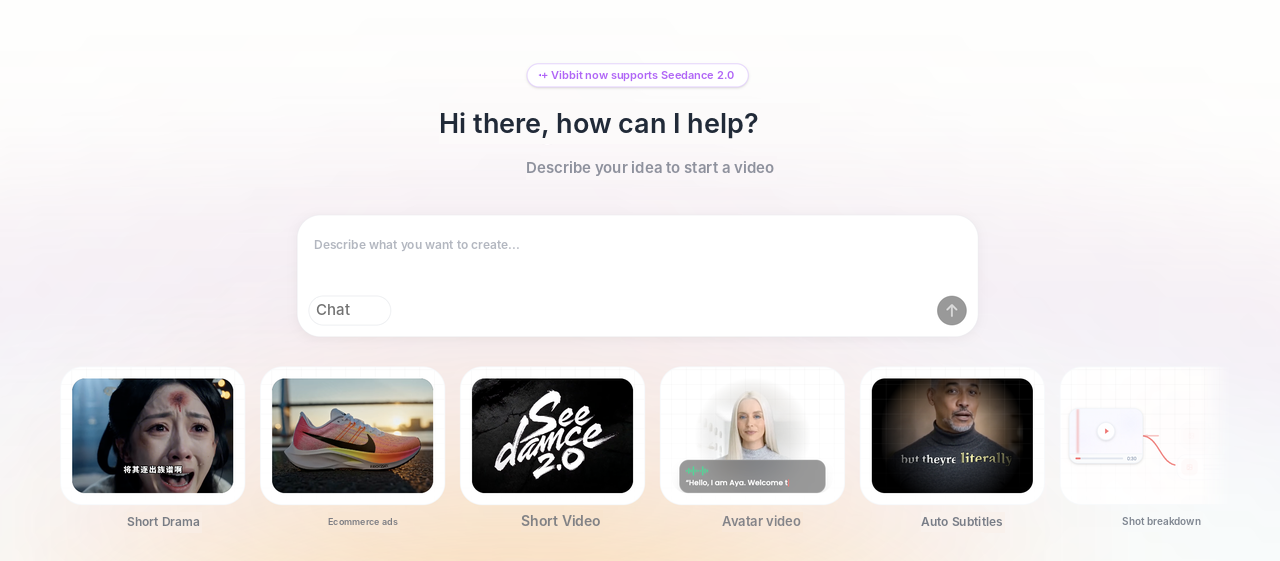
What is novel to video AI, and who is it for?
Novel to video AI tools turn novels and stories straight into short videos. Vibbit is one of them.
If you post novel recaps or serialized stories on YouTube, TikTok or Instagram, or use story-driven videos to sell on Shopify or Amazon, this approach saves most of the scripting, storyboarding and voiceover work. Instead of hiring someone to adapt the script, an artist to draw the storyboard and a voice actor, one person can turn a passage into a finished video.
Step 1: Import a novel excerpt into Vibbit
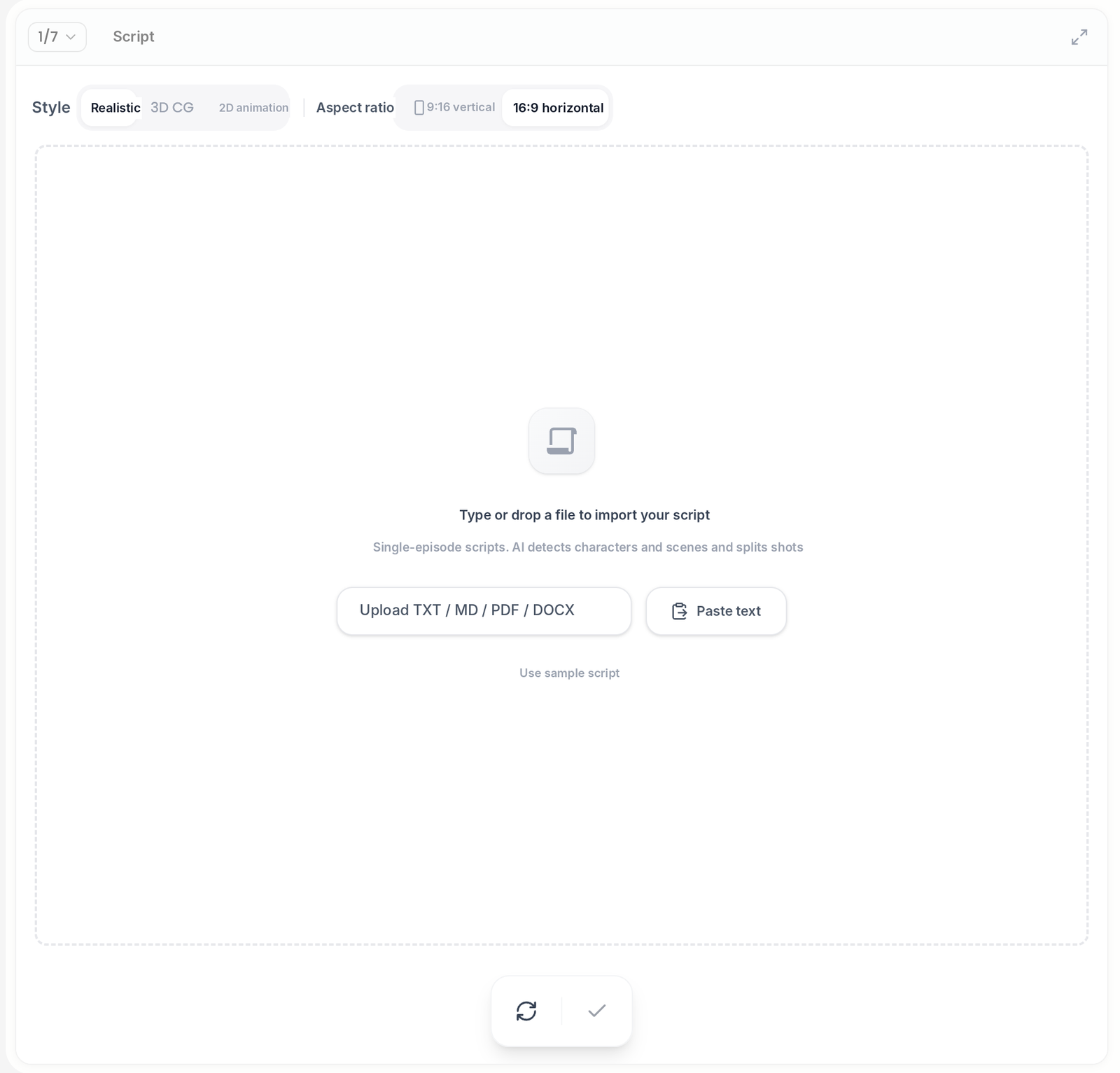
On the Enter script screen, add the passage you want to turn into a video.
You can upload TXT, MD, PDF or DOCX files, paste text directly, or try Use sample script first. I usually pick the one or two scenes best suited to short video, like the one with the most conflict or dialogue, and import that whole section.
Before importing, choose a style (Realistic, 3D CG or 2D animation) and an aspect ratio: 9:16 for TikTok and Shorts, 16:9 for landscape YouTube. Vibbit then identifies the characters and scenes and splits the text into a row of shots.
Step 2: Review and edit the storyboard
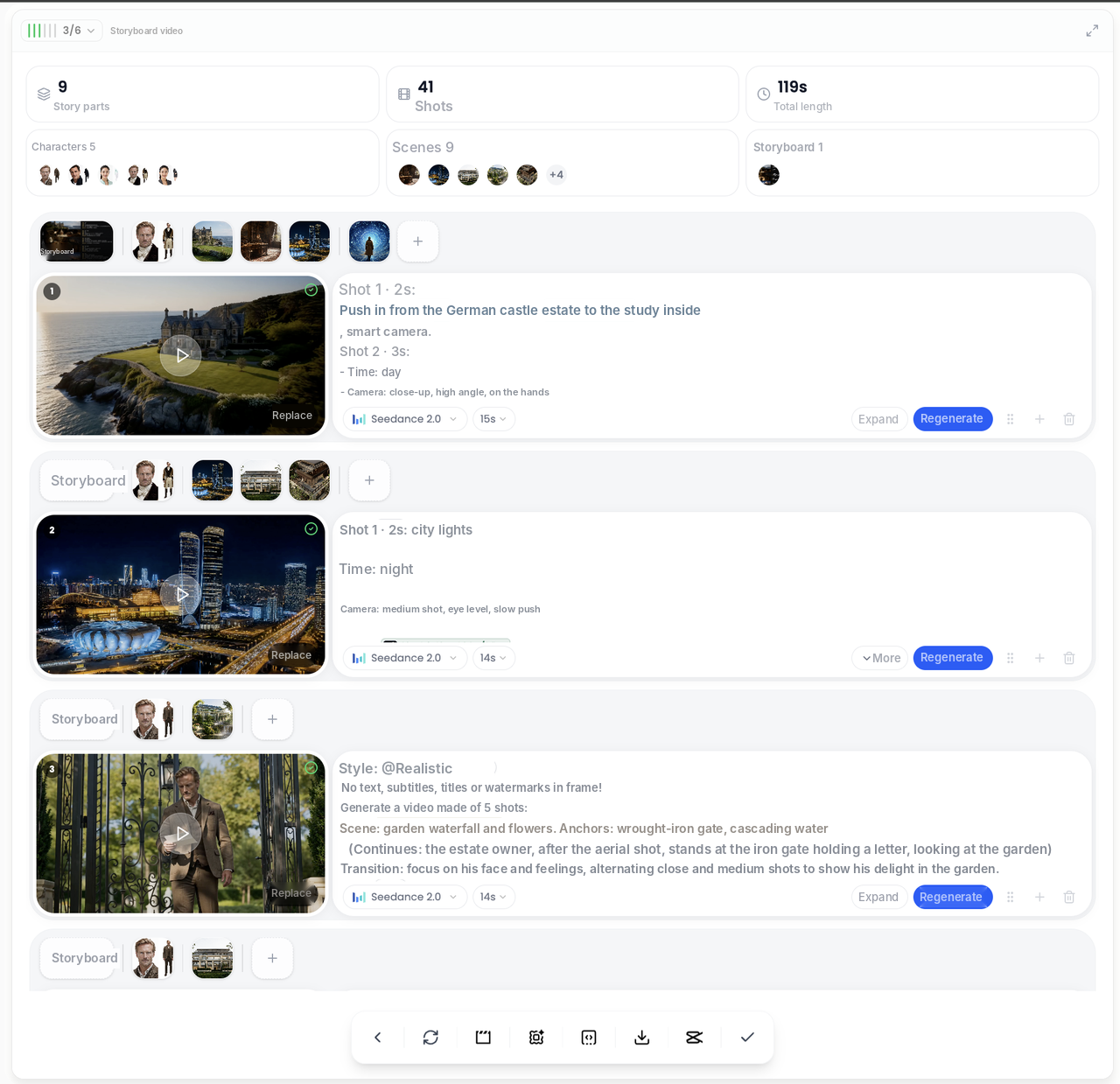
Vibbit creates the storyboard first and the video second. Your text becomes a row of frames, you approve them, then they're animated. Each frame can be edited on its own.
In the storyboard stage you can:
use @ to specify what a character or scene looks like;
upload several reference images for a character, which is more consistent than one;
adjust the length of each shot and story part;
choose a style: Realistic, 2D or 3D.
I usually let the AI produce a first storyboard, then check whether characters stay consistent and scenes are right, and redo only the frames that are off. If a story part gets stuck or you don't like it, pause, retry or delete just that part. You can edit captions directly in the editor too: fix typos, highlight keywords, find and replace, or cut, merge and split sentences.
| Style | Best for | Platforms and uses |
|---|---|---|
| Realistic | Live-action-style dramas, romance | YouTube dramas, TikTok story accounts |
| 2D animation | Light novels, manga adaptations, school stories | Instagram, anime communities |
| 3D | Fantasy, kids' stories, product stories | TikTok, brand shorts |
Step 3: Generate the video, add voiceover and captions, export
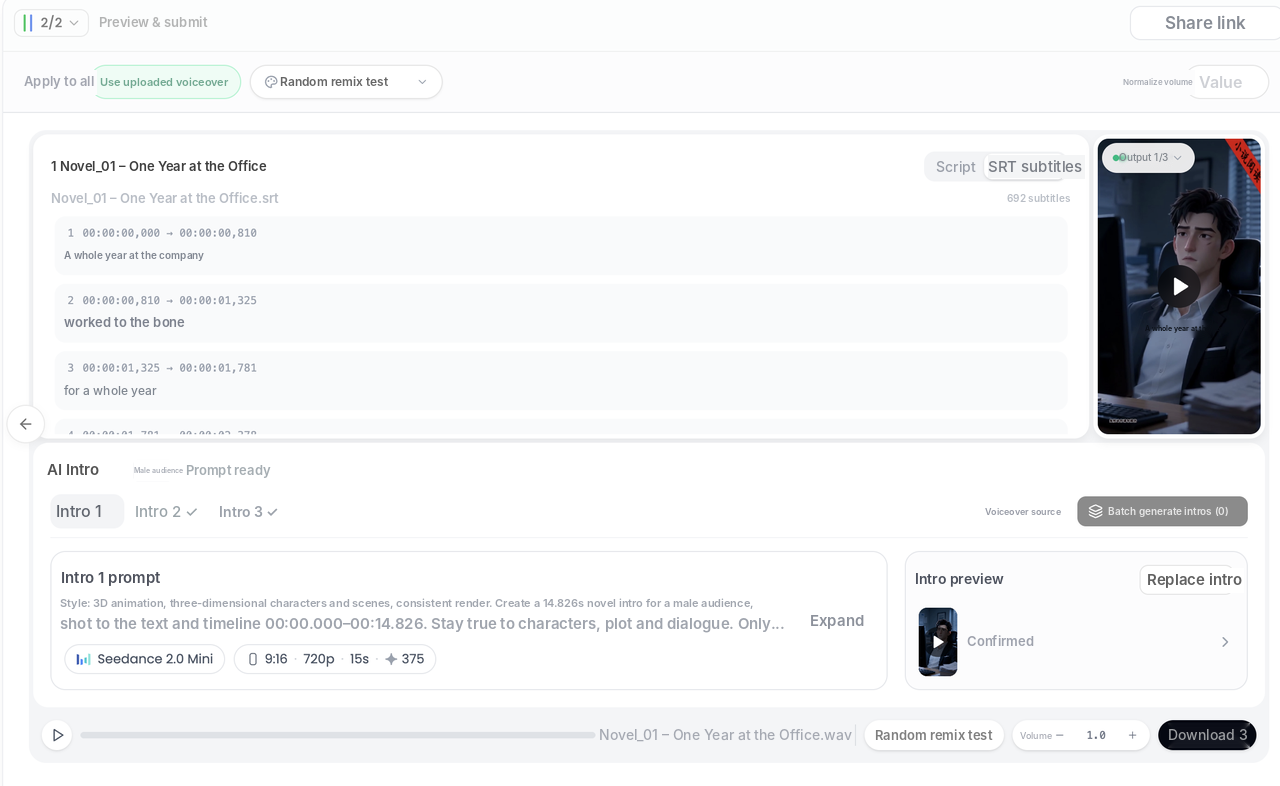
Once the storyboard is approved, Vibbit turns each frame into a video clip and joins them into the finished video. You can add an AI Intro at the start, then export.
The AI Intro uses roughly the first 15 seconds of the novel to generate a story sequence as the opener, in Realistic, 2D or 3D style, and works with your existing voiceover and captions. One intro can be shared across a whole novel, or you can generate one per video.
Once the video is ready, add captions, music and a cover, then preview and download it in Preview & submit. In my experience, going from text to a video ready to post mostly comes down to two steps: approving the storyboard and choosing the voiceover.
Tips
Choosing the excerpt matters more than adapting the whole book. Start with a scene full of conflict and dialogue. It paces better and holds attention on TikTok.
Lock characters with @. For recurring characters, specify their look with @ so they don't change between shots.
More references, more consistency. Upload several reference images for main characters.
Pause, retry or delete story parts. If one part gets stuck, you don't need to start over.
Reuse intros. For a series, share one AI Intro instead of generating a new one per episode.
Batch settings save time. Set voice speed for everything at once, and Vibbit remembers your usual model, style and genre.
Check captions before exporting. Use find and replace to keep names and places consistent.
FAQ
Can I use a novel I don't own the rights to?
Only use novels you own or are licensed to adapt. Vibbit doesn't provide copyrighted material.
Can I edit the storyboard, or do I have to accept the first version?
You can edit it. Change the length of each shot and story part, set character and scene references with @, and redo only the frames that need it.
Can I post the videos straight to YouTube and TikTok?
Yes. Export in landscape or vertical, with captions, music and a cover.
How do I choose between Realistic, 2D and 3D?
Realistic for live-action-style dramas, 2D for light novels and manga adaptations, 3D for fantasy and kids' content. You can also try different styles for different episodes of the same novel.
What is the AI Intro, and do I have to use it?
It's a story sequence Vibbit generates from roughly the first 15 seconds of the novel, used as a hook at the start. It's optional, but reusing it across a series saves setup and keeps the style consistent.
How much does it cost?
Vibbit uses credits, and you see the estimated cost before generating. Plans are at vibbit.ai/pricing.
Start with one passage
Turn your novel into short videos starting with a single passage, and you'll see your first storyboard and video shortly.
Try it on Vibbit: vibbit.ai