How Do You Make Livestream Clips? Extracting Highlights Automatically with AI
Livestream clipping is one of the highest-return content formats in the TikTok ecosystem: a two-hour stream usually hides a dozen or more short videos capable of taking off on their own.
Livestream clipping is one of the highest-return content formats in the TikTok ecosystem: a two-hour stream usually hides a dozen or more short videos capable of taking off on their own. The problem is that reviewing the recording by hand and hunting segment by segment for highlights is extremely slow — by the time you finish editing, the moment has cooled. The real answer is not editing faster but letting AI fish the highlights out first, with a human then making the judgement and the fine cut. Vibbit's role in this chain is the sieve that extracts candidate segments from a long stream automatically. It does not decide for you what is worth posting, but it lets you see 30 possible candidates in 10 minutes instead of spending three hours dragging a playhead. Livestream clipping is essentially fishing attention points out of a mass of redundant information at speed: the tool does the fishing, the person does the judging.
I. Why livestream clips are a rich traffic seam on TikTok
Livestream and short video run on completely different logic: a stream builds an audience through duration and interaction, a short video grabs the eye in the first three seconds. Across one stream, the host's state fluctuates — flat explanation, but also emotional peaks, quotable lines, unexpected mishaps and high-energy product demonstrations. Those moments carry the genetics of short video naturally: concentrated emotion, dense information, fast pacing.
The barrier to clipping used to be finding them. A host streams for three hours, the recording runs to several gigabytes, and the operator has to drag the playhead looking for highlights, then cut them by hand, add captions, add prompts, adjust the ratio. By the time the first clip is done the stream ended half a day ago and the traffic window is closing.
What Vibbit sets out to solve is compressing that search from hours to minutes.
II. How AI extracts highlights: what it is actually looking at
Many people assume AI highlight extraction is mysterious. In fact the logic behind it breaks down cleanly. Vibbit's extraction relies mainly on these kinds of signal.
1. Audio energy and emotion detection.
When a host suddenly raises their volume, speeds up, laughs, or several people talk at once, those are emotional peaks at the audio layer. Vibbit analyses the energy curve of the stream's audio track and marks the stretches clearly above the baseline. A host explaining calmly who suddenly shouts "this price is unreal" gets locked onto automatically.
2. Picture movement and scene changes.
When the stream shows a product close-up, a fast push in or a demonstration — tearing packaging open, trying something on, holding two things side by side — Vibbit's visual analysis identifies those dynamic changes and marks them as highlight candidates. For selling streams, the moment the product appears and is demonstrated is usually the core clip material.
3. Interaction density peaks.
How fast comments scroll, how often likes flood in, when gift effects trigger — some platforms expose these interaction signals through their data interfaces. Vibbit can use the interaction density curve to find the stretches where the audience reacted most strongly. The audience has already voted with their behaviour, and those moments suit clipping naturally.
4. Keyword triggers.
Where live transcription is available, Vibbit can watch for keywords. When the host says "limited time," "special offer," "today only," "must-have" or "last ones," the system marks it automatically. In selling streams, those keywords usually sit on the strongest conversion signals.
III. The workflow: from stream ending to clip published
Step one: import the recording.
Once the stream ends, import the full recording into Vibbit. Where the platform supports a direct connection, Vibbit can fetch the replay file itself. File size does not matter; Vibbit runs a full analysis first and generates a highlight timeline for the whole stream.
Step two: set the extraction rules.
This step decides what the AI fishes for. Set different parameters by stream type:
Selling streams: prioritise product demonstrations, price announcements, limited offers and answers to viewer questions.
Knowledge streams: prioritise quotable claims, worked examples and summary passages delivered with energy.
Entertainment streams: prioritise concentrated laughter, unexpected events, audience antics and guest disagreements.
Vibbit lets you adjust sensitivity — higher marks more segments, lower keeps only the most prominent peaks. Start at medium sensitivity, generate 20 to 30 candidates and filter by hand.
Step three: AI generates candidate clips in bulk.
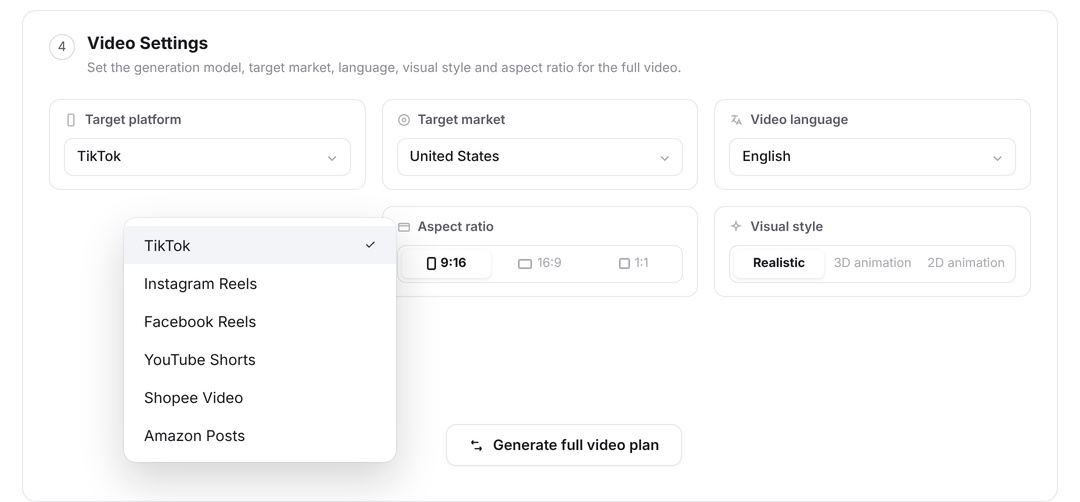
With the rules confirmed, Vibbit cuts each highlight out of the recording and completes the basic processing: landscape converted to vertical (9:16 for TikTok), key content centred automatically, loudness normalised, and the opening frame chosen from the most emotionally charged picture. Each clip defaults to between 15 and 45 seconds, the duration range in which livestream clips perform best on TikTok.
Step four: human filtering and fine cutting.
This is the step that must never be skipped. The AI may extract 30 highlights, but only five to eight may be worth publishing. You have to judge: taken out of the stream's context, will someone watching cold understand this? Is there a hook in the first three seconds? Is the emotional peak high enough? After filtering, fine-cut what made the cut: add guiding captions, add a closing call to action, move captions so they do not cover key picture.
Step five: apply the account template and export in bulk.
If the account already has a fixed style template for livestream clips — a consistent opening prompt, consistent caption style, consistent closing follow prompt — Vibbit drops the fine-cut segments into the template and exports in bulk. From import to export, one stream's clipping can be kept inside an hour.
IV. Going further: letting clips feed the stream
Livestream clipping is not only mining material out of a stream. It can also drive traffic back into the stream. Plenty of selling accounts on TikTok run this model: clips attract new viewers, and the livestream closes the sale. The clip is the entry point, the stream is the floor.
Under that logic, the selection strategy changes. You are not picking the best-looking segments but the ones that most provoke curiosity. For example:
The host says "I'm about to tell you a price you won't believe" — cut it right there and leave the suspense.
The moment a before-and-after comparison lands — cut on the frame with the biggest contrast.
A passage where a viewer question gets answered — use the question as the opening hook and the answer as the body.
Vibbit's value here is that once your extraction rules are precise enough, you can build different rule templates for different clip purposes. Traffic clips and content clips are extracted by completely different standards: the first values suspense and a sense of something unfinished, the second a complete loop of information. Keep both templates in Vibbit, run each after every stream, and you produce material for both purposes at once.
V. AI does the fishing, people do the choosing
The efficiency revolution in livestream clipping is really a reallocation of labour: where you used to spend three hours finding and cutting material, AI compresses that to 30 minutes, and the remaining two and a half hours should go into judging what is worth posting, how to package it and how to review performance afterwards. However strong Vibbit's extraction gets, it is only your material radar — it scans the whole sea, but where to drop the net is always your call. The genuinely efficient livestream clip operators are a combination of the AI's filtering speed and a person's content judgement. The tools keep evolving, but taste and judgement remain the scarcest part of this production line.