A Batch Workflow for 50 Product Videos
Use a 50-product brief to plan assets, creative variations, exports, and quality checks without assuming a fixed production time.
Producing videos for 50 products is a useful planning exercise because it exposes every repeated task: finding the right photo, inserting a product name, checking a price, placing captions, and exporting the correct version. Batch editing helps when the team first turns those tasks into a consistent workflow. It does not remove the need to review each product's claims and visuals.
This article is a workflow for a 50-product scenario, not a measured claim that 50 finished videos can be exported in ten minutes. Actual time depends on source material, video length, rendering capacity, revisions, and quality checks. For the strategic case for batch editing, see why batch editing matters to e-commerce teams.
Step 1: Prepare one record per product
Create a spreadsheet or other source of truth with a stable product ID, approved name, image or footage references, three prioritized selling points, current price, offer validity, language, and call to action. Verify the records with the merchandising owner before production. If your workflow accepts a batch import, check its supported fields first; otherwise use the sheet to drive a controlled manual process.
Separate facts from creative text. A factual price should not be copied into several unrelated caption fields, where an update can easily miss one. Mark missing images or unapproved claims before a batch starts.
Step 2: Build a reusable structure
A short product video can use a common sequence: hook, product view, one or two benefits, proof or usage, and call to action. Set reusable caption styling, visual rhythm, and brand elements. Then prepare a small number of meaningful variations in hook or shot order so the batch does not become 50 near-identical edits.
Vibbit's AI mixcut workflow is relevant when the source material and desired structure fit that feature. Run a small pilot first to see which parts can be repeated reliably, then document any steps that still need an editor.
Step 3: Process small batches
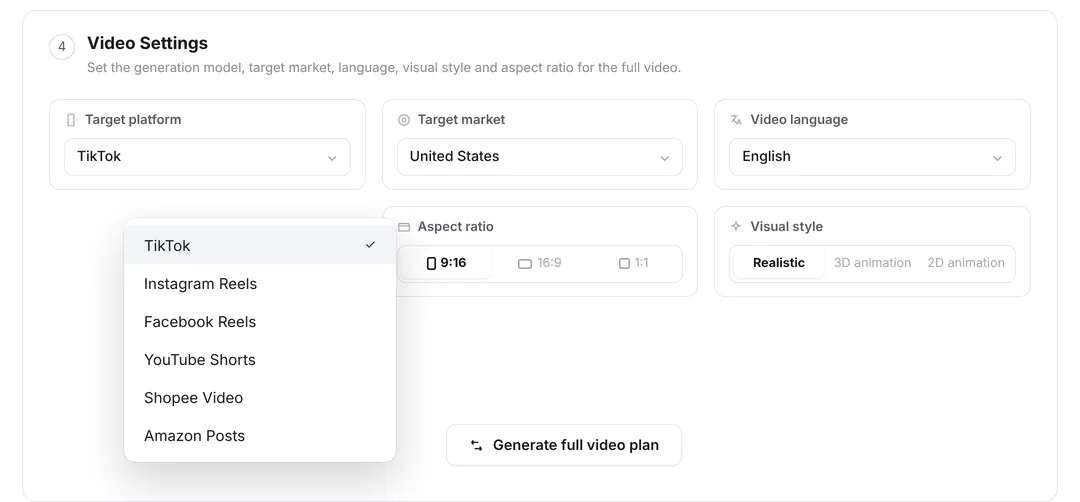
Divide the 50 products into groups, such as five batches of ten. Generate or edit one group, inspect it, and adjust the template before continuing. This contains mistakes in price placement, image crop, or captions. If the tool supports several aspect ratios, treat those outputs as separate files, not as additional products: 50 products in three ratios may yield up to 150 exports, but still represent 50 product briefs.
Do not assume every source image will crop well automatically. Watch at least one full video per pattern, then review every product's key information and any outlier flagged by the team. Check both muted and audible playback when captions or narration are used.
Step 4: Review and iterate
Before release, verify product identity, price, offer dates, visual safety, captions, language, and export naming. Keep an issue log linked to product IDs so a correction can be applied consistently. After publishing, compare hooks and creative treatments using channel data; describe any lift only after a real test with a defined baseline.
Batch production is useful because it makes repeatable work predictable. The outcome to measure is the number of approved, channel-ready videos, along with review time and error rate, not the number of files generated by a single click.