How to Create Professional AI Videos in Minutes
Discover how to create stunning professional videos using AI technology. Learn the complete workflow from script to final video with Vibbit's AI video platform.
How to Create Professional AI Videos in Minutes
Creating professional-quality videos used to require expensive equipment, technical expertise, and hours of editing. But with AI video technology, anyone can create stunning videos in minutes. In this guide, we'll show you the complete workflow for creating AI videos using Vibbit.
Why AI Video Creation?
AI video creation offers several advantages over traditional methods:
- Speed: Generate videos in minutes instead of days
- Cost-effective: No need for expensive equipment or studio time
- Consistency: Maintain brand consistency across all your content
- Scalability: Create multiple videos quickly for different platforms
- Accessibility: No technical skills required
Step 1: Plan Your Content
Before creating your video, define:
- Your message: What do you want to communicate?
- Target audience: Who are you speaking to?
- Platform: Where will this video be shared? (YouTube, Instagram, TikTok, etc.)
- Duration: Short-form (under 60s) or long-form content?
Step 2: Write Your Script
A good script is the foundation of any great video. Keep these tips in mind:
- Hook viewers in the first 3 seconds: Start with a compelling question or statement
- Keep it conversational: Write how you speak
- Focus on one main idea: Don't try to cover too much
- Include a call-to-action: Tell viewers what to do next
Pro tip: Use Vibbit's AI script assistant to help generate engaging scripts based on your topic.
Step 3: Choose Your Visual Style
Select visual elements that match your brand:
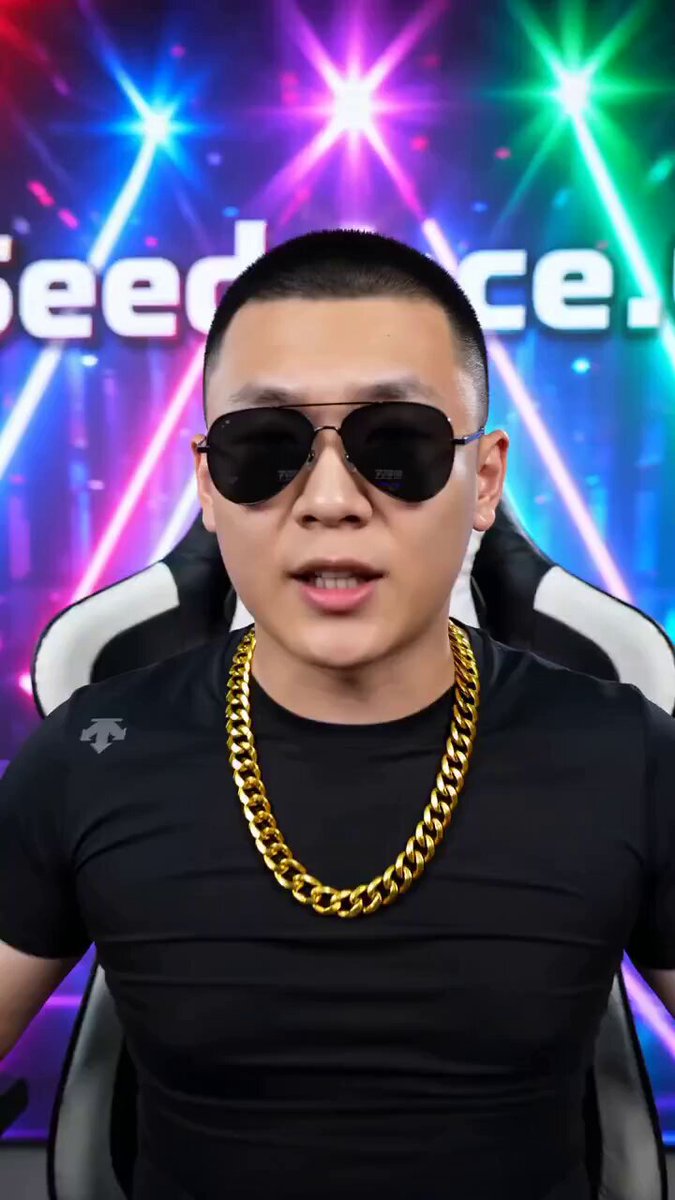
- Avatar style: Realistic or animated?
- Background: Professional office, casual setting, or branded background?
- Text overlays: Highlight key points with on-screen text
- Music and sound effects: Enhance engagement with audio
Step 4: Generate Your Video
With Vibbit's AI video platform:
- Upload or paste your script
- Select your AI avatar and voice
- Choose background and visual elements
- Add music and sound effects
- Click generate and wait minutes for your video
Step 5: Review and Refine
Watch your generated video and check:
- Audio clarity and volume
- Visual alignment with script
- Pacing and timing
- Brand consistency
- Call-to-action clarity
Make adjustments as needed and regenerate specific sections if necessary.
Step 6: Export and Share
Once satisfied, export your video in the optimal format for your target platform:
- YouTube: 1920x1080 (16:9), high bitrate
- Instagram Reels: 1080x1920 (9:16), 30fps
- TikTok: 1080x1920 (9:16), optimized for mobile
- LinkedIn: 1920x1080 (16:9), professional quality
Best Practices for AI Videos
Do:
- Keep videos under 2 minutes for maximum engagement
- Use captions for accessibility
- Include your logo for brand recognition
- Test different thumbnail images
- Post consistently
Don't:
- Overload with too much text
- Use low-quality audio
- Ignore your analytics
- Forget mobile viewers
- Skip the call-to-action
Measuring Success
Track these metrics to improve your video content:
- View count: How many people watched?
- Watch time: How long did they stay?
- Engagement: Likes, comments, shares
- Click-through rate: Did they take action?
- Conversion: Did they become customers?
Conclusion
AI video creation has revolutionized content production, making it possible for anyone to create professional videos quickly and affordably. By following this guide and using Vibbit's AI video platform, you can produce high-quality content that engages your audience and grows your brand.
Ready to create your first AI video? Get started with Vibbit today →
Have questions about AI video creation? Join our community or follow us on Twitter for more tips and tutorials.