AI spokesperson video: making a product explainer and translating it
Pick an AI avatar, write the product script, check the audio and generate. Then translate the finished video into Spanish and Portuguese in Vibbit.
To make an AI spokesperson video explaining a product, you pick an avatar, write the product script, confirm the audio and generate the video. In Vibbit you can use a platform avatar directly, have it present your product, and then translate the finished video into the languages of the markets you’re selling into.
This suits e-commerce sellers, content creators and online educators. You might make an explainer for a Shopify or Amazon product, or prepare product explainers in several languages for YouTube, TikTok and Instagram.
Below is the actual workflow: how to make an AI spokesperson video in Vibbit and translate it afterwards.
What is an AI spokesperson video?
An AI spokesperson video is one where an AI avatar presents the content on camera. The creator doesn’t film themselves each time — you pick an avatar, prepare the script, and generate a presenter-style video.
For anyone who has to introduce products or publish content frequently, that removes a lot of repeat filming.
- E-commerce sellers: product explainers for skincare, apparel, electronics.
- Social media creators: talking-head content for TikTok, Instagram Reels and YouTube Shorts.
- Online educators: course intros, concept explainers and teaching videos.
- Brand marketers: multi-language product explainers for different markets.
Compared with filming a real person, the work shifts from the shoot to choosing the avatar, preparing the script and confirming the audio.
How do you make one in Vibbit?
Three steps: pick the avatar and prepare the script, confirm the audio and generate, then translate the result.
Step 1: Pick the avatar and write the product script
Open Vibbit’s avatar creation and choose an avatar from the platform’s roster that fits the product.
Choose with the product type and the audience in mind. A skincare explainer suits a natural, warm-sounding avatar; a tech product explainer suits something more businesslike.
You can also create an avatar of yourself. That requires uploading a 15-second to 5-minute front-facing video of the person, which goes through review — so it has to be you, or someone who has authorized it. The voice is cloned from the same video.
With the avatar chosen, write the product script. Organize it around:
- What the product is, and who it’s for.
- Which features are actually worth mentioning.
- What specific need it solves.
- Why the viewer should look into it further.
For a skincare serum, for example: say what kind of product it is, then the main features and when you’d use it, then one line summing up why it matters.
If you don’t have a finished script yet, organize the talking points from the product information first, then paste them in. Keep the sentences clear and natural, and don’t pack too much into one paragraph.
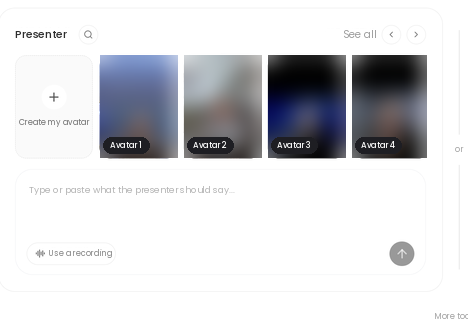
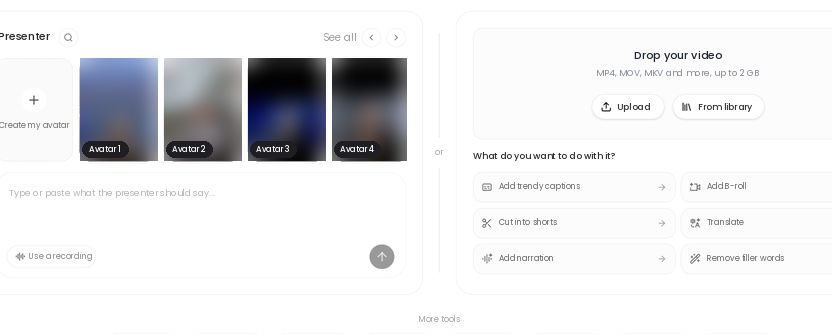
If you’d rather work in a single instruction, you can describe what you want in Vibbit and the system will set up the presenter video job for you.
Step 2: Fill in the details, check the audio, generate
With the script in, add the remaining details and check the generated audio.
Confirming the audio is the important part of this step. The avatar delivers the whole explanation by voice, so before you generate the full video, listen through once: is the content accurate, does it read naturally, are the product name and the key descriptions correct?
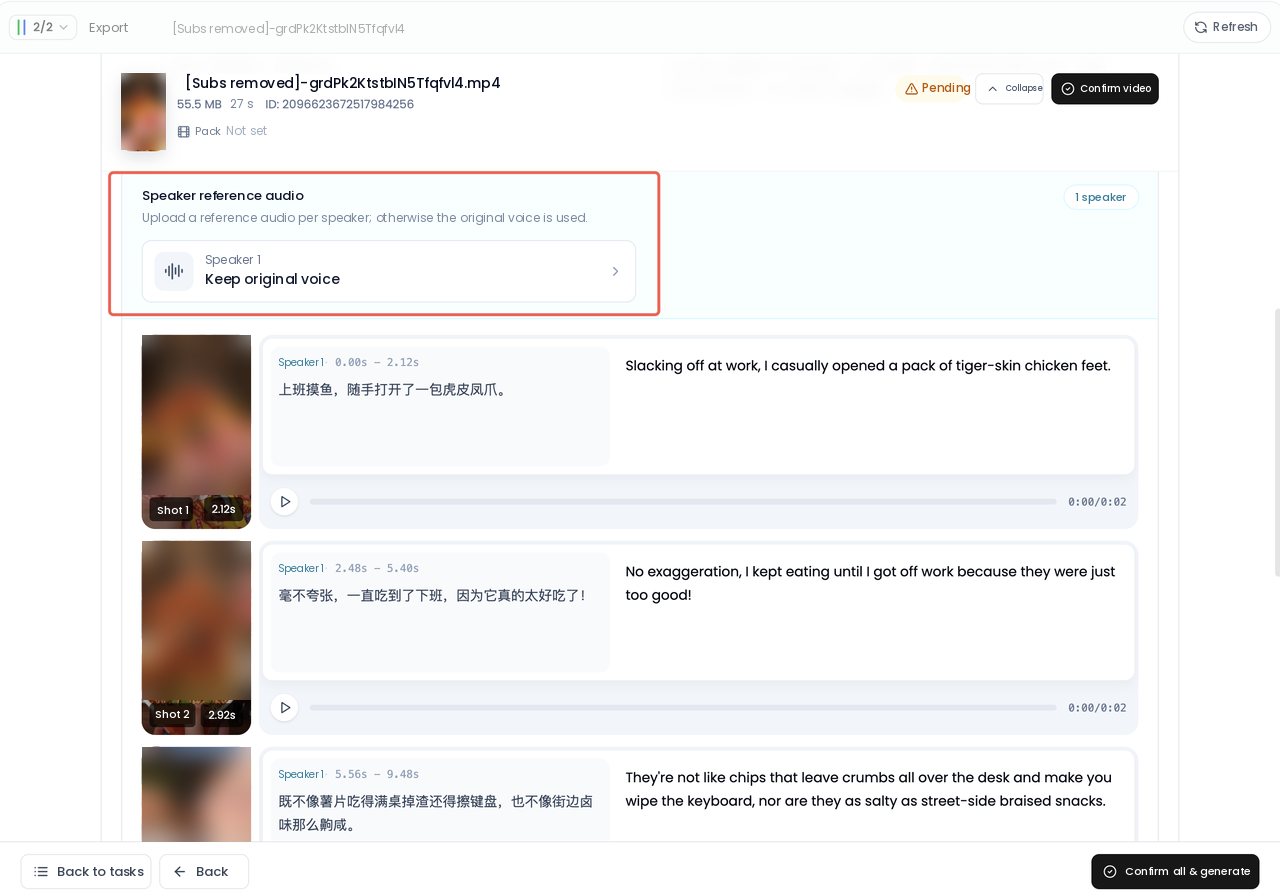
If something’s missing or unclear, fix the text first, then re-confirm the audio.
Once the audio is right, generate the avatar video. Vibbit builds the finished video from the avatar you chose and the script.
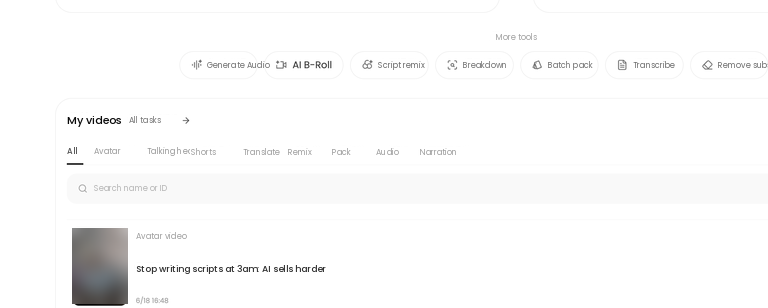
After it generates, play it through once and check:
- Does the avatar suit the style of the product explainer?
- Is the explanation complete — is any important product information missing?
- Is the audio clear and the phrasing natural?
- Does the picture match what’s being said?
Catching these before publishing avoids wrong product information or an incomplete explanation going out.
Step 3: Translate the finished video
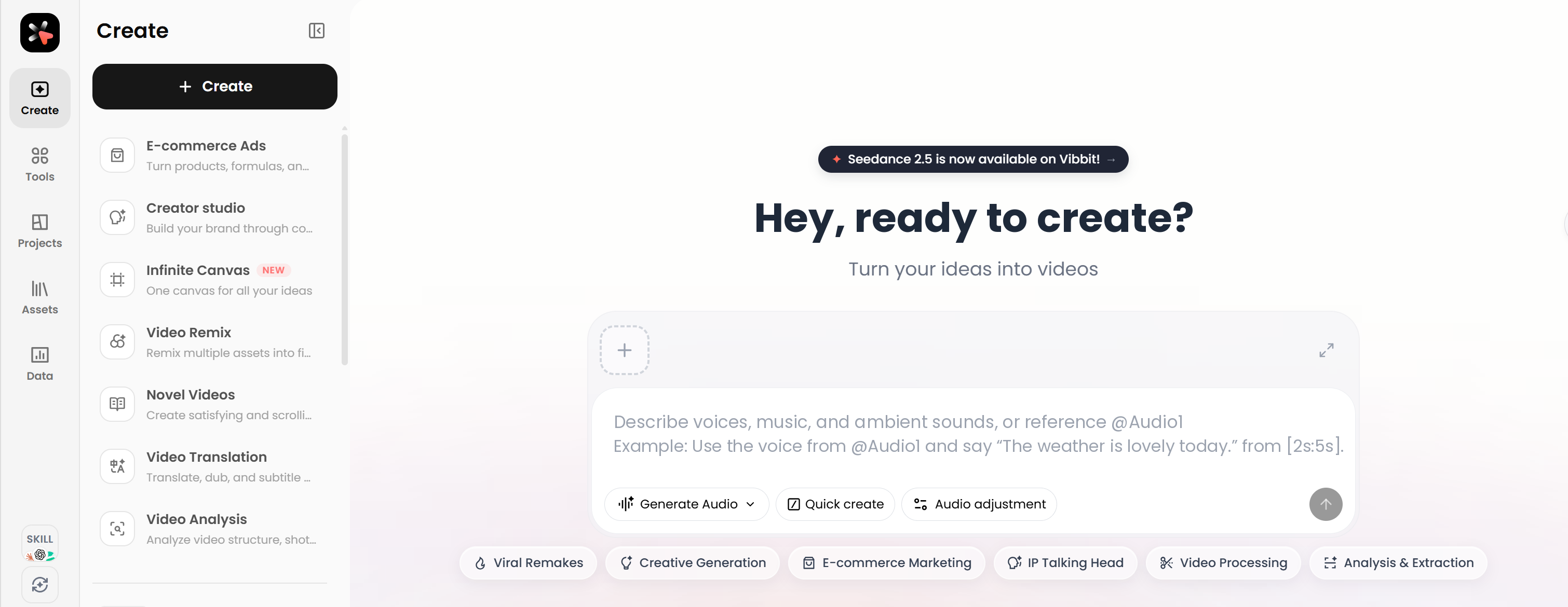
If you want the same explainer in front of viewers in other countries, run the generated video through Vibbit’s video translation.
With the avatar video done, open video translation, pick the languages your audience speaks and process it.
An English product explainer can go on to a Spanish or Portuguese version for publishing into those markets.
For a seller running several social accounts in different countries, this removes the repeat work of rebuilding the video per language.
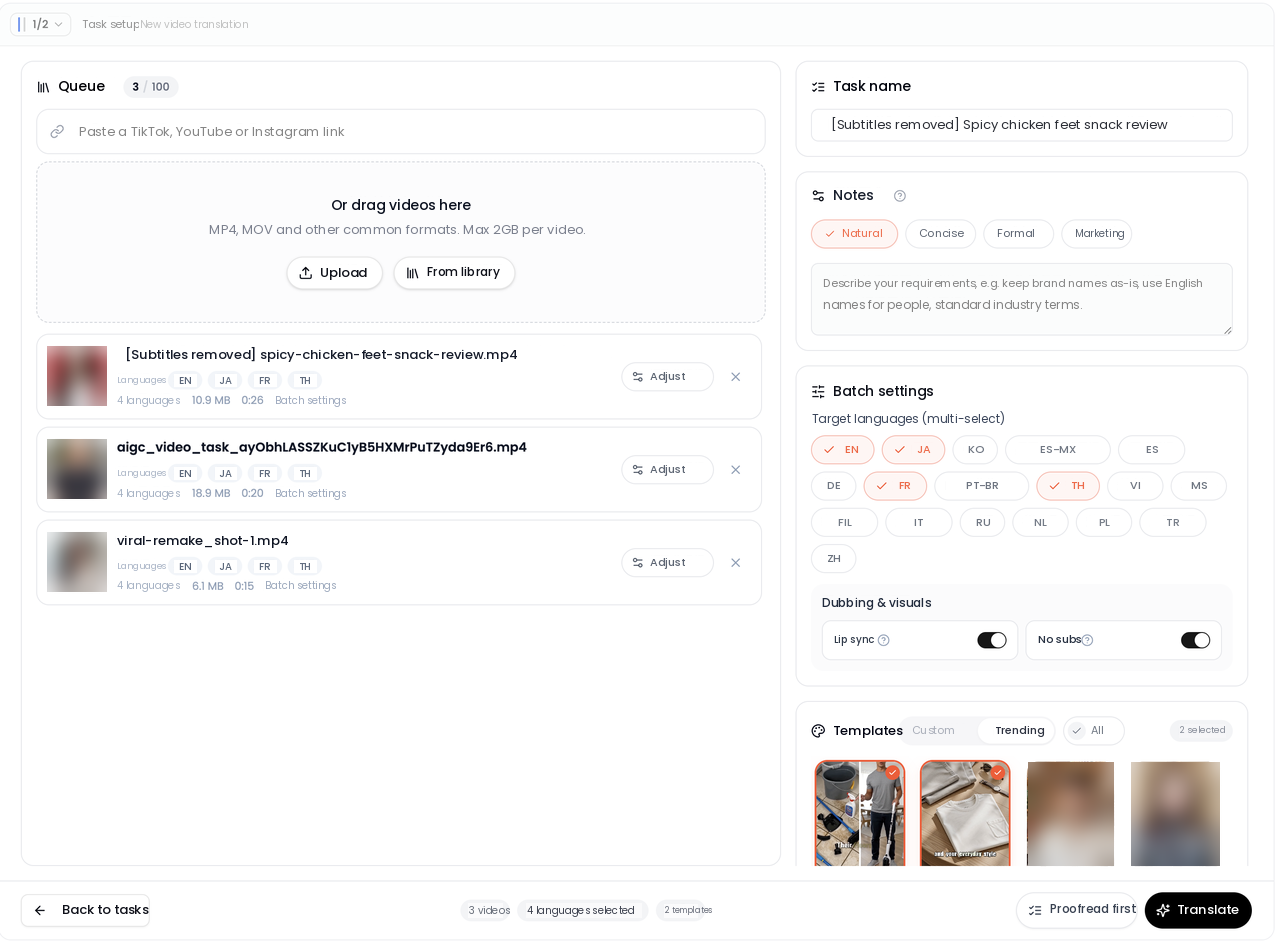
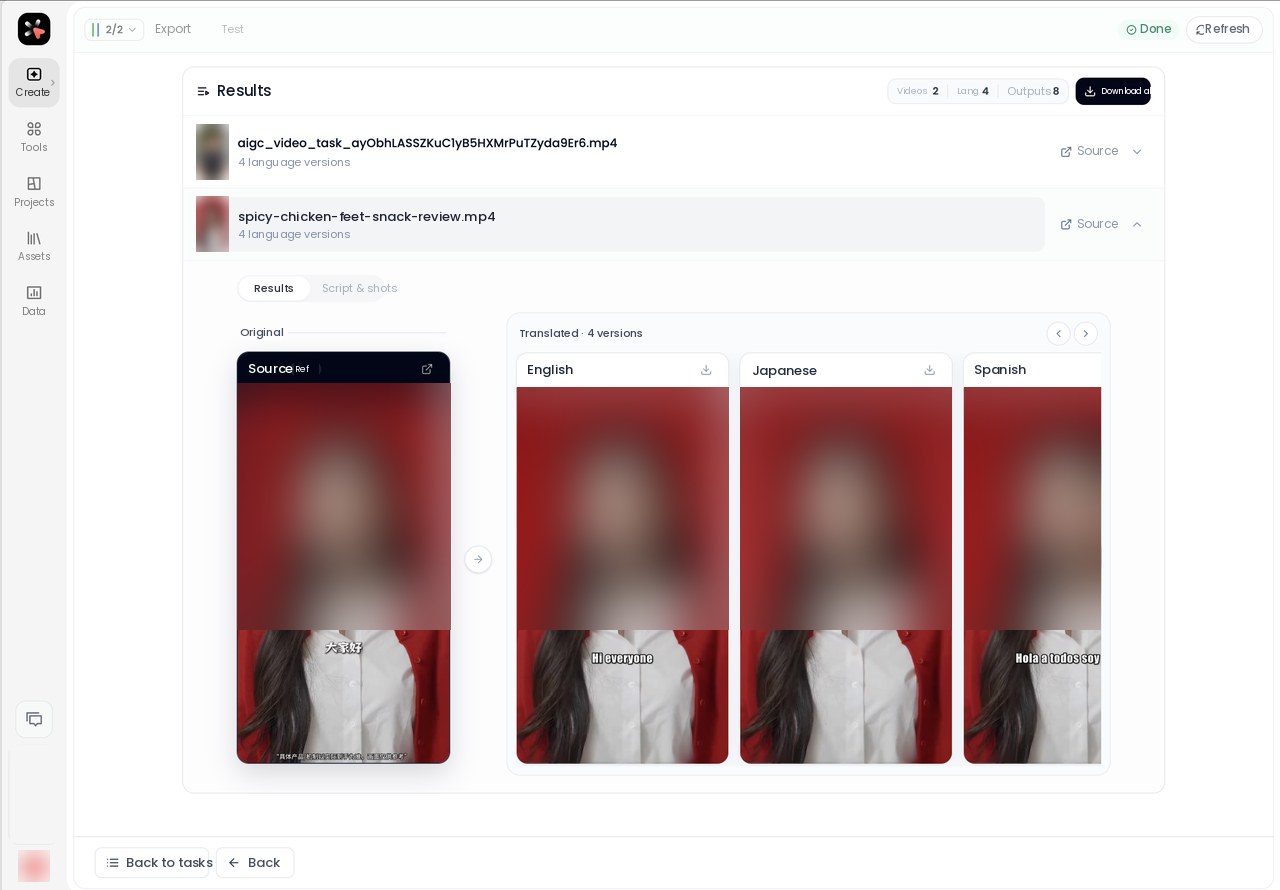
Once translated, check the product name, the specs and the feature descriptions, and confirm the wording fits how people in that market actually talk, before you publish.
Things to watch
The result depends as much on the script and the audio as on the avatar. These five points cut down on rework.
- Keep the script on one theme. One product explainer doesn’t need to cover everything. Decide what this video is actually about — a feature, a use case, the core selling point — and build the script around that.
- Get the product information right. Check the product name, model, specs and feature descriptions as you write. Don’t add unverified results or numbers to make the pitch sound better.
- Check the audio before generating. Don’t skip the audio preview, especially for product names, technical terms and long sentences. If something’s off, fix the script first.
- Recheck the key information after translating. Languages phrase things differently. Once translated, check the product name, the feature descriptions and the important specs so nothing has shifted in meaning.
- Adjust for the platform. If the video is going to TikTok, Instagram Reels or YouTube Shorts, think about length, pacing and the opening so viewers understand the product quickly.
FAQ
Do I have to appear on camera myself?
Not necessarily. In Vibbit you can pick an avatar from the platform’s roster, write the product script and generate the video without filming yourself each time.
Can an AI avatar introduce my own products?
Yes. Organize the product name, the features and the use cases into a script, pick an avatar that fits, and generate the explainer. Check the product information is accurate before generating.
Why check the audio before generating the video?
The audio carries the whole explanation. If the product name, a feature description or the phrasing is wrong, the finished video is wrong too. So listen to the generated audio first and confirm it before generating the video.
Can an AI spokesperson video be translated?
Yes. Once Vibbit has generated the avatar video, take it into video translation and produce versions in other languages for viewers who speak them.
Where can these videos be published?
AI spokesperson product explainers work on short-video platforms like TikTok, Instagram Reels and YouTube Shorts, and also as marketing content tied to Shopify or Amazon listings. Adjust the format to each platform’s requirements and to what the video covers.
Making an AI spokesperson video isn’t complicated. In Vibbit you start by picking an avatar, write the product script, fill in the details, confirm the audio, and generate. Then the video translation feature gives you the other language versions.
If you’re preparing video for product explainers, social content or multi-language marketing, open Vibbit and make your first AI spokesperson video.