AI Ad Generator: How to Make a TikTok Ad in 3 Steps
Use an AI ad generator to turn a product link or photo into a vertical TikTok ad with script, subtitles and voiceover. Step-by-step guide with Vibbit.
You don't need editing skills to make a TikTok ad that's ready to run. With an AI ad generator, you paste a product link or upload a product photo, pick your platform, and get a vertical video ad with a script, subtitles and voiceover. Below is exactly how I did it in Vibbit, step by step.
What is an AI ad generator?
An AI ad generator takes a product (or a reference video) and handles the work you'd normally split across several tools: writing the script, picking the visuals, adding subtitles and voiceover, and exporting a short video ad.
It saves the most time for:
- Ecommerce and DTC sellers who need new creatives to test products, without hiring an editor.
- Marketers and creators who need several versions of the same ad to see which one converts.
- Course creators and schools promoting classes without a video team.
The traditional route is to write copy, find footage, cut the video and caption it by hand. That can take most of a day for one 15-second ad. An AI ad generator turns it into a few clicks.
AI ad generator vs. editing it yourself
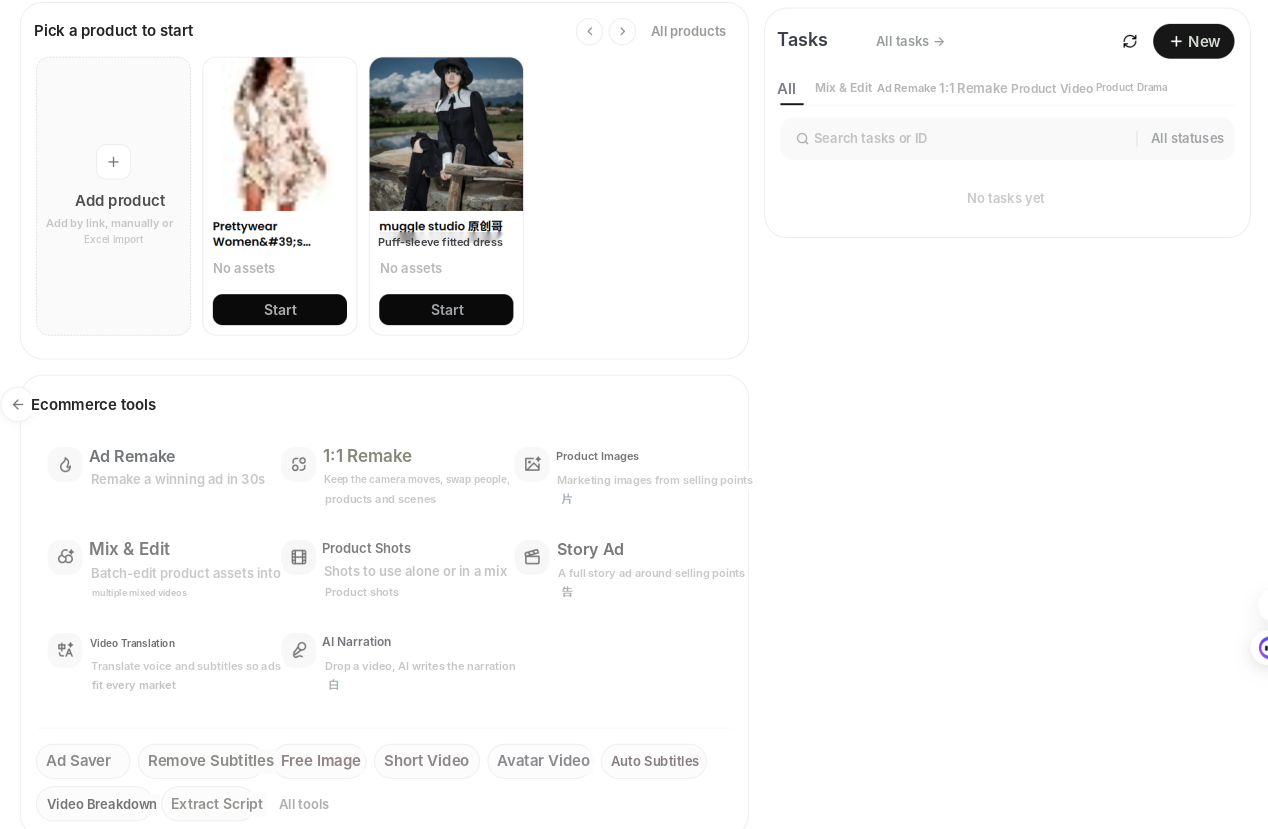
In Vibbit, ad creation lives in the Ecommerce workspace. You start from a product. Once a product is saved, its real details, selling points and images flow into every ad you make.
| Editing by hand | Vibbit AI ad generator | |
|---|---|---|
| Time | Copy, footage, editing and captions take hours | AI builds the ad from your product info |
| Skills | Editing software | Paste a link or upload a photo |
| Subtitles and voiceover | Done separately | Generated with the video |
| Versions | One is already a lot of work | Make several versions to test |
If you're not a professional editor, the AI route is faster and gives you a complete ad every time. It's also the easiest way to get several variations for A/B testing.
How to make a TikTok ad with Vibbit in 3 steps
Before you start, have one of these ready: a product page link (for example, from Shopify or Amazon) or a clear product photo. It also helps to decide which selling point the ad should lead with.
Step 1: Paste a product link or upload a product photo
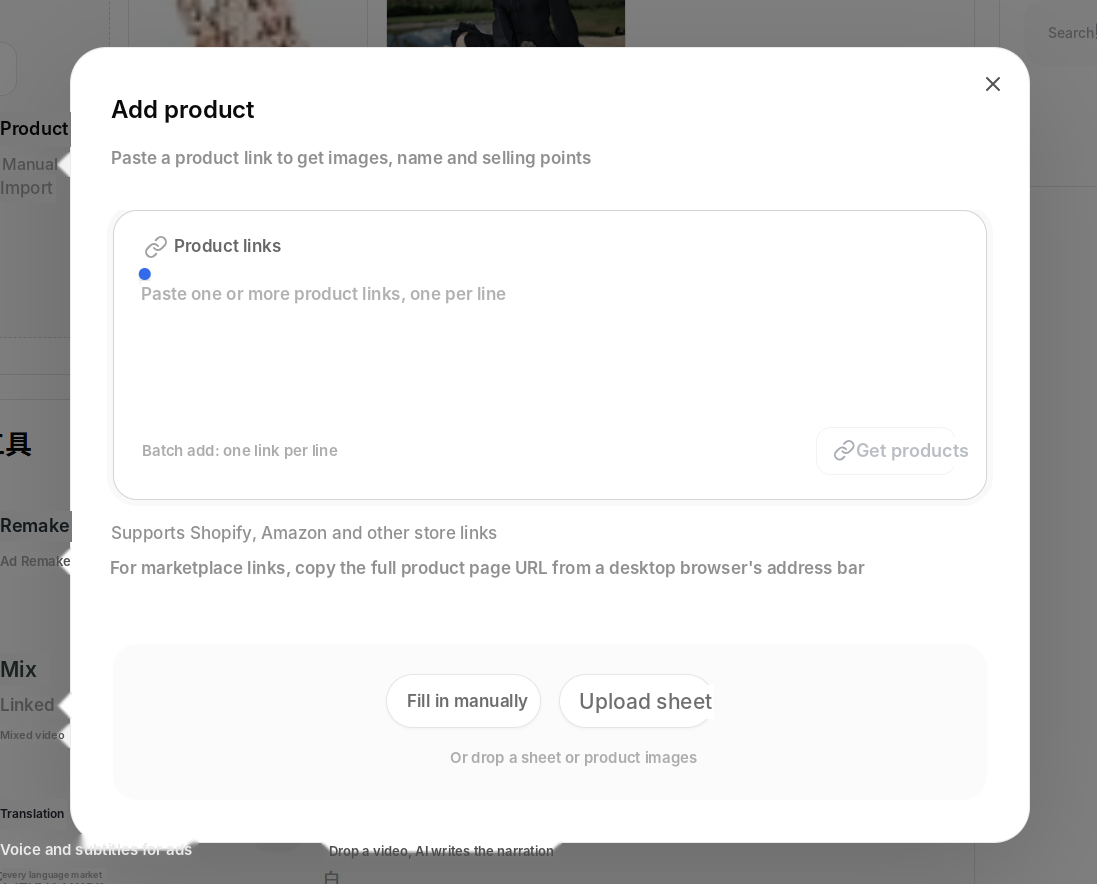
Open Vibbit, go to Ecommerce and add a product. Paste your product page link and Vibbit pulls in the images, name and selling points automatically. You can add several links at once, one per line, or fill in the details by hand.
The time saver here is not typing product names and selling points yourself. If a link doesn't work, upload product photos instead and keep going.
Step 2: Pick TikTok and 9:16, then generate
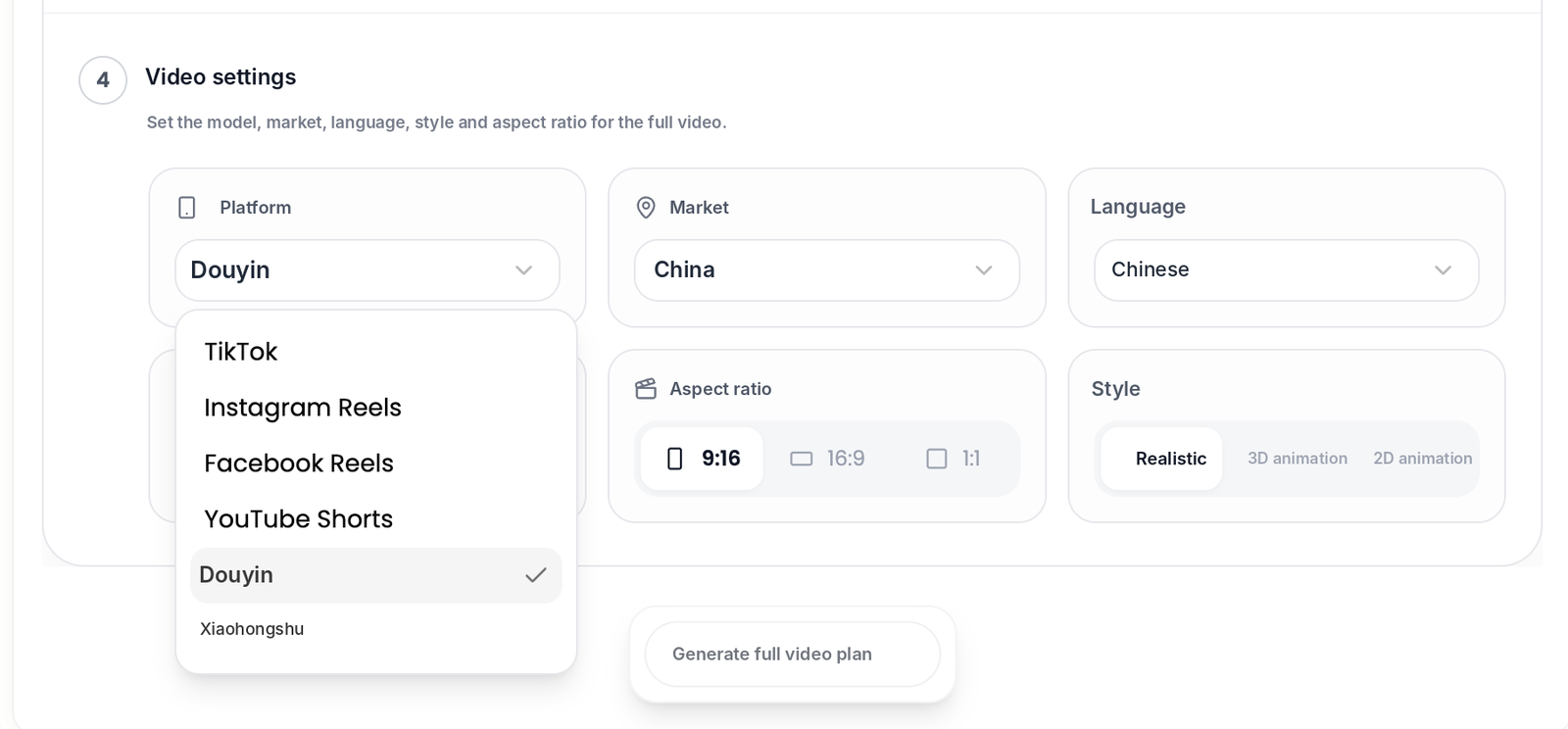
In Video settings, set the platform to TikTok and the aspect ratio to 9:16 (vertical). You can also choose Instagram Reels, Facebook Reels or YouTube Shorts if that's where the ad will run. Then generate: the AI orders the shots, writes the subtitles and adds the voiceover.
Get the aspect ratio right before you generate. If you pick the wrong one, you'll have to crop and re-check everything later.
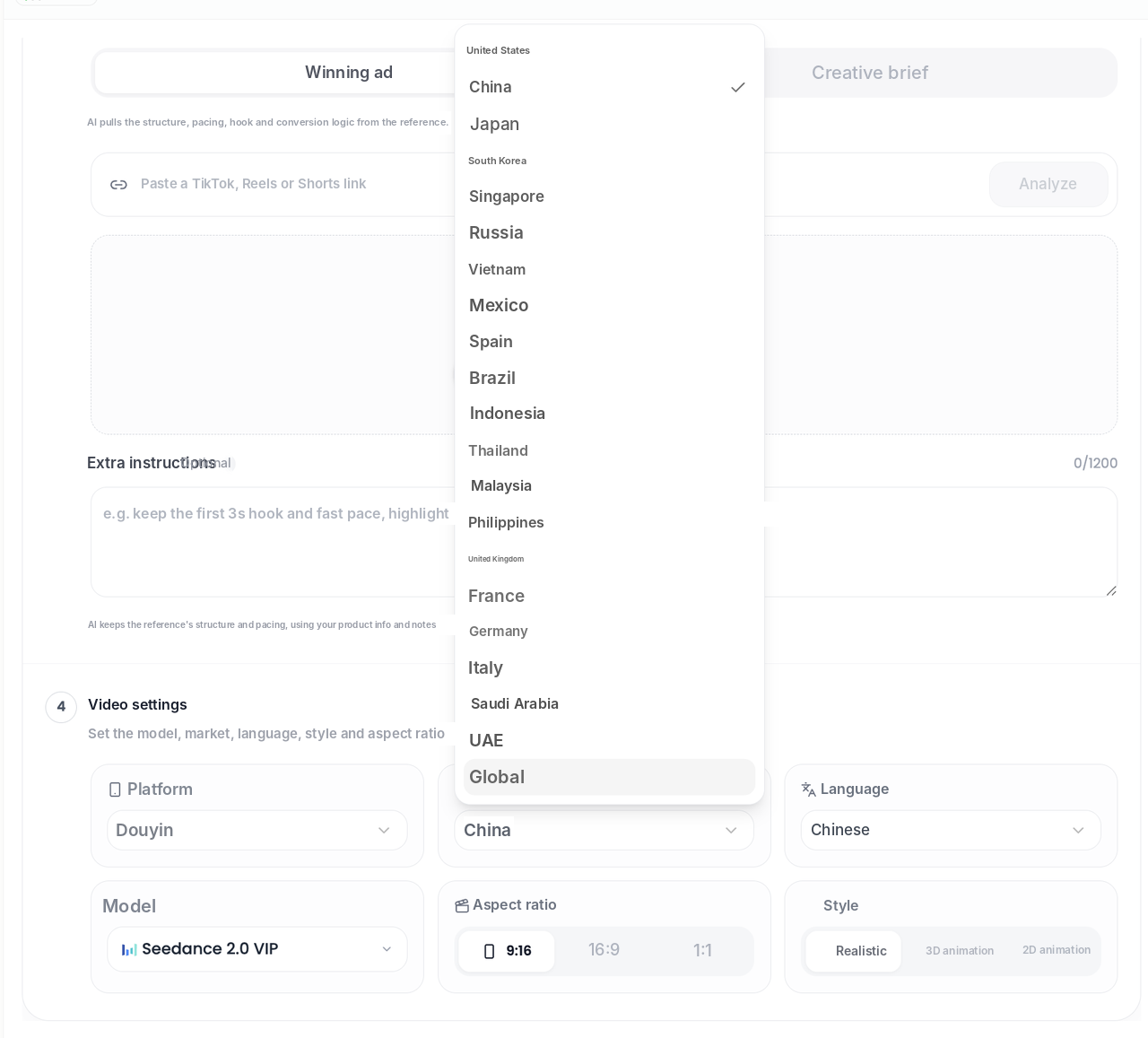
If you want the ad to follow a proven format, paste a link to an ad that already works into the Winning ad field. The AI pulls its structure, pacing, hook and conversion logic and applies them to your product. You can add notes such as "keep the first 3-second hook, highlight portable and quiet."
Step 3: Preview, tweak and export
Watch the result. If a line sounds off or a shot doesn't fit, change the copy or swap the image and generate again. You don't have to start over. Then export the 9:16 MP4 and upload it to TikTok Ads Manager.
Before uploading, preview it on a phone-sized screen to make sure the subtitles aren't covered by the TikTok interface.
My run gave me a 15-second vertical ad with English subtitles and an AI voiceover. To test a second angle, I changed one line of copy, generated again and ran both versions side by side. Letting the data pick the winner beats guessing.
Tip: for your first ad, start with your best-selling product. The footage and selling points are already clear.
Who should use an AI ad generator?
- DTC brands that need a batch of creatives to test a new product.
- Amazon sellers who want product videos and short ads from the photos they already have.
- YouTube and Instagram creators turning product mentions into short ads.
- Course creators making enrollment videos without editing.
If you're a skilled editor who customizes every ad, use an AI ad generator for first drafts and A/B variants rather than as a full replacement.
FAQ
How much does an AI ad generator cost?
Vibbit uses credits, and the estimated cost is shown before you generate. Check vibbit.ai/pricing for current plans. A good approach is to make one ad first, confirm it works for you, then scale up.
Can I upload the video straight to TikTok Ads?
Yes. You export a 9:16 MP4 with subtitles and voiceover already in it. Upload it, set your audience and run it. No extra resizing needed.
Which languages are supported for subtitles and voiceover?
Vibbit supports multiple languages for subtitles and voiceover. I used English here. Whatever language you pick, read the subtitles once before you publish to make sure they sound natural.
I don't have a product link, only a photo. Does that work?
Yes. You can start from product photos. That works well if you sell on a marketplace or don't have a store page yet.
Who owns the video?
Make sure everything you upload is yours or licensed: product photos, music and any reference material. If you use a reference ad, learn from its structure rather than copying its footage or copy. For the exact terms, see Vibbit's terms of service.
Try it
Want to make your first TikTok ad in three steps? Paste a product link into Vibbit and see what you get: vibbit.ai