Runway Gen-3 Guide: AI Video Creation Mastery
Master Runway Gen-3 Alpha for AI video creation. Explore text-to-video, image-to-video, pricing, expert tips, and comparisons with competing tools.
Understanding Runway Gen-3 Alpha
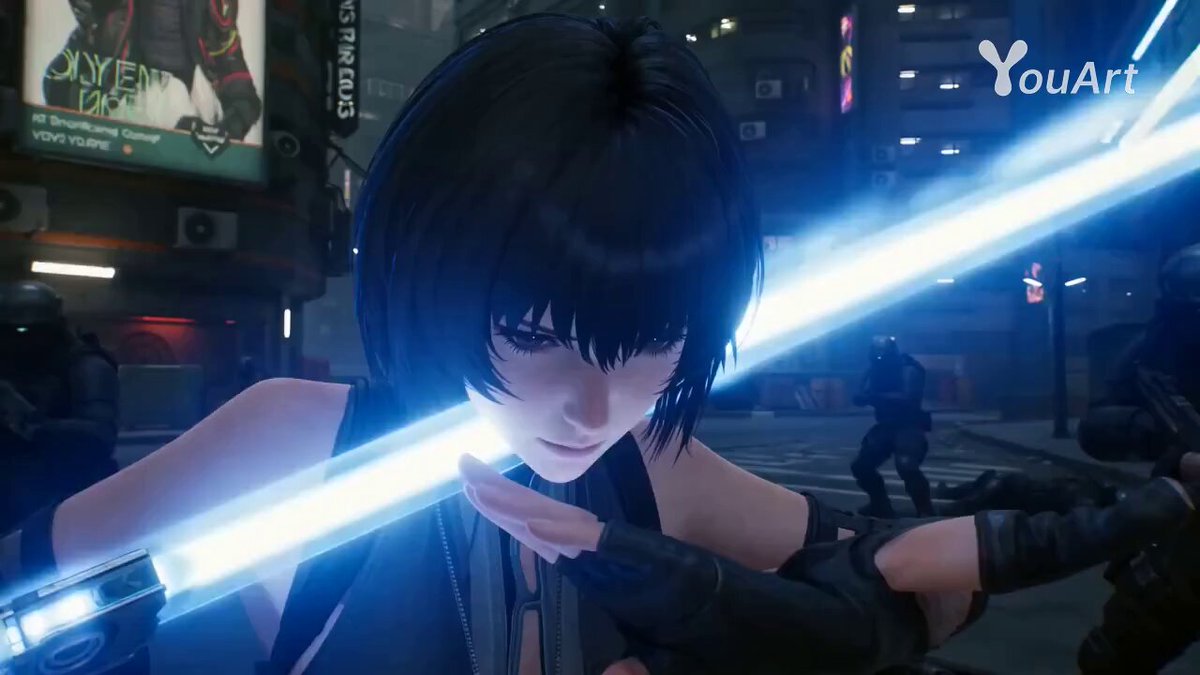
Runway has been at the forefront of creative AI tools since its founding in 2018, and the release of Gen-3 Alpha represents a significant leap forward in AI video generation. Built on a new architecture trained jointly on video and image data, Gen-3 Alpha produces videos with unprecedented fidelity, consistency, and controllability.
Unlike earlier generations that often produced artifacts, inconsistent motion, or unrealistic physics, Gen-3 Alpha demonstrates a remarkable understanding of real-world dynamics. Water flows naturally, fabric drapes realistically, and human movements maintain temporal consistency across frames. This makes it a serious production tool, not just a novelty.
Runway positions itself as an AI-native creative suite, offering not just video generation but an integrated ecosystem of tools for editing, compositing, and post-production. For professionals and serious creators, this comprehensive approach makes Runway one of the most compelling platforms in the generative AI space.
Core Features of Runway Gen-3
Text-to-Video
Gen-3 Alpha's text-to-video capability transforms written descriptions into photorealistic or stylized video clips. The model handles complex scenes with multiple subjects, dynamic lighting, and sophisticated camera movements. Clips can be generated in durations up to 10 seconds with remarkably smooth motion.
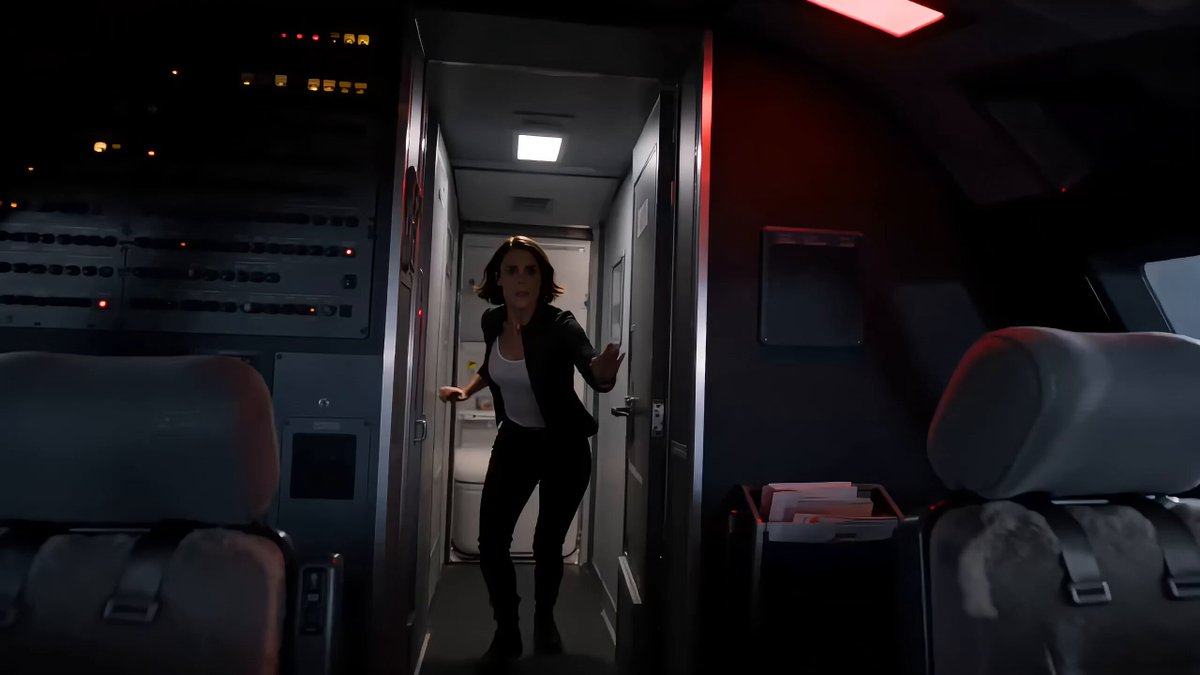
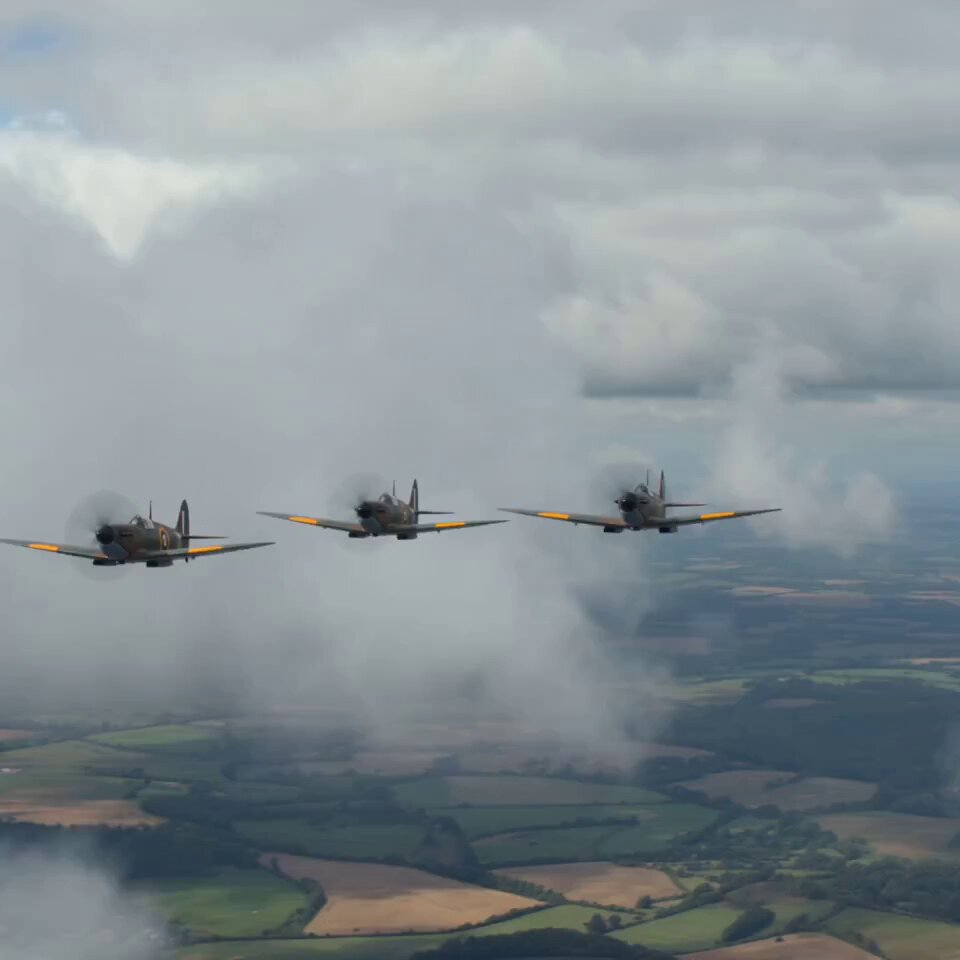
The model excels particularly at photorealistic scenes. Generating footage of landscapes, cityscapes, nature, and atmospheric environments produces results that can be nearly indistinguishable from real camera footage at first glance. Human subjects have also improved dramatically, though some uncanny valley effects may still appear in close-up facial shots.
Image-to-Video
Upload a reference image and Gen-3 Alpha will animate it with intelligent motion. The system analyzes the content of the image, understanding depth, subject matter, and context, to produce natural-looking animation. This feature bridges the gap between static visual design and dynamic video content.
Professional photographers, digital artists, and designers find this feature particularly valuable for extending their existing work into video format without starting from scratch.
Motion Brush
One of Runway's most innovative tools, the Motion Brush lets you paint specific areas of an image or video frame and define exactly how those regions should move. Want the clouds to drift left while the trees sway gently? Paint each element and assign directional motion. This granular control is unmatched by most competitors.
Multi Motion Brush
Building on the Motion Brush concept, Multi Motion Brush allows you to define different motion patterns for multiple regions simultaneously. This enables complex scenes where various elements move independently, creating more natural and dynamic compositions.
Director Mode
Director Mode provides cinematic camera controls that simulate professional filmmaking techniques. Specify dolly movements, crane shots, tracking movements, and zoom transitions with precision. This transforms AI-generated clips from static scenes into cinematically compelling sequences.
Gen-3 Alpha Turbo
For users who need faster generation times, Runway offers a Turbo variant that produces results approximately 7 times faster than the standard model. While there may be slight quality trade-offs, the speed makes it ideal for rapid iteration and brainstorming sessions.
How to Use Runway Gen-3: Complete Walkthrough
Step 1: Set Up Your Workspace
Navigate to runwayml.com and create an account. Runway offers a browser-based workspace that requires no software installation. Once logged in, you will see the main dashboard with access to all available AI tools.
Step 2: Select Your Generation Mode
Click on "Generate Video" from the toolbar. You will be presented with options for text-to-video, image-to-video, and video-to-video generation. Select the mode that matches your creative intent.
Step 3: Write an Effective Prompt
For text-to-video generation, your prompt is the most critical input. Runway's Gen-3 Alpha responds well to structured prompts that separate scene description from technical direction.
Prompt structure that works well:
[Scene description], [visual style], [camera movement], [lighting/mood]
Example: "A lone astronaut walking across a vast Martian landscape with red dust swirling around their boots, cinematic film grain, slow dolly forward, dramatic golden hour lighting casting long shadows"
Step 4: Configure Generation Parameters
Fine-tune your output with these settings:
- Aspect Ratio: 16:9 (widescreen), 9:16 (vertical), or custom ratios
- Duration: 4 to 10 seconds per clip
- Resolution: Up to 4K on higher-tier plans
- Interpolation: Smooth motion between keyframes
- Seed: Fix randomization for reproducible results
Step 5: Use Advanced Controls
Take advantage of Runway's unique control features:
- Style Reference: Upload an image to guide the visual style
- Motion Brush: Paint areas and define movement direction
- Camera Presets: Apply predefined camera movements
- Negative Prompt: Exclude unwanted elements
Step 6: Generate, Review, and Refine
Click "Generate" and wait 30-90 seconds for your video. Runway provides multiple outputs from a single prompt so you can select the best variation. Use the extend feature to add more seconds, or regenerate with modified prompts for better results.
Step 7: Post-Production in Runway
Runway's integrated editor lets you perform additional work without leaving the platform:
- Remove Background: Isolate subjects from their backgrounds
- Inpainting: Remove or replace specific elements in video frames
- Color Grading: Adjust tone, contrast, and color balance
- Audio Integration: Add background music or sound effects
Runway Pricing Breakdown
Free Plan
Runway offers limited free credits for new users to test the platform. Free generations are watermarked and limited to lower resolutions. This tier is suitable for evaluation purposes only.
Basic Plan ($12/month)
The Basic plan provides 625 credits per month (approximately 125 seconds of Gen-3 Alpha video). It removes watermarks, provides 720p resolution output, and includes access to all generation modes. This plan suits hobbyists and light users.
Standard Plan ($28/month)
The Standard plan doubles the credit allocation to 2,250 credits per month and unlocks 1080p resolution. It includes priority generation queue access and the ability to use outputs commercially. Most individual creators find this tier sufficient.
Pro Plan ($76/month)
Designed for professionals, the Pro plan offers 7,500 credits per month, 4K resolution exports, advanced editing features, and maximum priority in the generation queue. It includes API access for integration into custom workflows.
Enterprise
Custom pricing for organizations that need high-volume generation, dedicated infrastructure, custom model training, and premium support.
Expert Tips for Runway Gen-3
Prompt Engineering Best Practices
Layer your descriptions. Start with the primary subject, add environment details, then specify technical parameters:
- Weak: "A dog in a park"
- Strong: "A golden retriever catching a frisbee mid-air in a sunlit park, surrounded by scattered autumn leaves, shot in slow motion with a telephoto lens, warm color palette, cinematic depth of field"
Use film and photography terminology. Gen-3 Alpha responds exceptionally well to references from cinematography: "rack focus," "dolly zoom," "bird's eye view," "anamorphic lens flare," "overexposed highlights."
Specify temporal progression. Describe how the scene evolves over time: "The camera starts on a close-up of dewdrops on a leaf, then slowly pulls back to reveal an entire forest canopy at dawn."
Leveraging Motion Brush
The Motion Brush is Runway's secret weapon. For the best results:
- Start with a high-quality reference image
- Use soft brush edges for natural-looking motion boundaries
- Keep motion directions realistic relative to the scene
- Layer multiple motion regions with varying intensities
- Preview with short durations before committing to longer clips
Achieving Consistency Across Clips
When creating multi-shot sequences:
- Lock the seed value for consistent style
- Use style reference images from your own generated footage
- Maintain similar prompt structures across related clips
- Generate more clips than you need, then select the most consistent set
Combining with External Tools
Runway exports work beautifully with professional editing software. For the best workflow:
- Generate raw clips in Runway at the highest resolution available
- Import into DaVinci Resolve or Premiere Pro for assembly
- Apply consistent color grading across all AI-generated clips
- Add professional audio, titles, and transitions
- Use Vibbit to add captions and subtitles for accessibility
Runway Gen-3 vs. the Competition
Runway Gen-3 vs. Pika
Pika offers a more accessible entry point with lower pricing and a simpler interface. However, Runway Gen-3 produces more photorealistic output and offers significantly more control through tools like Motion Brush and Director Mode. For professional work requiring precise creative control, Runway is the stronger choice. For quick, stylized content creation, Pika may be more efficient.
Runway Gen-3 vs. Sora
OpenAI's Sora generates impressively coherent long-form video with strong physics understanding. Runway Gen-3 counters with superior creative controls, an integrated editing suite, and faster iteration cycles. Sora may produce individual clips with marginally better realism, but Runway's ecosystem makes it more practical for actual production workflows.
Runway Gen-3 vs. Kling AI
Kling AI impresses with longer clip durations (up to 2 minutes) and strong motion handling. However, Runway Gen-3 offers better fine-grained control, more consistent quality, superior editing tools, and a more mature platform overall. Kling is worth watching as it develops, but Runway remains the more production-ready option.
Runway Gen-3 vs. Stable Video Diffusion
Stability AI's open-source approach offers maximum flexibility for developers willing to run models locally. Runway Gen-3 provides dramatically better quality, ease of use, and integrated tools for non-technical users. The choice depends on whether you prioritize customization (Stable Video) or production quality (Runway).
Real-World Applications
Film and Television Pre-Production
Directors and producers use Gen-3 Alpha to create detailed visual pre-visualizations of scenes before committing to expensive shoots. This allows stakeholders to evaluate creative direction, camera angles, and visual effects concepts before production begins.
Advertising and Marketing
Marketing teams generate ad concepts, product visualizations, and campaign assets in hours instead of weeks. The ability to rapidly iterate on creative direction means teams can test multiple approaches before investing in full production.
Music Videos
Independent musicians and labels create visually stunning music videos at a fraction of traditional production costs. Gen-3 Alpha's strength in atmospheric and stylized content makes it particularly well-suited for musical visual storytelling.
Social Media Content at Scale
Content creators produce platform-specific video content across YouTube, TikTok, Instagram, and more without maintaining expensive production setups. The speed of generation enables daily content publishing that would be impossible through traditional means.
Education and Training
Educators create engaging visual content for courses, demonstrations, and explanations. Complex concepts that are difficult to film, such as historical events, scientific processes, or abstract ideas, can be visualized quickly and effectively.
The Future of Runway
Runway continues to push the boundaries of generative AI with ambitious plans. Expected developments include longer generation durations, higher resolution outputs, improved human rendering, real-time generation, and deeper integration with professional creative tools. The company's partnership ecosystem with major studios and agencies suggests that AI-generated video will become an increasingly standard part of professional production pipelines.
Getting Started Today
Runway Gen-3 Alpha represents the current state of the art in controllable AI video generation. Its combination of output quality, creative tools, and integrated workflow makes it the platform of choice for professionals who need both artistic control and production efficiency.
Start with the free tier to explore the platform's capabilities, then graduate to a paid plan as your needs grow. Invest time in learning the Motion Brush and prompt engineering techniques, as these skills will dramatically improve your results. Most importantly, approach AI video generation as a creative tool that amplifies your vision rather than replacing it. The most impressive work comes from creators who combine AI capabilities with strong artistic direction and storytelling instincts.