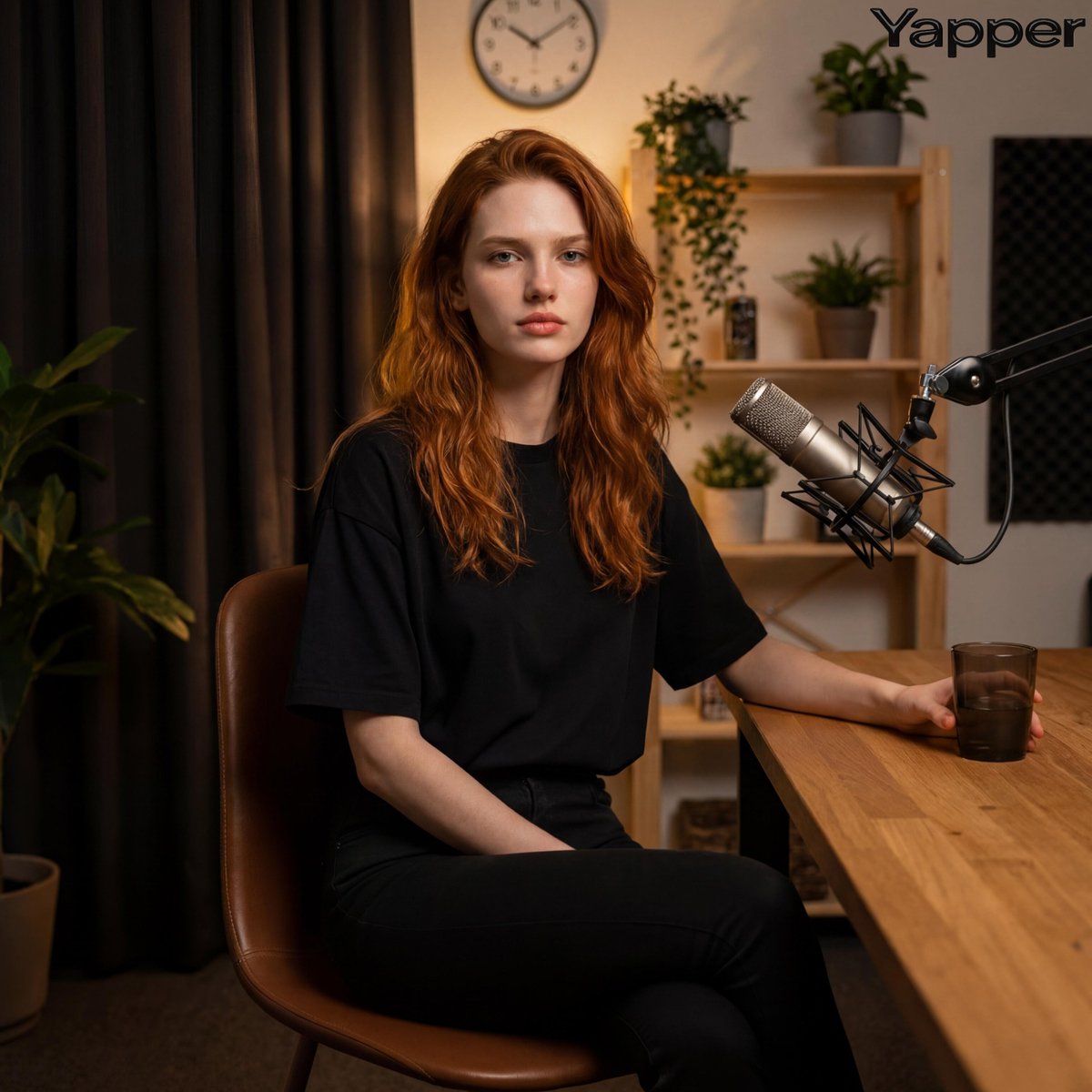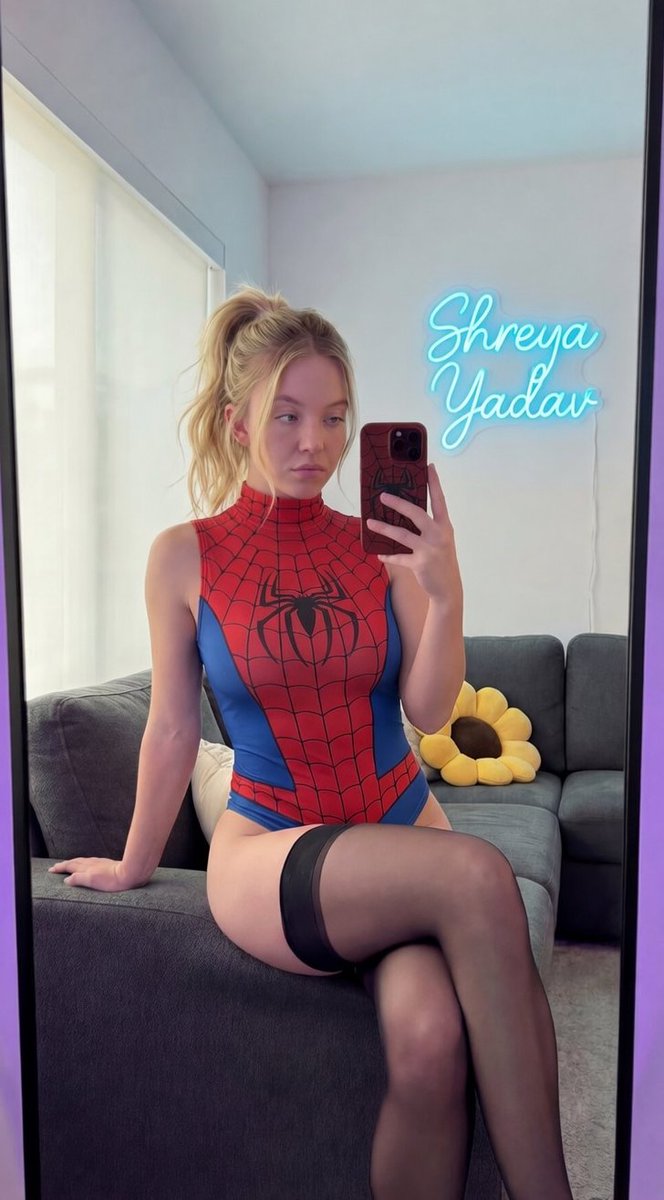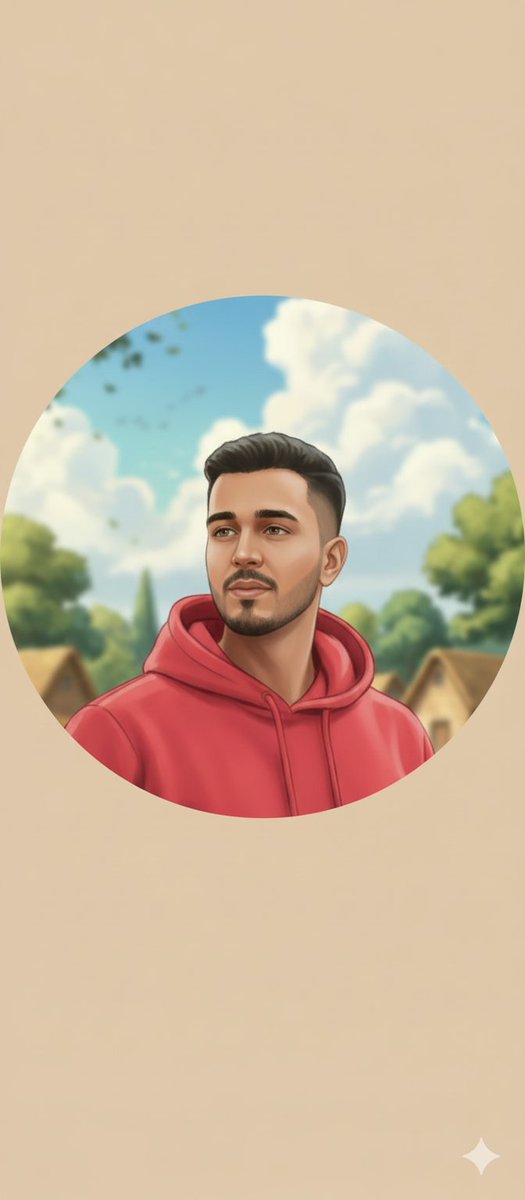
Circular Profile Picture Style Transfer
Profile / Avatar
A structured image-to-image prompt for converting a target profile picture into a soft, hand-painted digital illustration style, using a reference image for the artistic style. It mandates strict pres
Prompt
{
  "input_type": "image_to_image",
  "reference_style_image": "{argument name="reference style image" default="UPLOAD_STYLE_IMAGE_HERE"}",
  "target_image": "{argument name="target image" default="UPLOAD_DP_IMAGE_HERE"}",
  "prompt": "Convert the target image into a soft hand-painted digital illustration using the exact artistic style of the reference image. Apply smooth brush strokes, pastel and warm tones, gentle gradients, clean outlines, and a calm romantic storybook feel. Preserve the face, identity, expression, skin tone, and proportions exactly with zero change. Crop the composition into a perfect circular (round) profile picture, center the face naturally, and softly blend or blur the background to match the painted style. The final output should look like a professionally illustrated round DP created by the same artist.",
  "style_strength": 0.8,
  "preserve_identity": true,
  "preserve_face": true,
  "crop_shape": "circle",
  "composition": "centered portrait",
  "edge_style": "soft feathered circular edges",
  "quality": "4K",
  "negative_prompt": "square crop, harsh edges, photorealistic, anime, cartoon exaggeration, oil paint texture, neon colors, face distortion, blur, low detail"
}