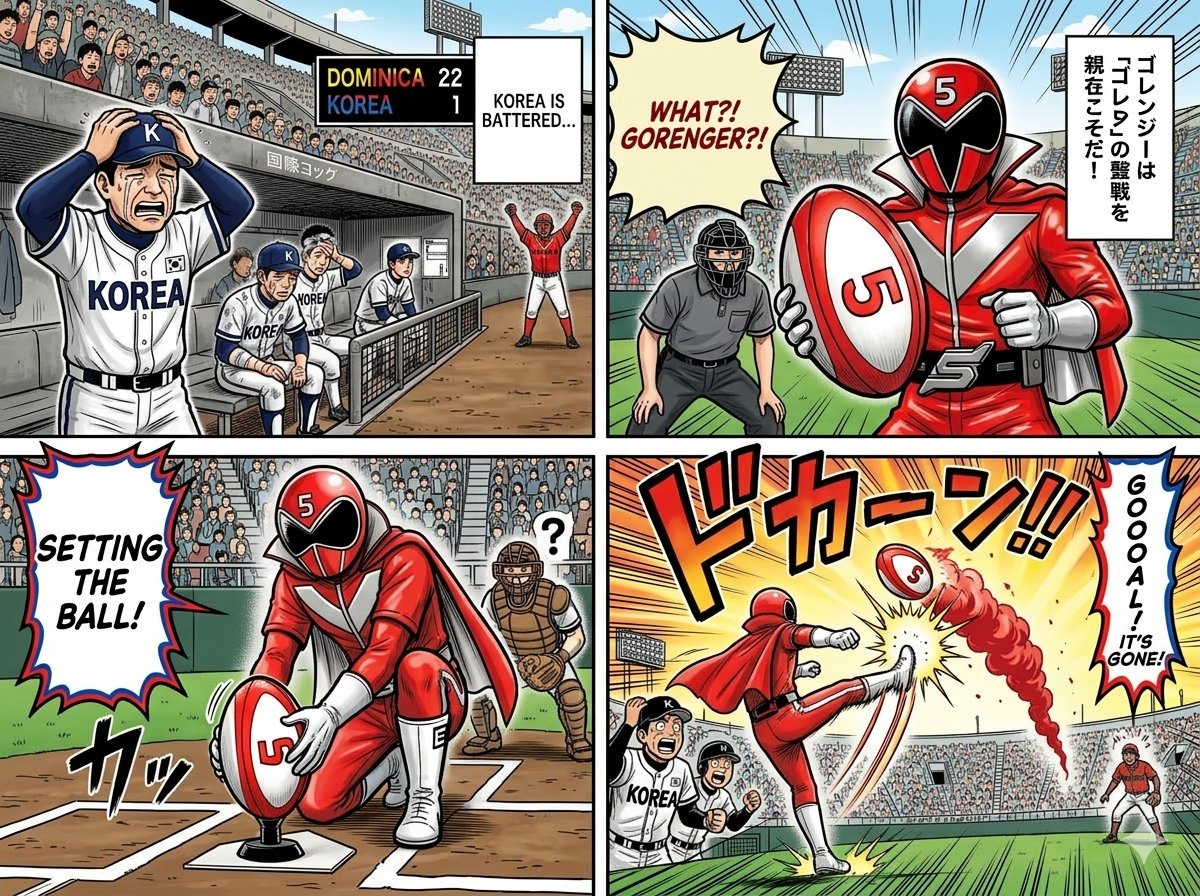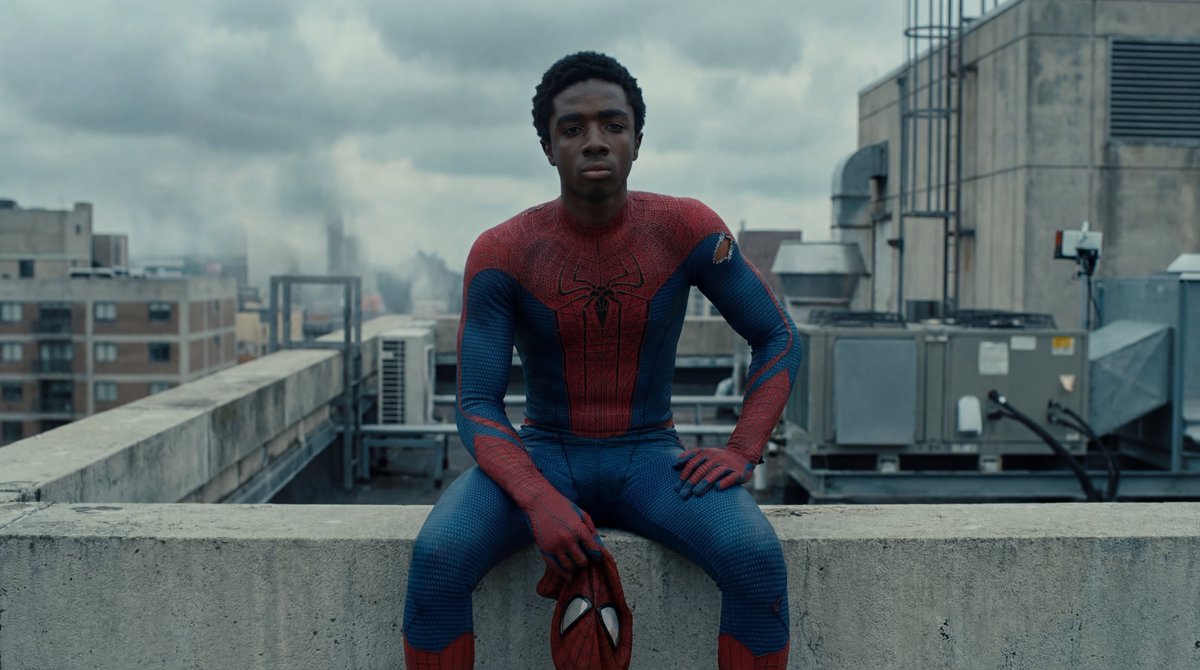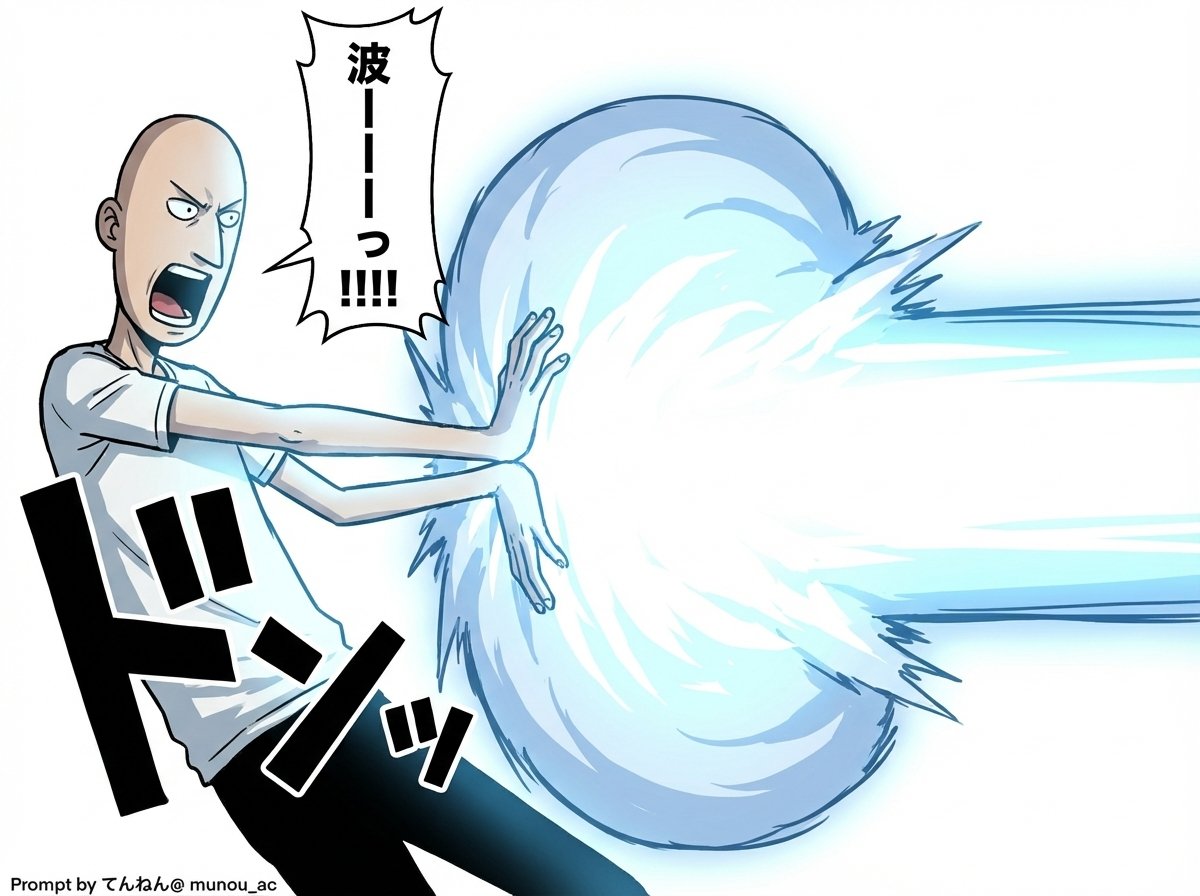
Kamehameha Attack Image Generation (Technical Prompt)
Comic / Storyboard
A highly detailed, technical prompt structure for Nano Banana Pro (v1.2) designed to generate an image of a character charging an energy attack (Kamehameha), focusing heavily on technical specificatio
Prompt
# Image Generation Prompt: Nano Banana Pro v1.2
# 1. Basic Instructions
- Task: Image Generation
- Reference: Faithfully reproduce and maintain the character, clothing, and image style of the attached image
- Quality: Super High Definition

# 2. Technical Specifications
- Aspect Ratio: 16:9
- Rendering Style: Based on the attached image style, apply Cell Shading + Volumetric Lighting
- Line Art: Thin

# 3. Camera Work and Composition
- Camera: Virtual Camera / Focal Length 50mm / Aperture f/2.8
- Angle: 15-degree Dutch Angle
- Focus: Focus on subject
- Depth of Field: Shallow depth of field in the background (with blur)

# 4. Scene Details
A. Character
- Appearance (Hair/Eyes/Clothing): [Completely maintain the style of the attached image]
 - Hair is flowing in reaction to energy pressure
 - Eyes are glowing, with a sharp anime-style shape
- Pose & Action:
 - Action: Charging an energy attack
 - Stance: Feet spread and braced, torso twisted forward to the right
 - Hands: Cupped together facing each other (at hip height on the right), muscles are strongly tensed
- Expression: Filled with determination and intense effort, mouth open shouting

B. Lighting and Atmosphere
- Global Illumination: #ffffff
- Key Light:
 - Source: Energy ball between both hands
 - Color: Cyan Blue Electric
 - Intensity: 2.5EV overexposure (High Luminance)
 - Shadows: Sharp, dynamic shadows extending away from the center

C. Visual Effects
- Main Element: Spherical, turbulent plasma energy ball (between hands)
 - Core Color: #ffffff
 - Outer Glow: #00ffff
 - Particles: Blue sparks floating and rising
 - Lens Flare: Anamorphic blue light streaks
 - Bloom: Intensity 0.8

D. Background
- Context: Abstract studio space
- Visual: Simple gradient background
- Colors: #ffffff to #c0efff
 * Prioritize layer detail colors over introduction specified colors
- Detail Level: Low (to emphasize the subject)

# 5. Text Elements - Manga Style Speech Bubbles
Place vertical oval speech bubbles reacting to the timing of the shout, using the following coordinate image for placement
Adjust flexibly so as not to interfere with the character

- "{argument name="shout 1" default="ka..."}" : Top Left (X: 0.08, Y: 0.15)
- "{argument name="shout 2" default="me..."}" : Middle Left (X: 0.22, Y: 0.35)
- "{argument name="shout 3" default="ha..."}" : Middle Right (X: 0.78, Y: 0.55)
- "{argument name="shout 4" default="me..."}" : Bottom Right (X: 0.90, Y: 0.75)