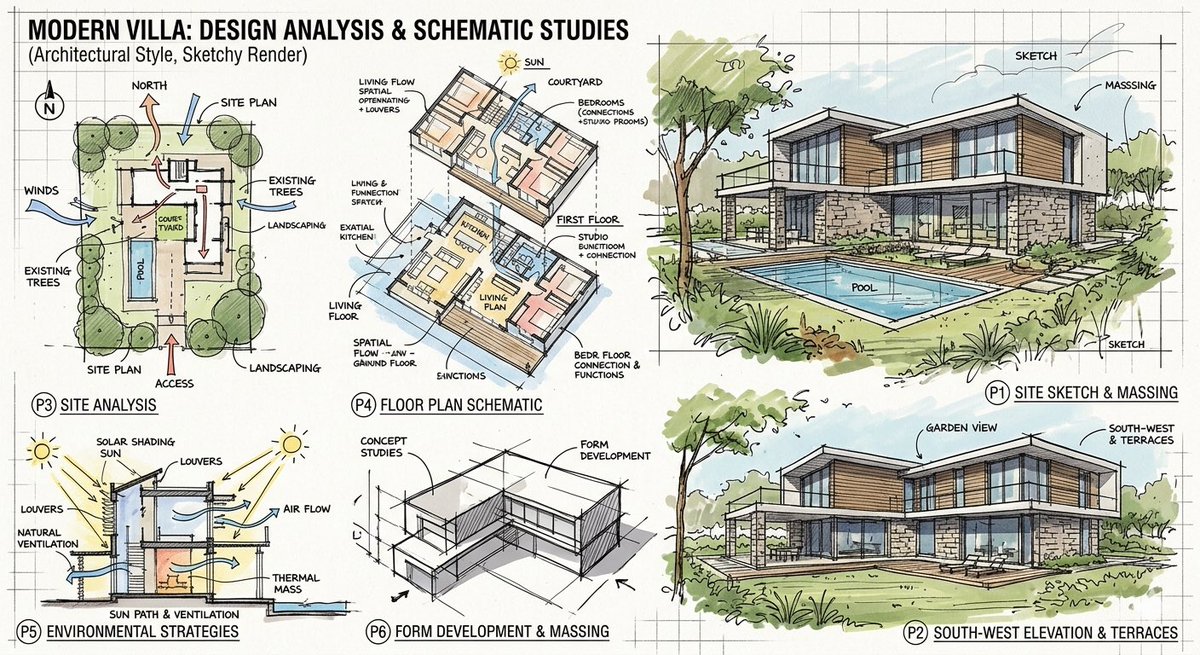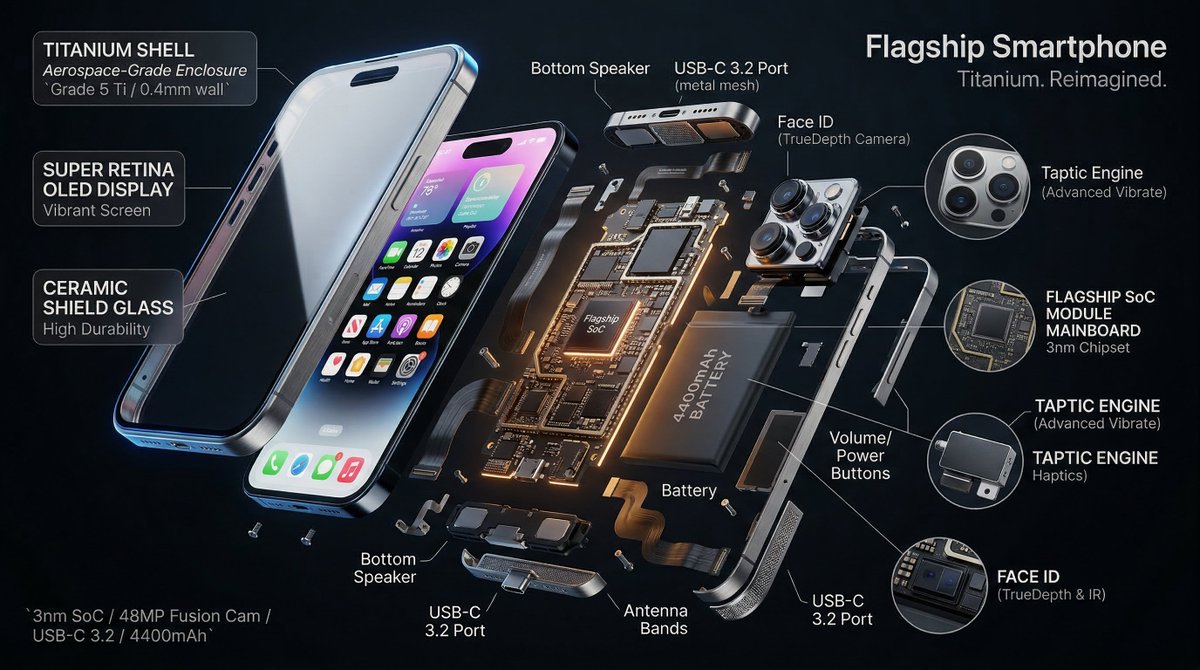
Nano Banana Pro Composition Techniques Prompts (3 Examples)
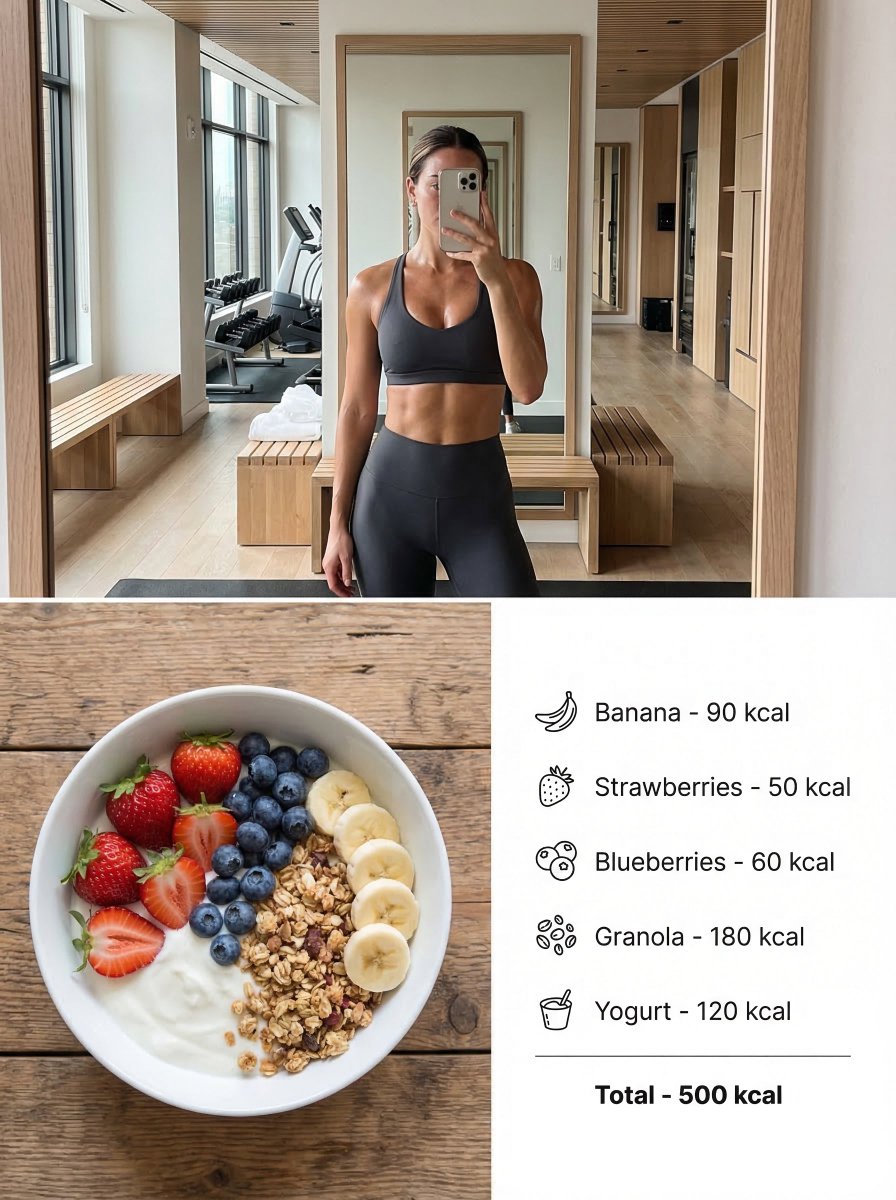
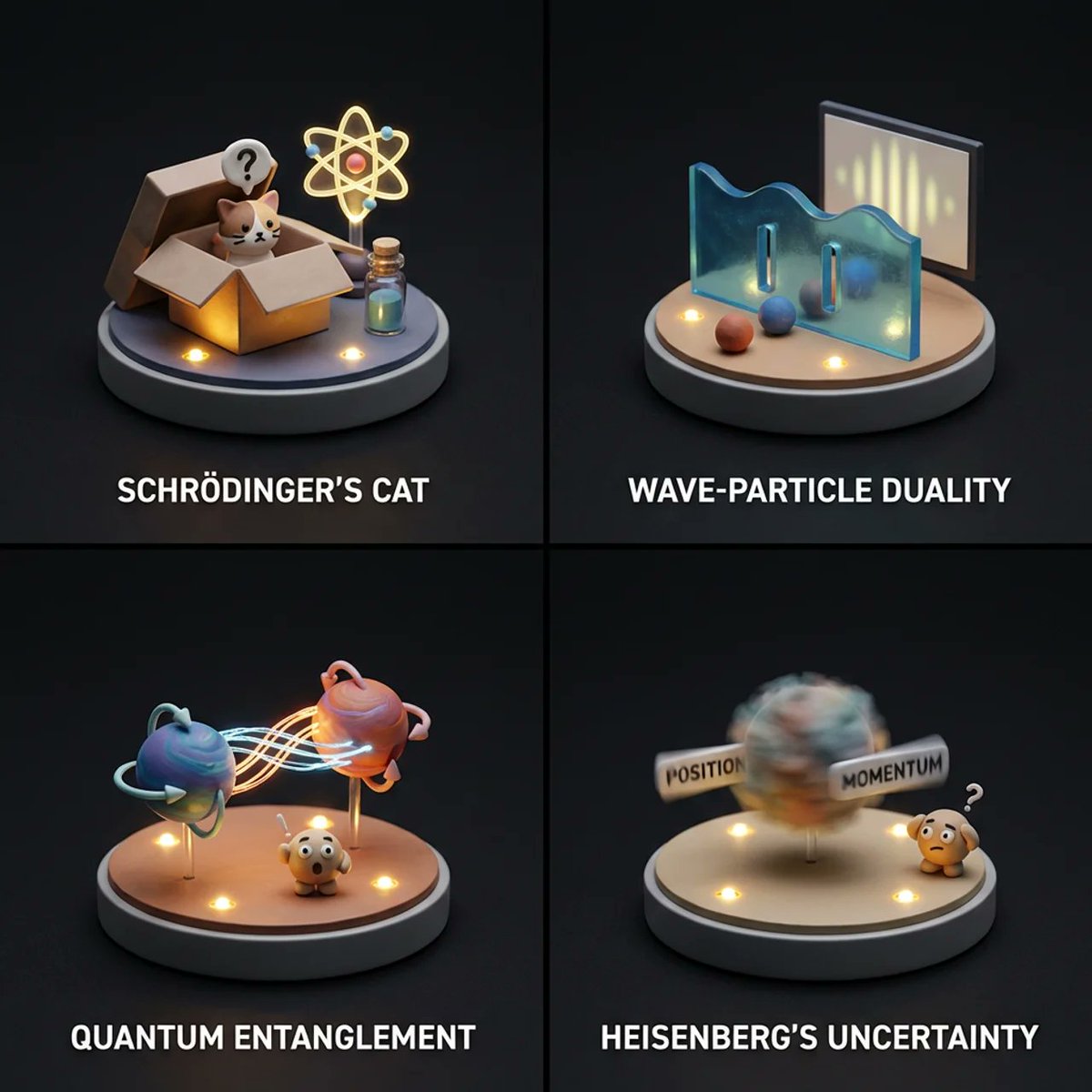
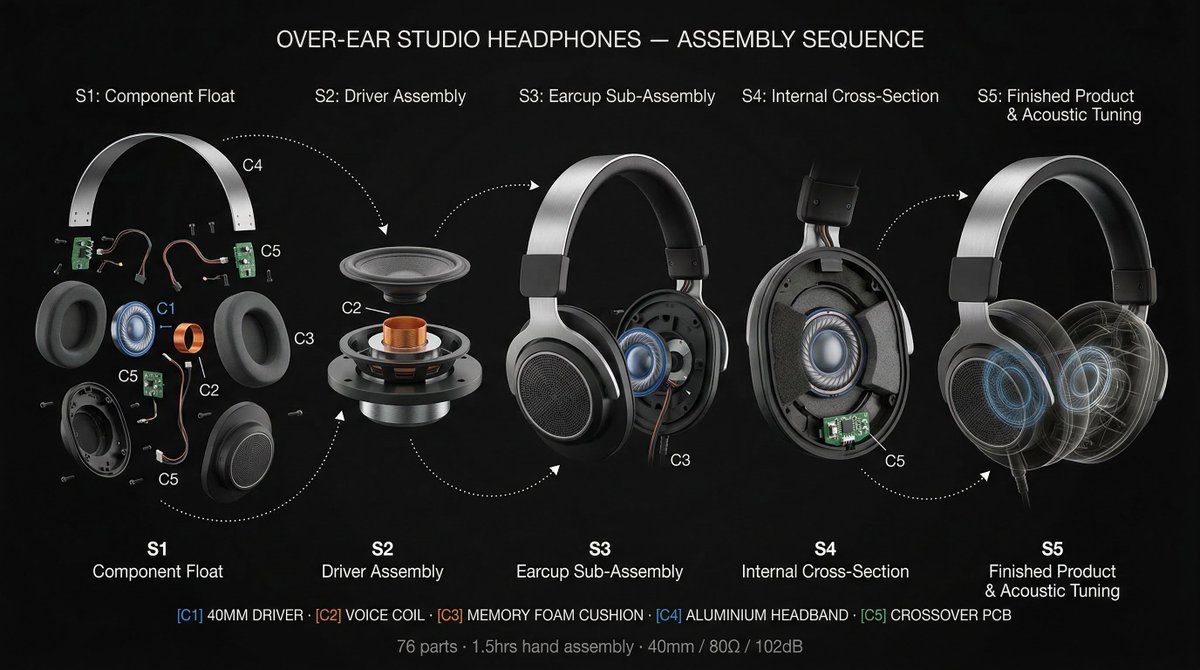
Infographic / Edu Visual
A tutorial-style tweet explaining three advanced composition techniques for Nano Banana Pro: 1) using 'Text Anchors' to force negative space for thumbnails/posters, 2) using 'Physical Camera Work Spec
Prompt
[Role]
You are a professional graphic designer. Create a YouTube thumbnail.

[Composition Instructions]
- Split-screen composition, dividing the screen into left and right halves.
- Left side: A Japanese woman with a surprised expression (photorealistic style). Background is a dark office.
- Right side: A vibrant yellow background. Place the text “{argument name="text" default="AI Revolution"}” in bold Gothic font in the center.
- Ensure sufficient negative space around the text to maximize visibility.

[Style]
A scene from an animated movie, cyberpunk

[Camera and Composition Settings]
- Lens: Use a wide-angle lens (24mm equivalent) to emphasize perspective.
- Angle: Extreme low angle (worm's-eye view). The character is viewed looking up from just above the ground.
- Placement: Place the character's left hand directly in front of the camera to exaggerate the sense of distance.
- Background: High-rise buildings sharply converge toward a vanishing point.

[Role]
You are a manual creator. Create {argument name="subject" default="how to make Okonomiyaki"}.

[Format]
Flat design infographic, 16:9

[Layout Instructions]
- A “3-step” process diagram flowing from left to right.
- Step 1 (Left): Magnifying glass icon (Investigation).
- Step 2 (Center): Gear icon (Processing).
- Step 3 (Right): Light bulb icon (Solution).
- Connect each element with arrows and align them at equal intervals.
- Background is white, icons are unified in blue and orange key colors.