Image-to-Beverage Mockup Conversion
Product Marketing
This is a structured prompt designed to convert an input image (like an icon or logo) into a photorealistic product advertisement for a bottled drink. It instructs the AI to analyze the input image fo
Prompt
[AI Instruction: Image → Bottled Beverage Conversion]

Analyze [Input Image].

Extract: Read [Main Motif], [Atmosphere], and [Color Palette].
Drink Selection: Freely decide the drink based on the image's color and atmosphere (e.g., {argument name="Type of drink" default="fruit water, carbonated, tea, lactic acid beverage, energy drink, smoothie"}).
Label Design: Use the motif for the label illustration or logo. Colors should be reflected in the liquid color and the label.
Text: If there is text in the image, utilize it as the product name or flavor name.
[Main Motif]
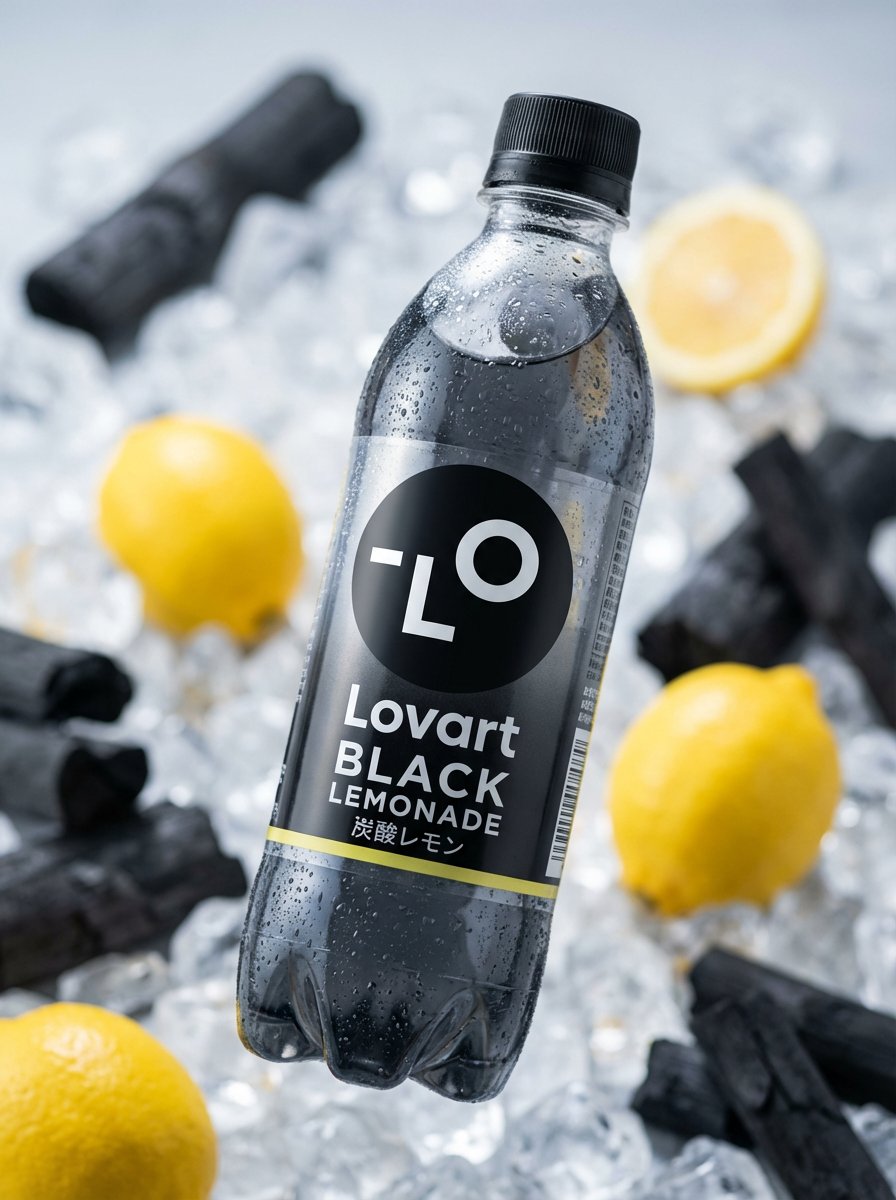
A new product plastic bottle that catches the eye in the convenience store beverage aisle. The design should look as if the world view of [Input Image] has been transformed into a drink. [Detected Motif] decorates the label, and the liquid color matches the theme color. The bottle shape is also free (slim, round, can type, etc.).

[Atmosphere]
Product advertisement photo taken in a professional studio. The bottle has condensation, giving the texture of being cold. Fruits or ingredients may be scattered in the background. 8k, shallow depth of field at f/1.8, product photography lighting. Photorealistic.