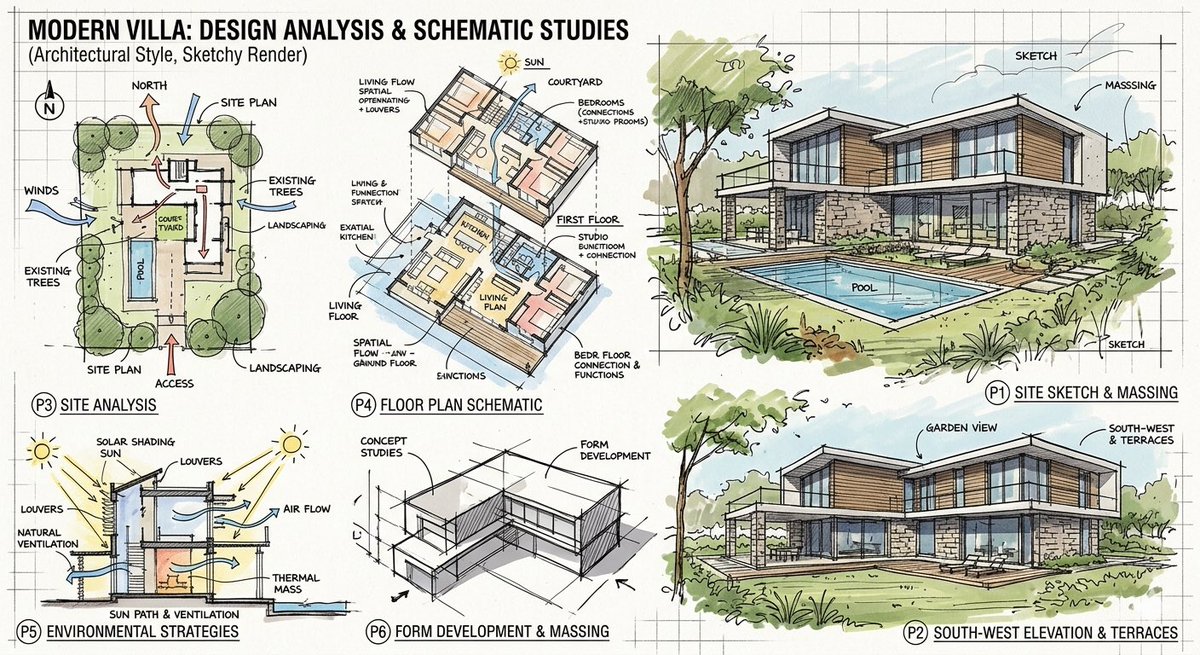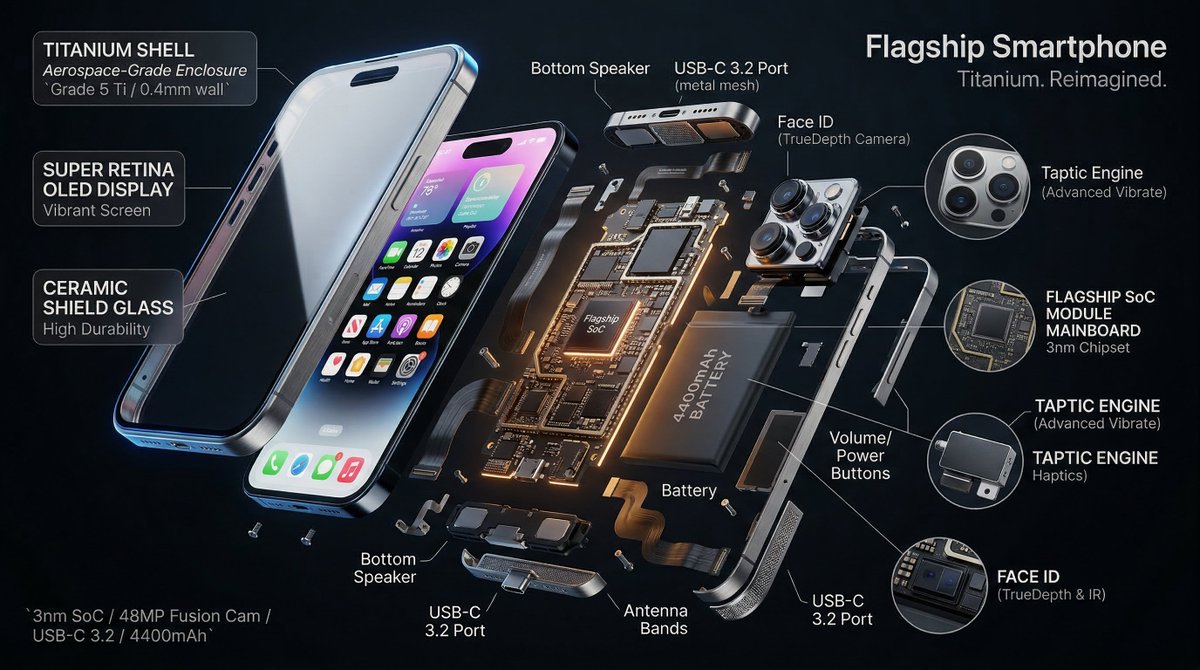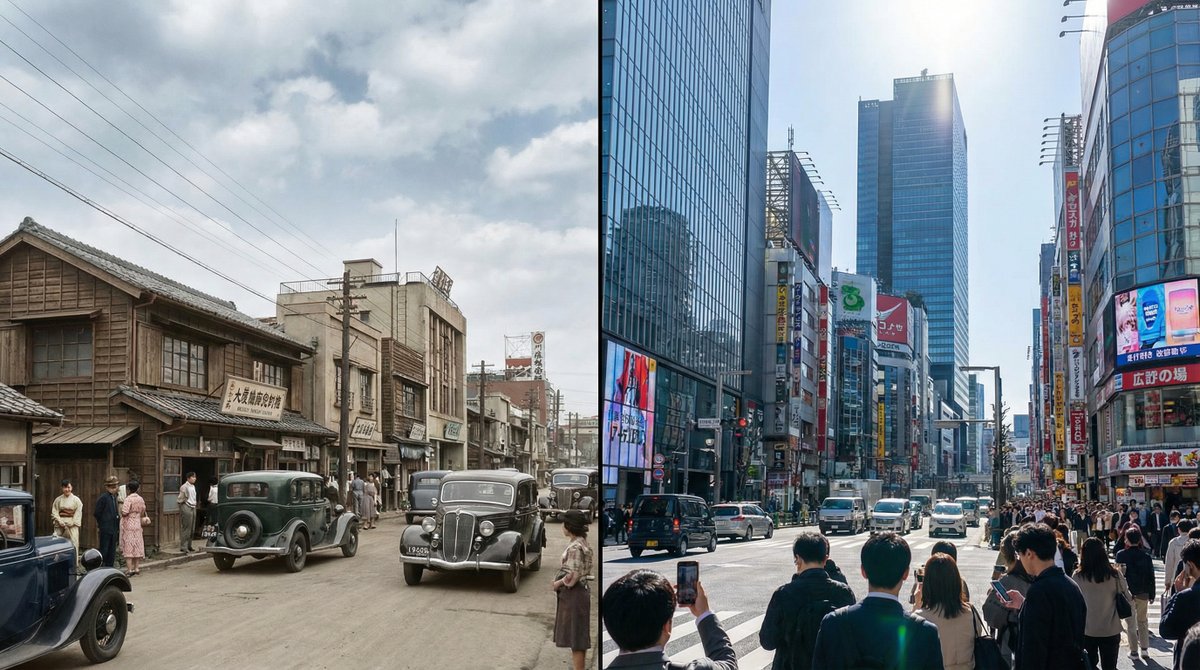
Split-screen time-lapse of same location by coordinates
Infographic / Edu Visual
A detailed prompt to generate a single 16:9 photorealistic image split into left and right halves, each showing the same geolocated place at different years and times, letting Nano Banana Pro handle e
Prompt
Generate a single photorealistic 16:9 image and split its composition into left and right halves. On each side, depict the same place,
[LOCATION_NAME: {argument name="location_name_en" default="(any location)"}],
at different eras.

Left side: {argument name="left_year_en" default="(any year)"} · {argument name="left_time_en" default="(time)"}
Right side: {argument name="right_year_en" default="(any year)"} · {argument name="right_time_en" default="(time)"}

Keep the camera position exactly the same and use the following coordinates:
[LATITUDE,LONGITUDE: {argument name="coordinates_en" default="(latitude and longitude of any place)"}]

Do not include any text in the image (years, labels, watermarks, etc.). Do not specify detailed visuals.
Leave all aspects such as architecture, light, cars, people, signs, materials, atmosphere, and composition up to Nano Banana Pro.

Each era should feel natural and together form a side-by-side time comparison image within a single 16:9 frame.
--ar 16:9 --stylize 800 --v 6