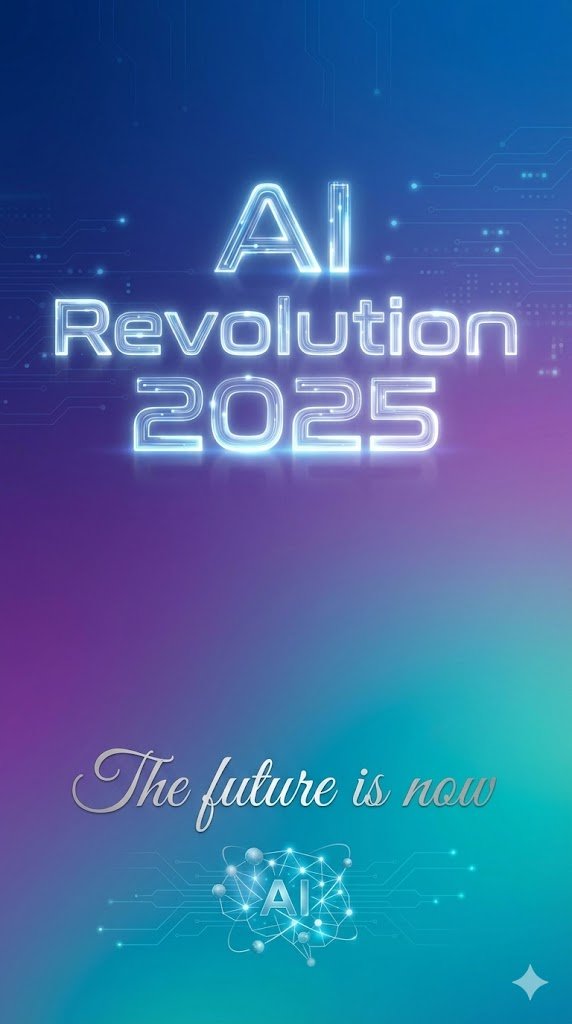
Text Rendering Control Template and Example Prompt
Product Marketing
A template and an example prompt demonstrating how to use Nano Banana Pro's text rendering parameters to precisely control the text, position, font style, and size within an image, exemplified by a mi
Prompt
{
  "scene": "minimalist tech poster with gradient background",
  "text_elements": [
    {
      "text": "{argument name="headline text" default="AI Revolution 2025"}",
      "position": "center, upper third",
      "font_style": "bold, futuristic sans-serif, glowing effect",
      "size": "large headline"
    },
    {
      "text": "{argument name="subtitle text" default="The future is now"}",
      "position": "center, lower third",
      "font_style": "elegant script, smaller subtitle"
    }
  ]
}