Image Editing and Background Replacement Workflow
Others
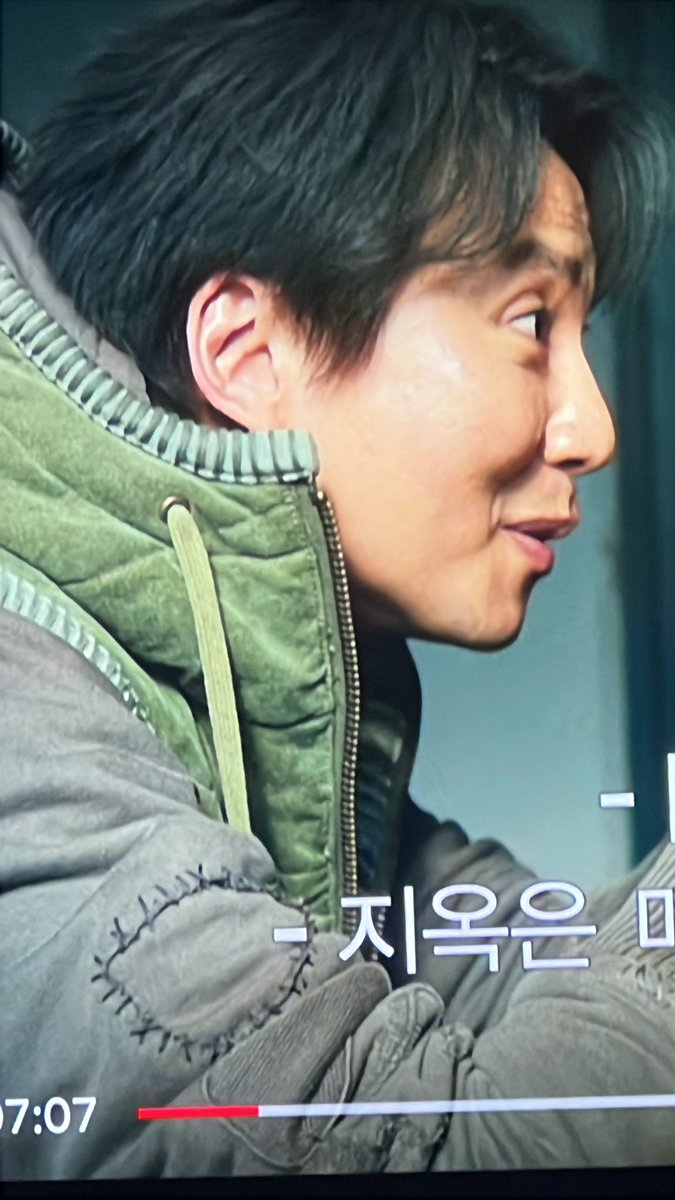
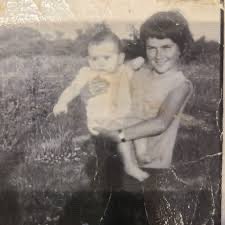
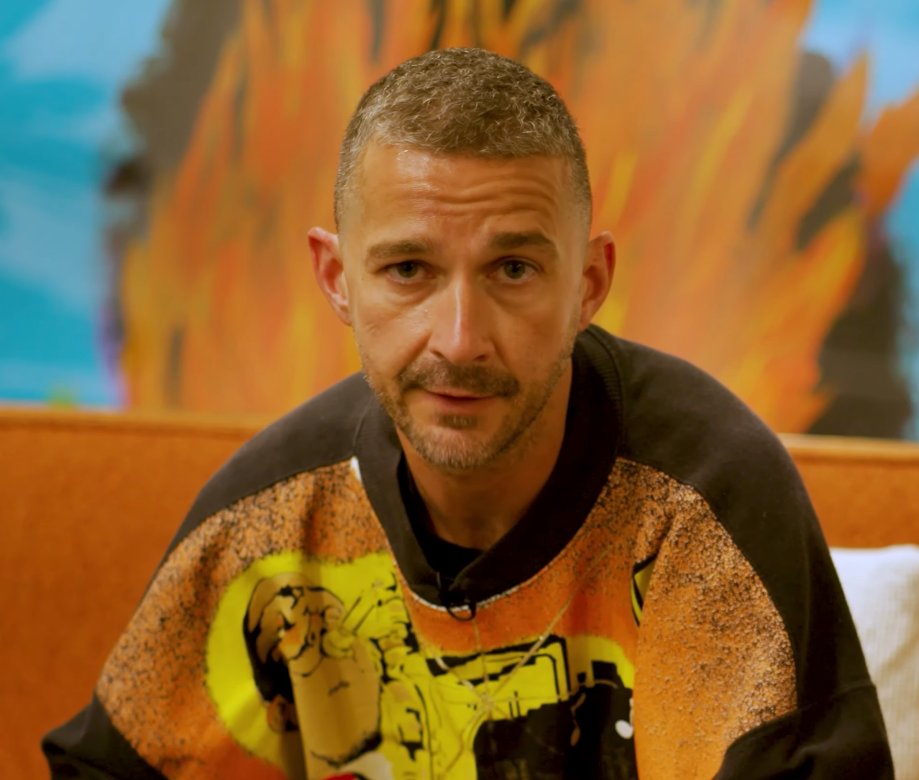
A two-step workflow demonstrating how to use Nano Banana Pro for image editing. The first prompt replaces a person in an image with a person from a second image while maintaining the pose. The second
Prompt
Replace the grey shirt man in image 1 with the orange sweater man from image 2. Match the exact pose from image 1 Remove the caption text "HEY COME HERE" Remove the black from the top right corner

While maintaining the exact pose, change the location in the background to on an empty new orleans street sidewalk. The POV is from someone seated looking upward so match the background perspective accordingly Adjust the lighting on the man to match the new scene.