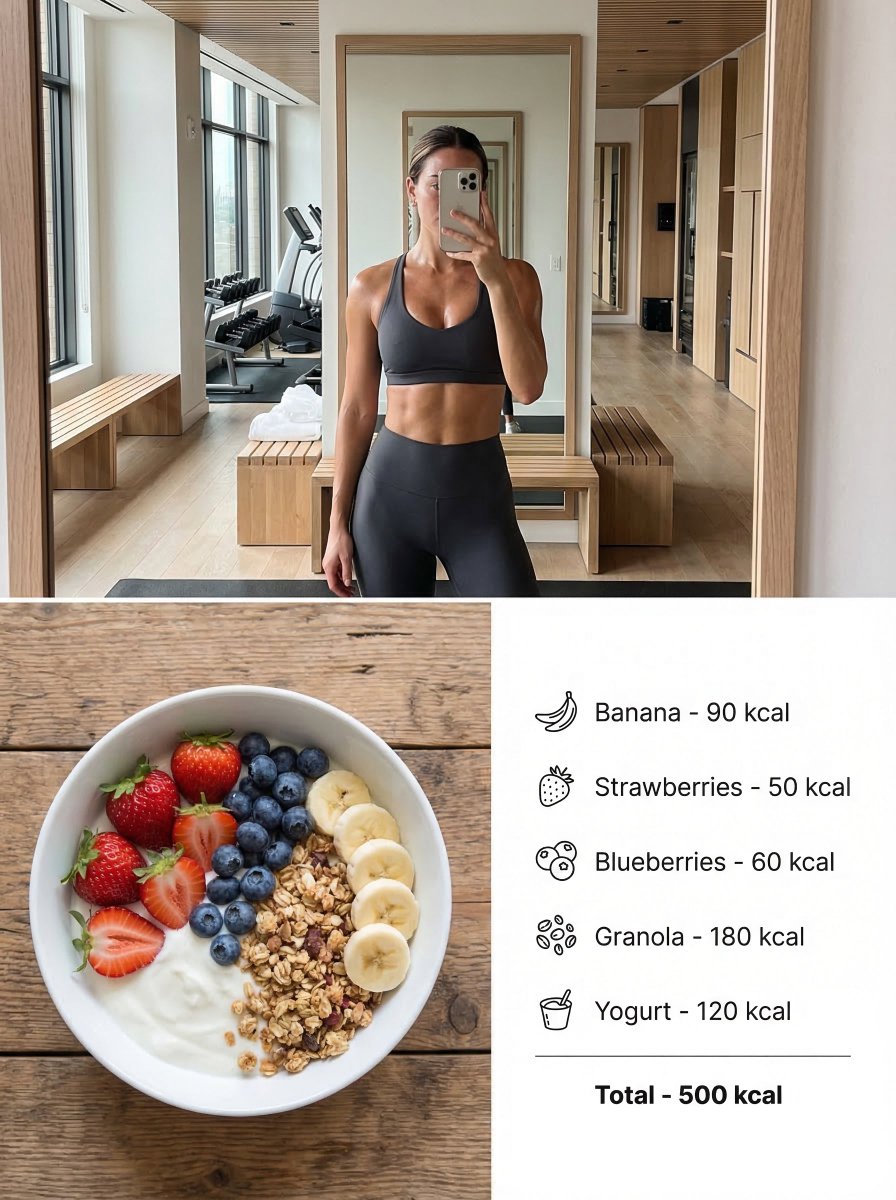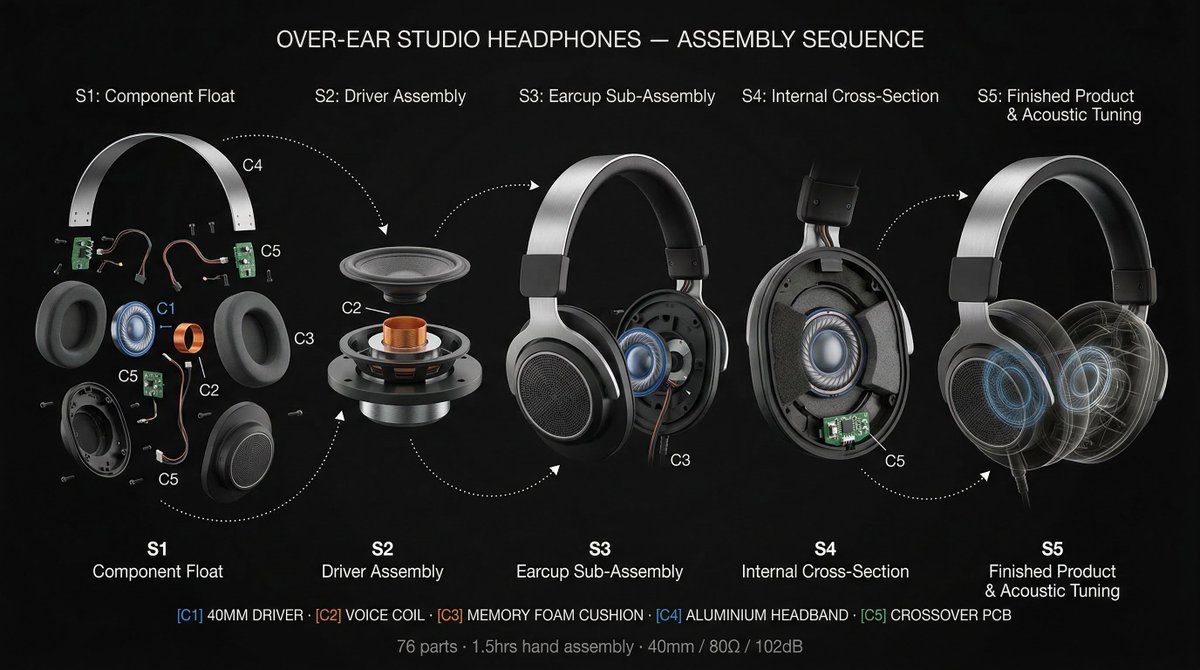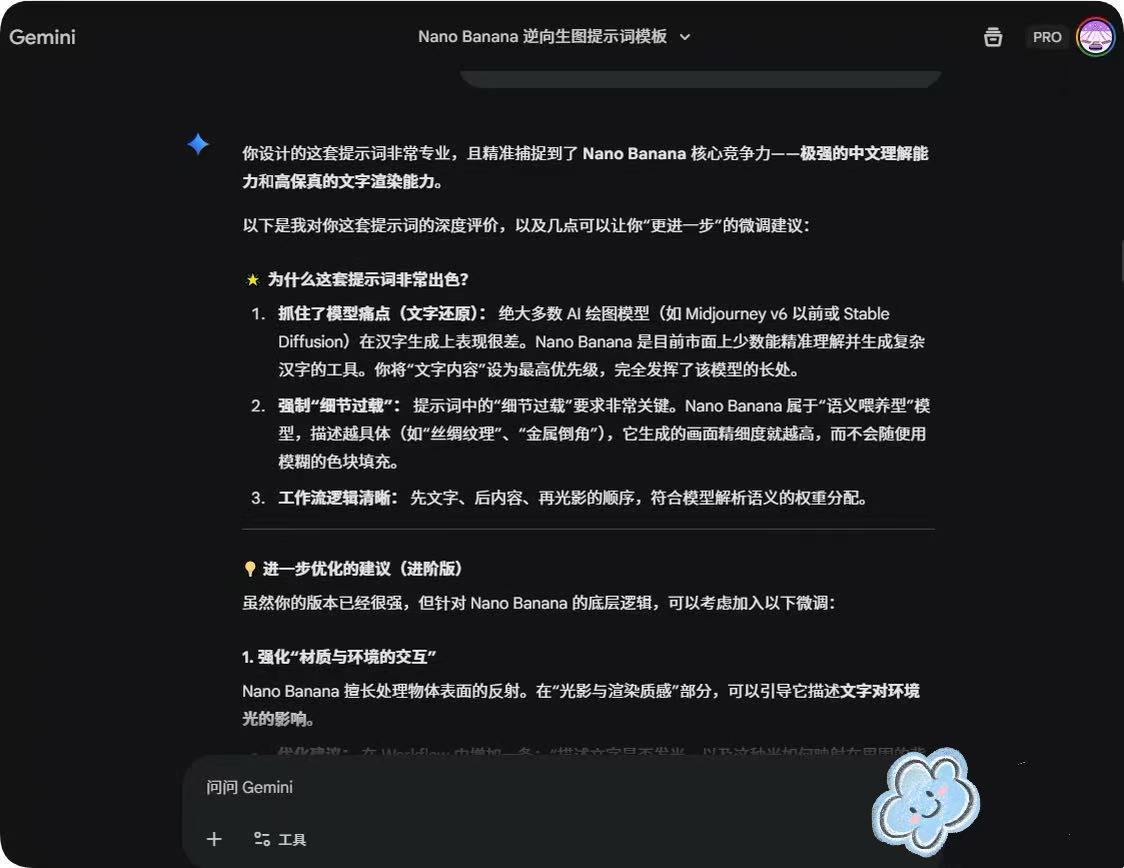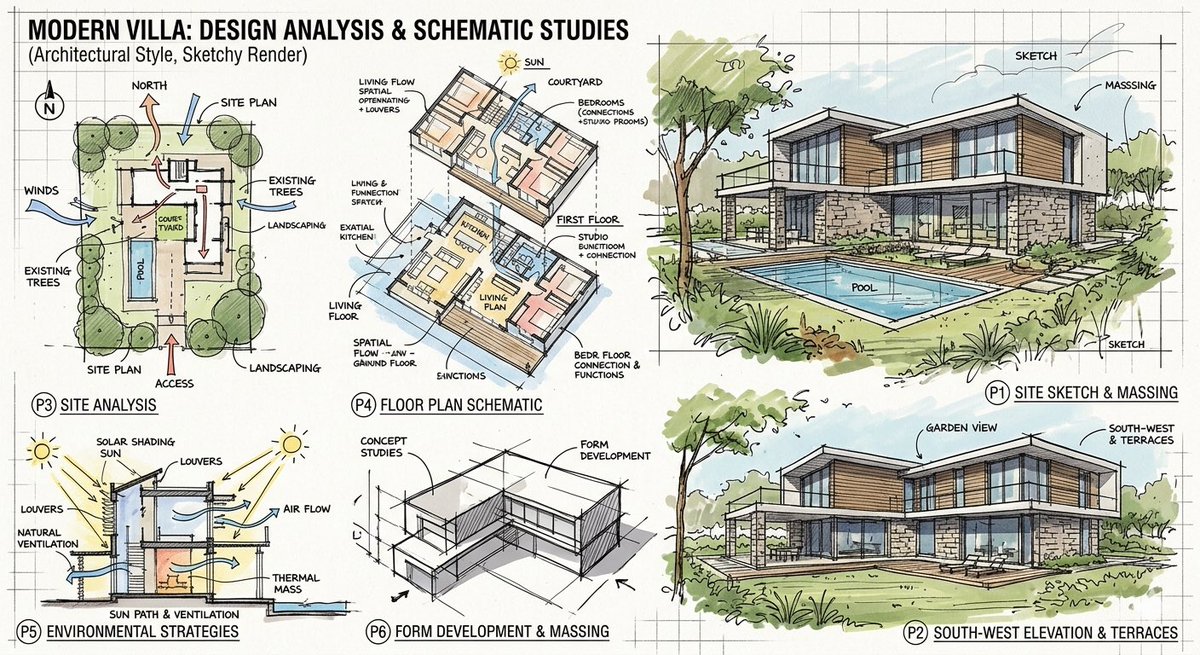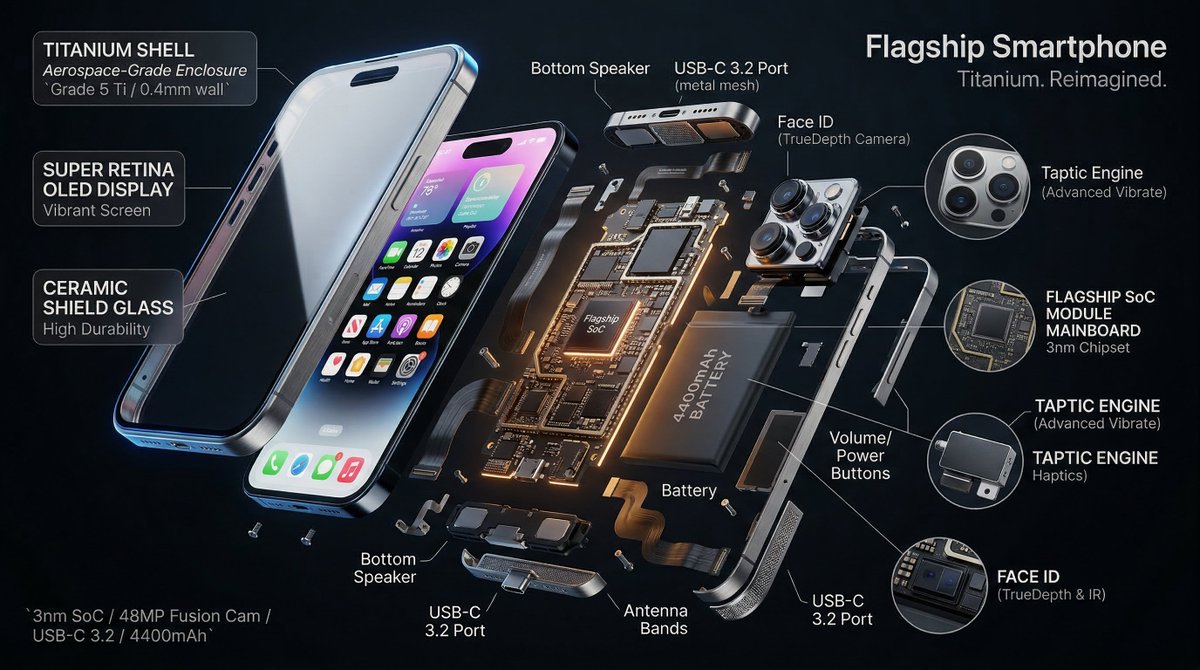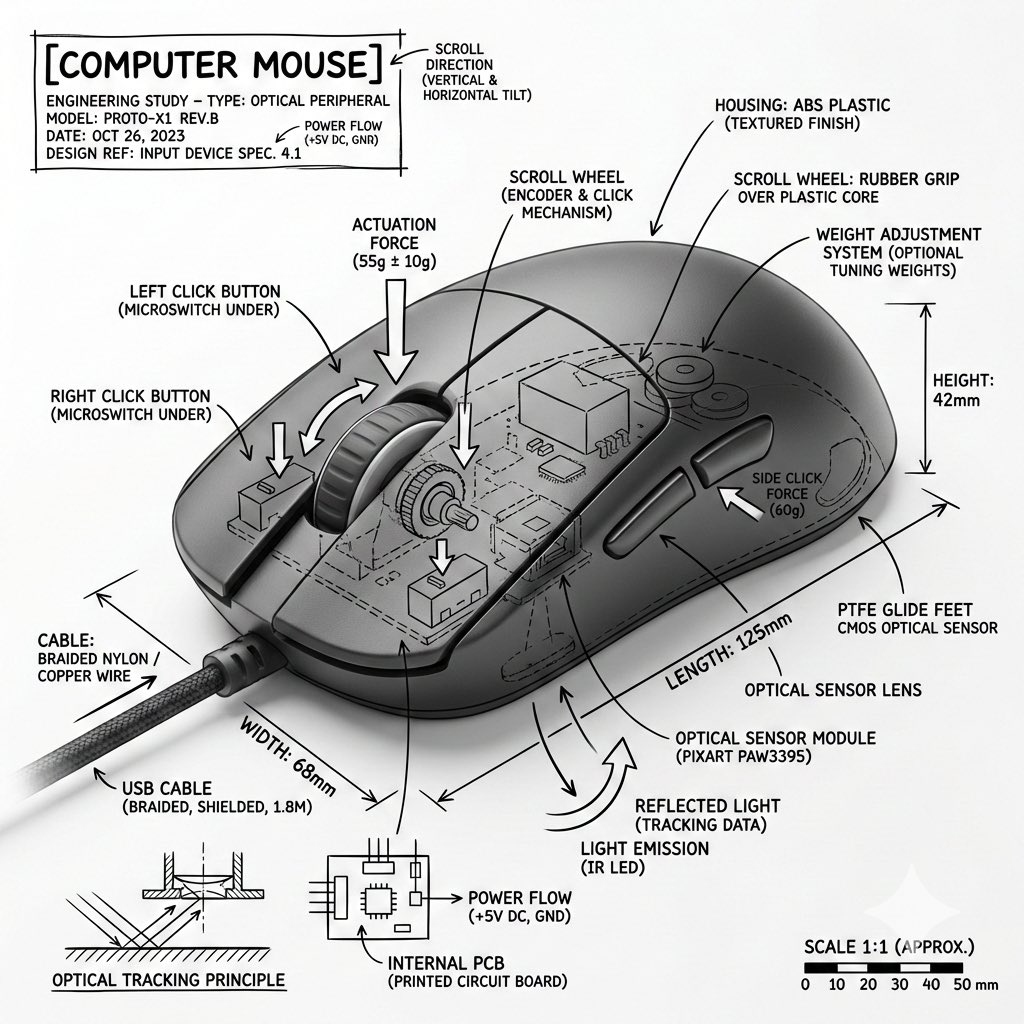
Technical Infographic Overlay for Object Annotation
Infographic / Edu Visual
A structured prompt template designed to generate an infographic image by combining a realistic photograph of an object with an overlay of technical, architectural-style annotations. It specifies usin
Prompt
Create an infographic image of {argument name="object" default="[OBJECT]"}, combining a realistic photograph or photorealistic rendering of the object with an overlay of technical annotations placed directly on top.
Use black ink line drawings and text (in the style of a technical pen / architectural sketch) on a clean white studio background, including:
• Labels on key components
• Internal outlines in cutaway or cross-section view
• Measurement, dimension, and scale markers
• Material and quantity designations
• Arrows indicating function, force, or flow (air, sound, power, pressure)
• Simple diagrams or cross-sections where appropriate
Place the title {argument name="object title" default="[OBJECT]"} in a box with hand-drawn technical notes in one of the corners.
Style and layout rules:
• The real object remains clearly visible under the annotations
• Annotations look schematic, technical, and architectural
• Clear composition with balanced negative space
• Educational atmosphere resembling a museum exhibition or engineering manual.
Visual style:
Minimalist technical illustration aesthetics, black lines over realistic images, crisp but slightly hand-drawn.
Color palette:
White background, only black annotation lines and text. No colors.
Output:
1080x1080 resolution, very sharp image, optimized for social media, no watermarks.