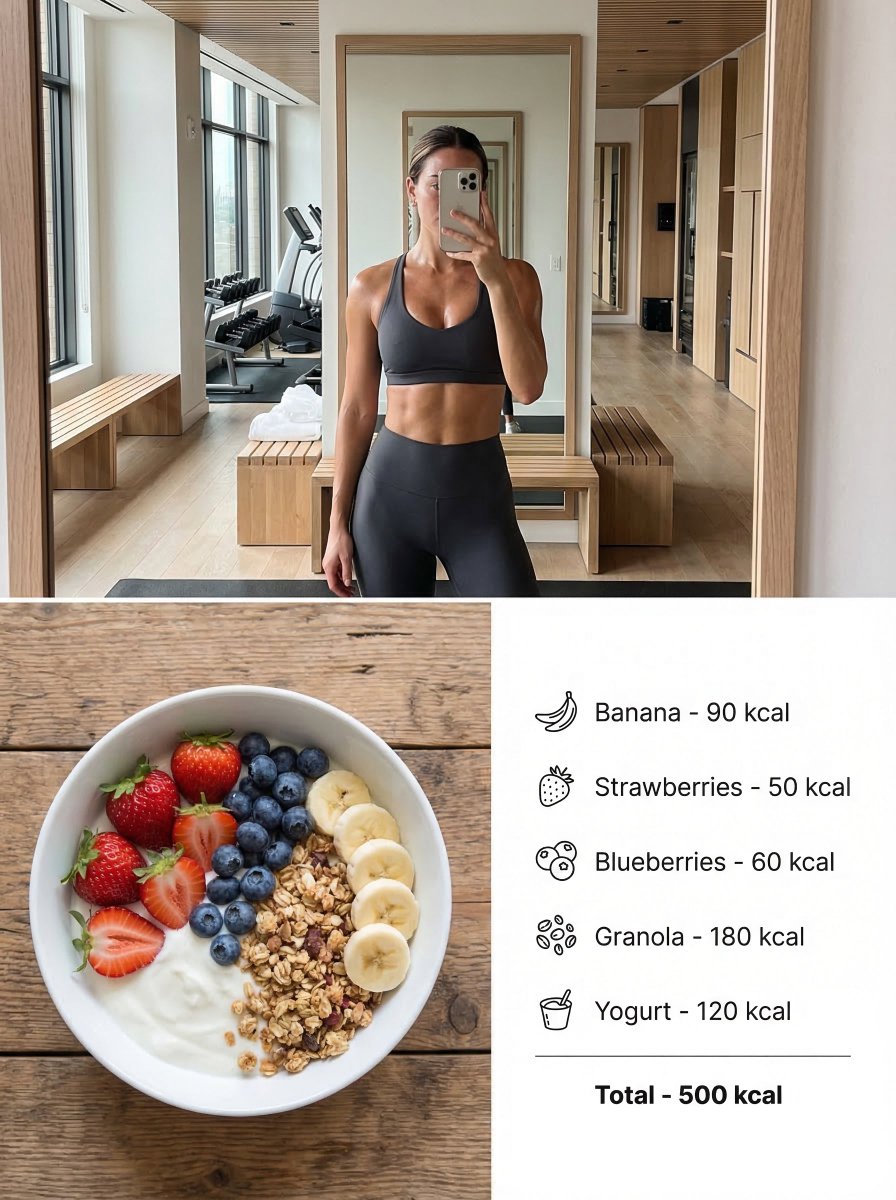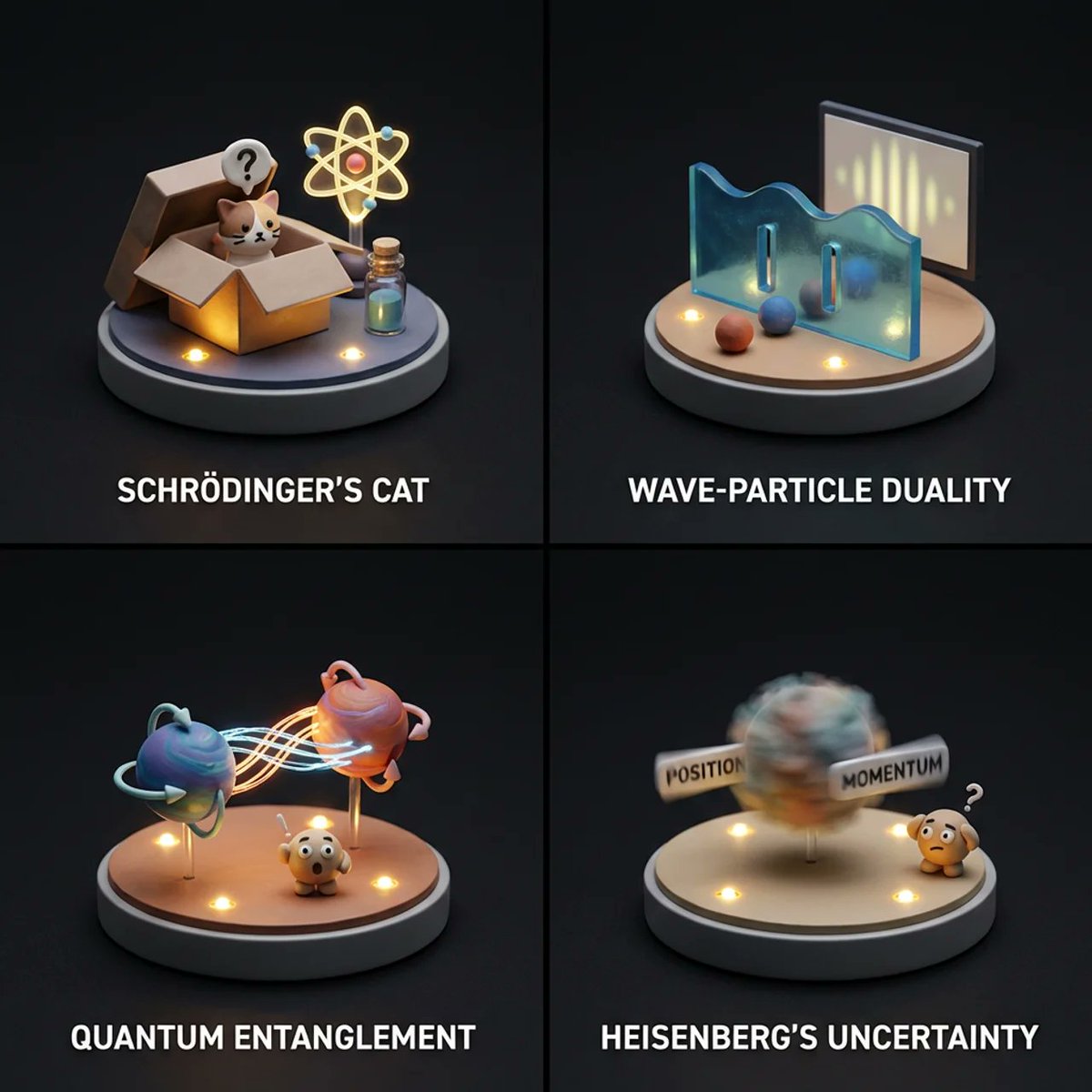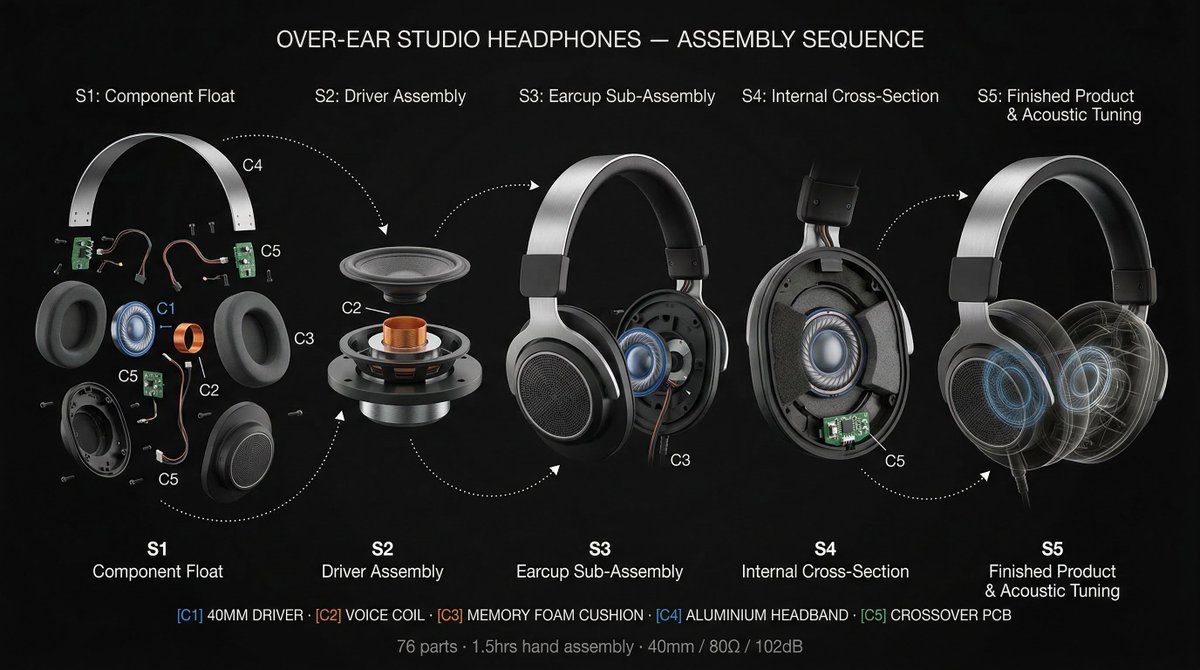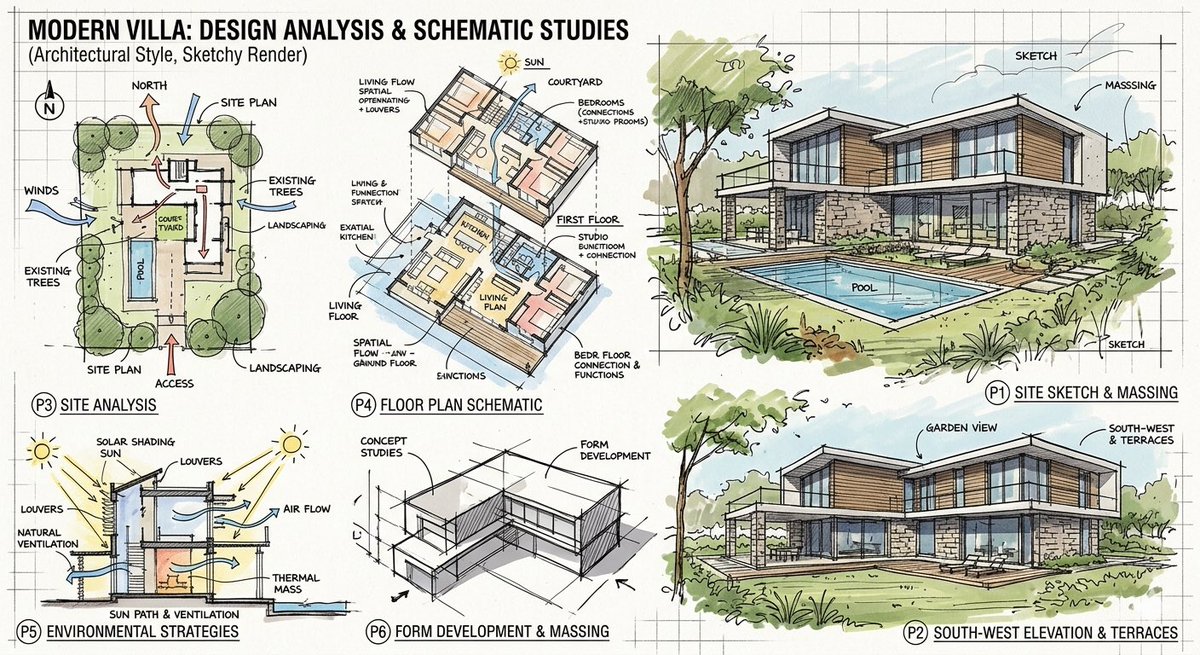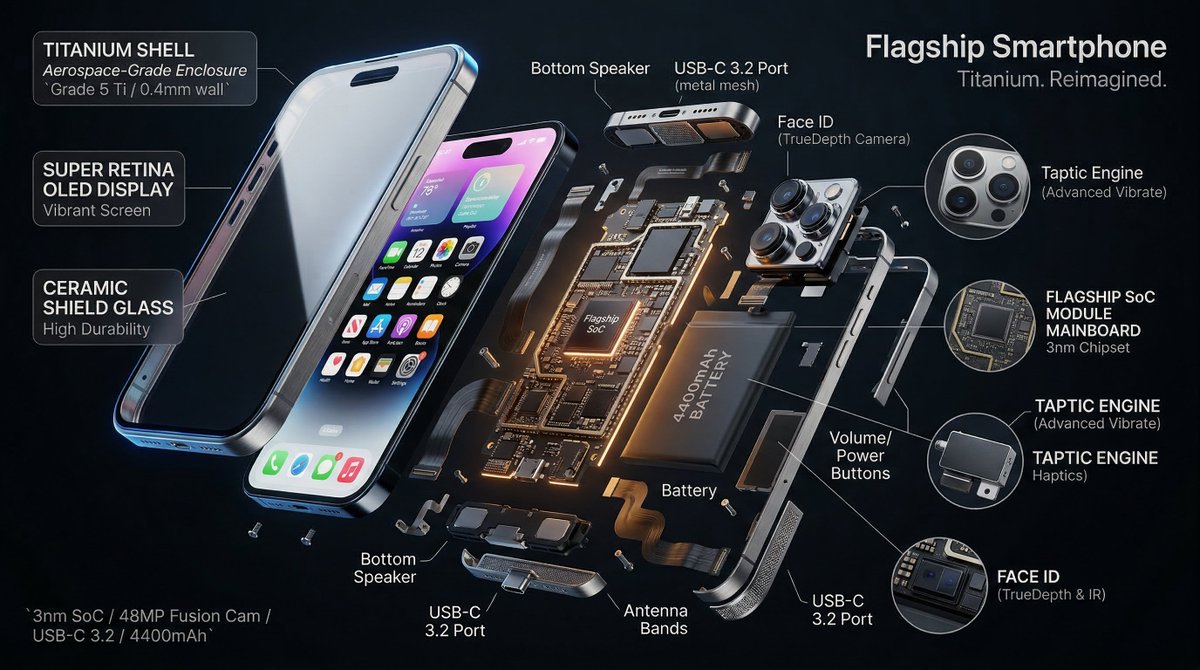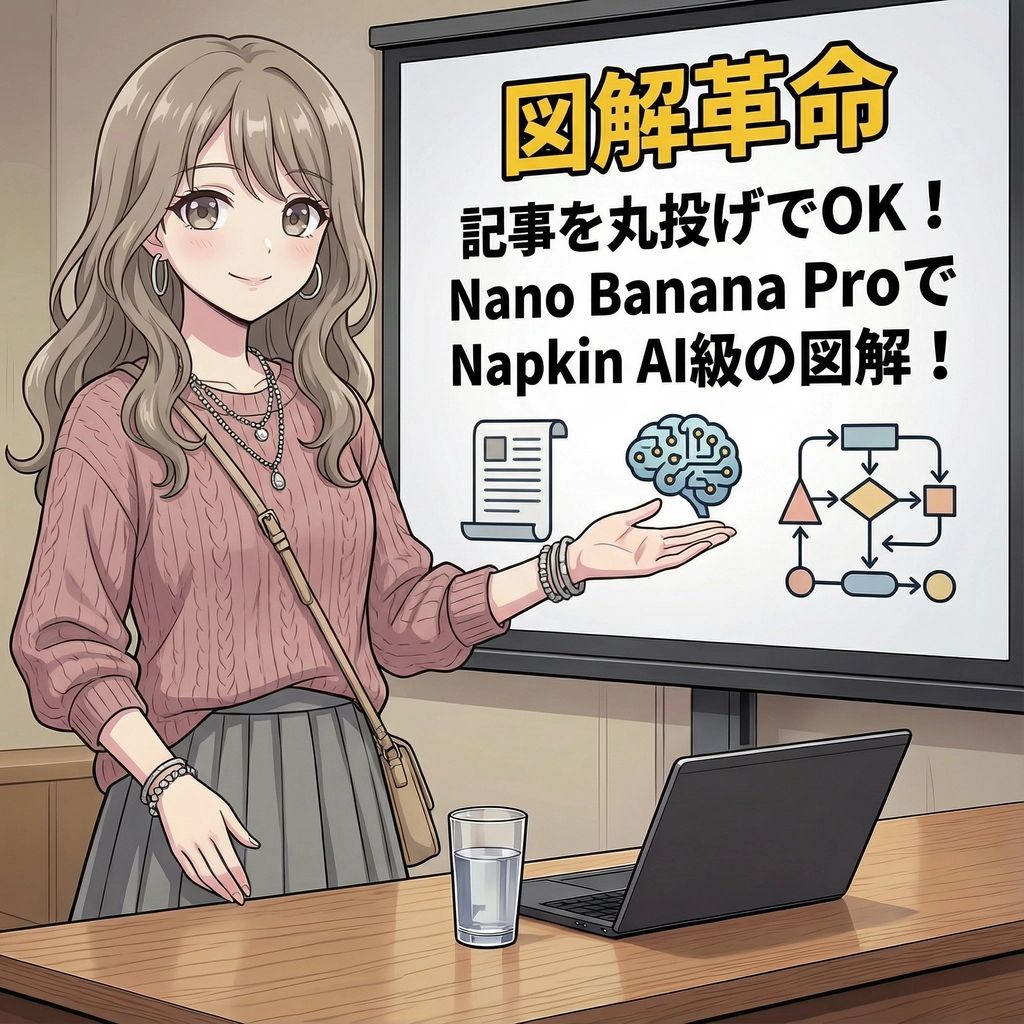
Magic Prompt for Automatic Infographic Generation with Nano Banana Pro
Infographic / Edu Visual
This prompt is designed for Nano Banana Pro, allowing users to input an entire article or report and automatically generate Napkin AI-quality infographics or visual summaries. It acts as a powerful to
Prompt
You are an expert in infographics. Read the article or report provided by the user and automatically generate a visually clear and attractive infographic that summarizes its content. Specifically, please create it considering the following elements:

### Objective
To visualize the main message, key data, process, or structure of the article or report so that it can be understood at a glance.

### Style and Tone
*   **Style**: A hand-drawn or minimal and sophisticated diagram style, similar to Napkin AI.
*   **Tone**: Professional yet approachable and visually appealing.

### Components
1.  **Title**: An attractive title that concisely represents the article's theme.
2.  **Key Points**: 3 to 5 of the most important points extracted from the entire article.
3.  **Diagrams**: Graphs, flowcharts, icons, or conceptual diagrams to represent the key points or processes.
4.  **Data**: If there are specific numbers or statistical data in the article, display them in an emphasized manner.
5.  **Conclusion/Action**: A summary of the article or the next action expected from the reader.

### Output Format
Based on the content of the provided article, output the overall image of the infographic, integrating the above components, as detailed instructions. Describe the diagram ideas, layout suggestions, and the image of the colors and fonts to be used specifically.

### Article/Report
{argument name="Content of the Article or Report" default="[Paste the full text of the article or report here]"}